We are proud to present CARLA 1.0. CARLA ran its first internal release in 2016 and went public in 2017; after all these years, this is the release where we can say CARLA is ready for 1.0. It is the most important release in the history of the project, both for what it does and for what it now lets the community do.
CARLA is now a full agentic platform. Your AI agent can install, build, run and drive CARLA for you: start a server, populate a city, mount a sensor rig, write and run a scenario, test an autonomous driving stack and read back the results, following procedures that the CARLA team has vetted step by step. This is the modernisation of CARLA, and it changes how you work with the simulator.
CARLA now delivers state-of-the-art sensor simulation. Producing high-quality sensor data has always been one of CARLA’s core missions, and today we can say that our sensors are state of the art: NVIDIA NuRec neural reconstruction of real drives, NVIDIA Cosmos world models, DLSS 4.5, new cameras path traced through real lens models, and a library of camera profiles calibrated against real automotive datasets.
And all of it runs on Unreal Engine 5.8, with the content that the move to Unreal Engine 5 had left behind brought back: the classic towns, the large maps, dynamic weather and a much larger asset library, plus a new town.
Thank you to everyone who has built, tested, reported and contributed to CARLA over these years. Version 1.0 is yours as much as ours.
🚀 CARLA on Unreal Engine 5.8
CARLA 1.0 moves from Unreal Engine 5.5 to Unreal Engine 5.8, on CARLA’s own fork of the engine. Everything in this release builds on it:
- World Partition streaming and Large World Coordinates, which bring back the large maps
- Lumen global illumination and virtual shadow maps, with hardware ray tracing available
- The path tracer, which the new ray-traced lens cameras render through
- Ubuntu 24.04 alongside 22.04, and the NVIDIA RTX 50 series
The quality levels have been rebuilt on the engine’s scalability groups. Every level keeps the full view distance, foliage density and simulation content, so lowering the quality only costs image quality and never changes what a sensor sees.
🤖 Agentic CARLA
With CARLA 1.0, you can work with the simulator by describing what you want. Ask your AI agent to “build CARLA and start a server on Town12”, “spawn heavy traffic and make it rain at dusk”, “mount a front camera and a lidar and save their data”, “write a scenario where a car cuts in from the right” or “evaluate my agent on these Leaderboard routes”, and it does the work, end to end.
What makes this reliable is the CARLA skill library: 64 vetted procedures, written and tested by the CARLA team, that cover the whole life cycle of a CARLA project:
- Set up: download a release or build from source, install the Python API, ScenarioRunner, Scenic and the Leaderboard at the versions that match your CARLA.
- Create content: import maps, vehicles, props and pedestrians, and package the result.
- Simulate: run servers, load maps, set the weather, spawn traffic and pedestrians, attach and read sensors, record and replay.
- Test: write and run ScenarioRunner, OpenSCENARIO and Scenic scenarios, evaluate Leaderboard agents and analyse their results, run Autoware over ROS 2.
Each skill encodes the failure modes that make the naive approach fail, so your agent does not lose a day to them. The new CARLA MCP server (Util/AgenticTools/) serves the library to any agent that speaks the Model Context Protocol: it finds the right skill, checks its prerequisites against your machine and remembers your CARLA paths between sessions. See Agentic CARLA skills.
🎥 State-of-the-art sensor simulation
NVIDIA NuRec 26.04
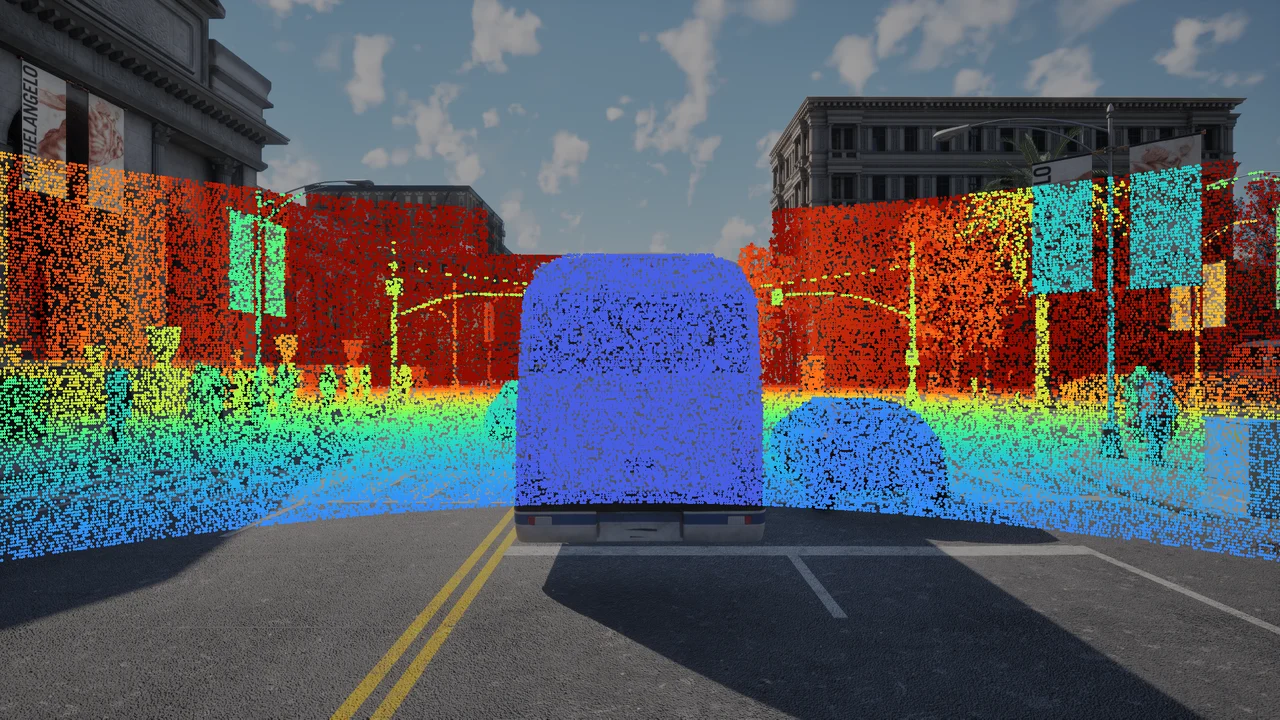
With NVIDIA NuRec 26.04, a recorded real-world drive becomes a scene that CARLA can simulate. CARLA owns the physics and the clock, and the NuRec renderer produces photoreal camera frames and, from 26.04, lidar sweeps of the reconstructed scene. All the cameras due in a tick are rendered in one batched round trip, the ego and the other vehicles can be re-driven with CARLA physics or the Traffic Manager, and the new asset editing swaps the rendered asset of a vehicle or inserts a clone with a shifted trajectory. See NVIDIA NuRec.
NVIDIA Cosmos
CARLA drives can now feed NVIDIA’s Cosmos world models, with support for Cosmos 2.5, 2.5-AV and Cosmos 3. A recorded run becomes photoreal variations of itself, with a different weather, time of day or road surface over the same trajectory. PythonAPI/examples/nvidia/cosmos/ captures frame-exact multi-camera clips with their depth, segmentation and edge control videos, exports the ground truth as an NVIDIA ClipGT scene package, and submits the generation jobs through the carla-cosmos CLI. The capture client, the CLI and the job server ship ready to use, with a mock worker that runs the whole pipeline without a GPU; the Cosmos 3 and Transfer 2.5 workers that run the models are still being validated on GPU hardware. See NVIDIA Cosmos.
DLSS 4.5
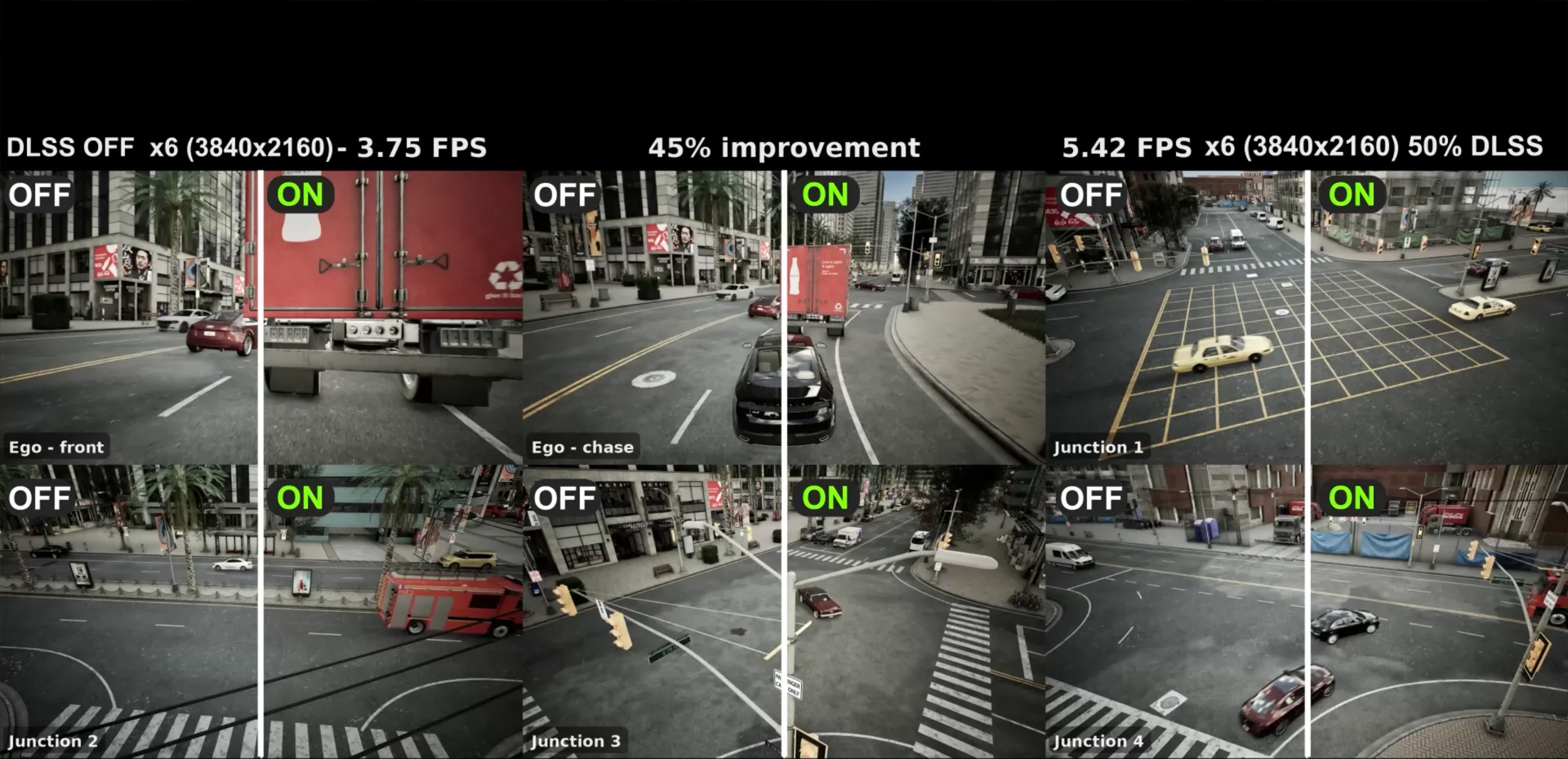
NVIDIA DLSS 4.5 is integrated into the simulator itself:
- DLSS Super Resolution upscales any camera sensor: the camera renders internally at a fraction of its output resolution and DLSS reconstructs the full-size image. In the example above, a rig of six 4K RGB cameras renders 40 to 50% faster with DLSS on.
- DLSS Ray Reconstruction denoises the path-traced frames of the ray-traced lens cameras, so they run in real time at low sample counts.
The multi-camera pipeline is faster too, before DLSS even starts: all the cameras share one GPU synchronisation per tick, and ray-cast lidars simulate in parallel on background tasks. See NVIDIA DLSS.
Ray-traced lenses
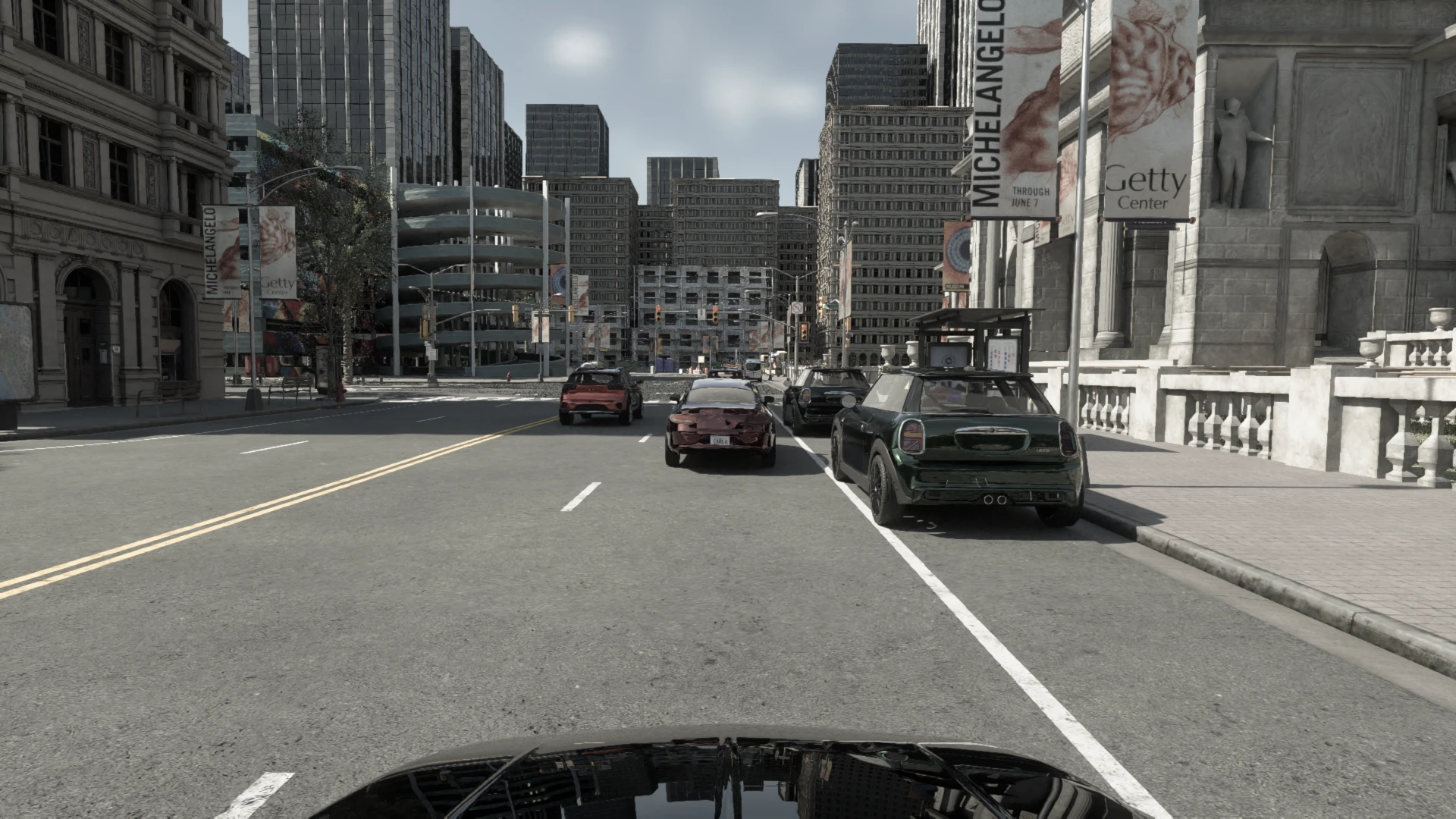
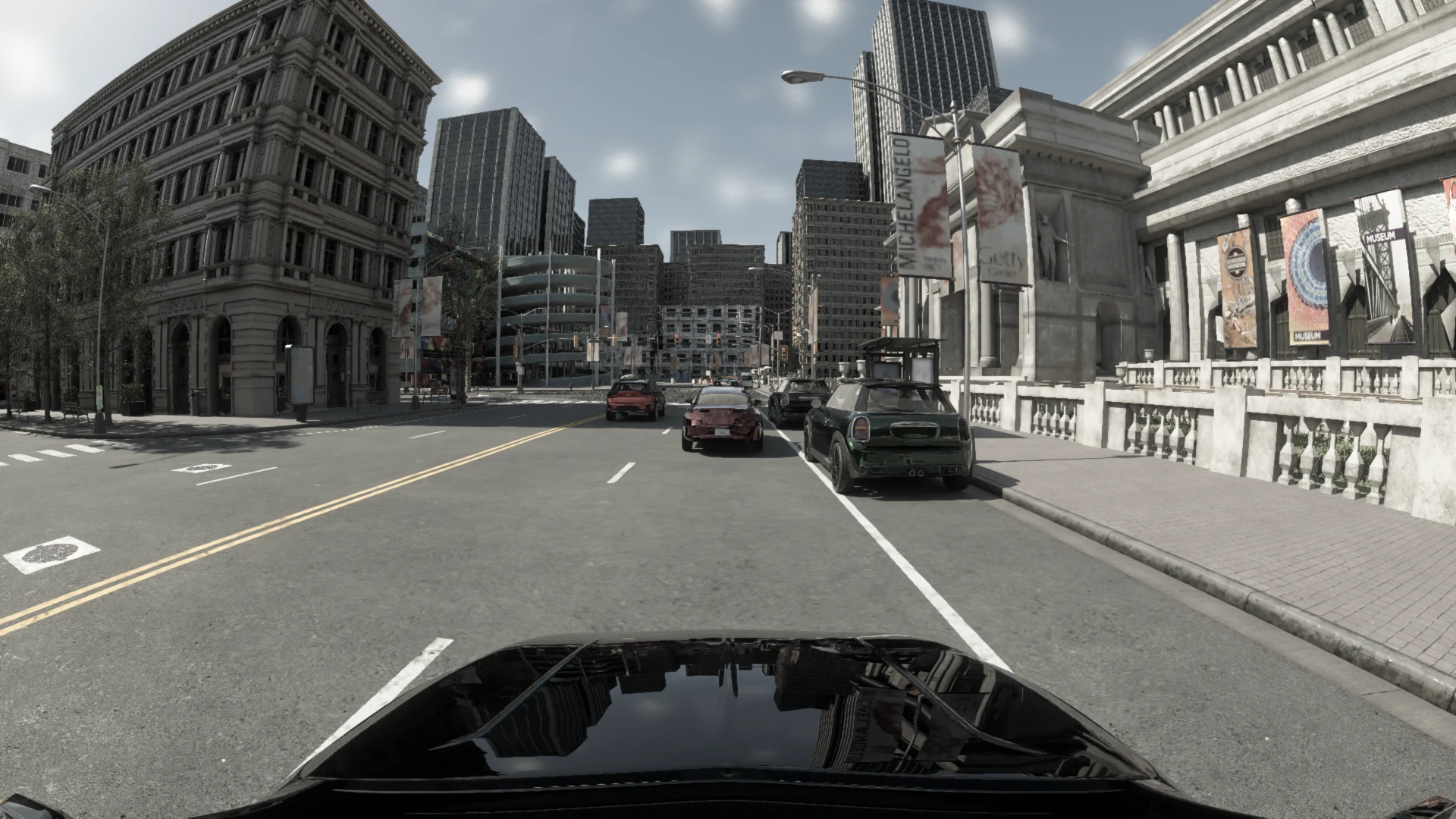
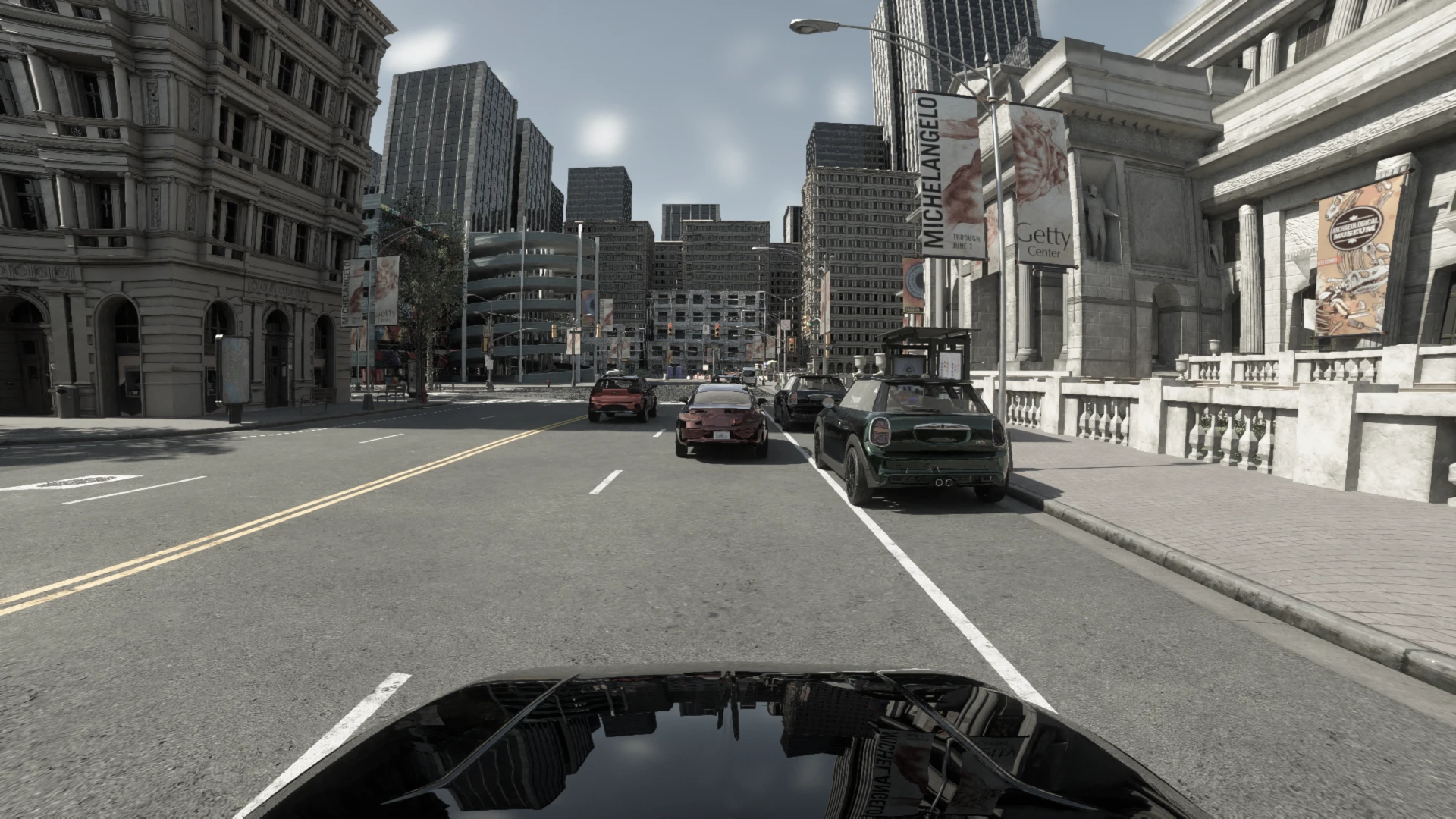
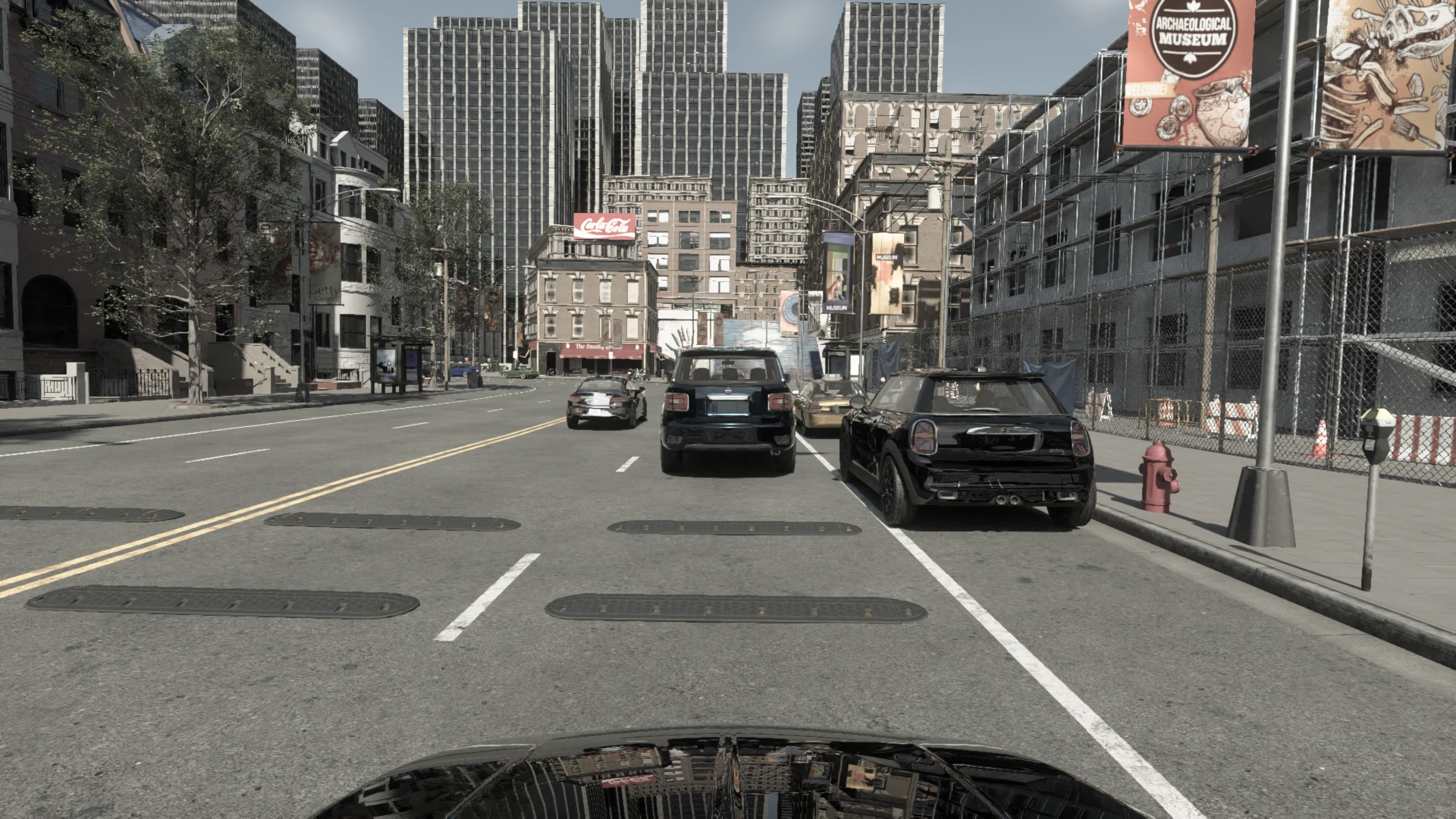
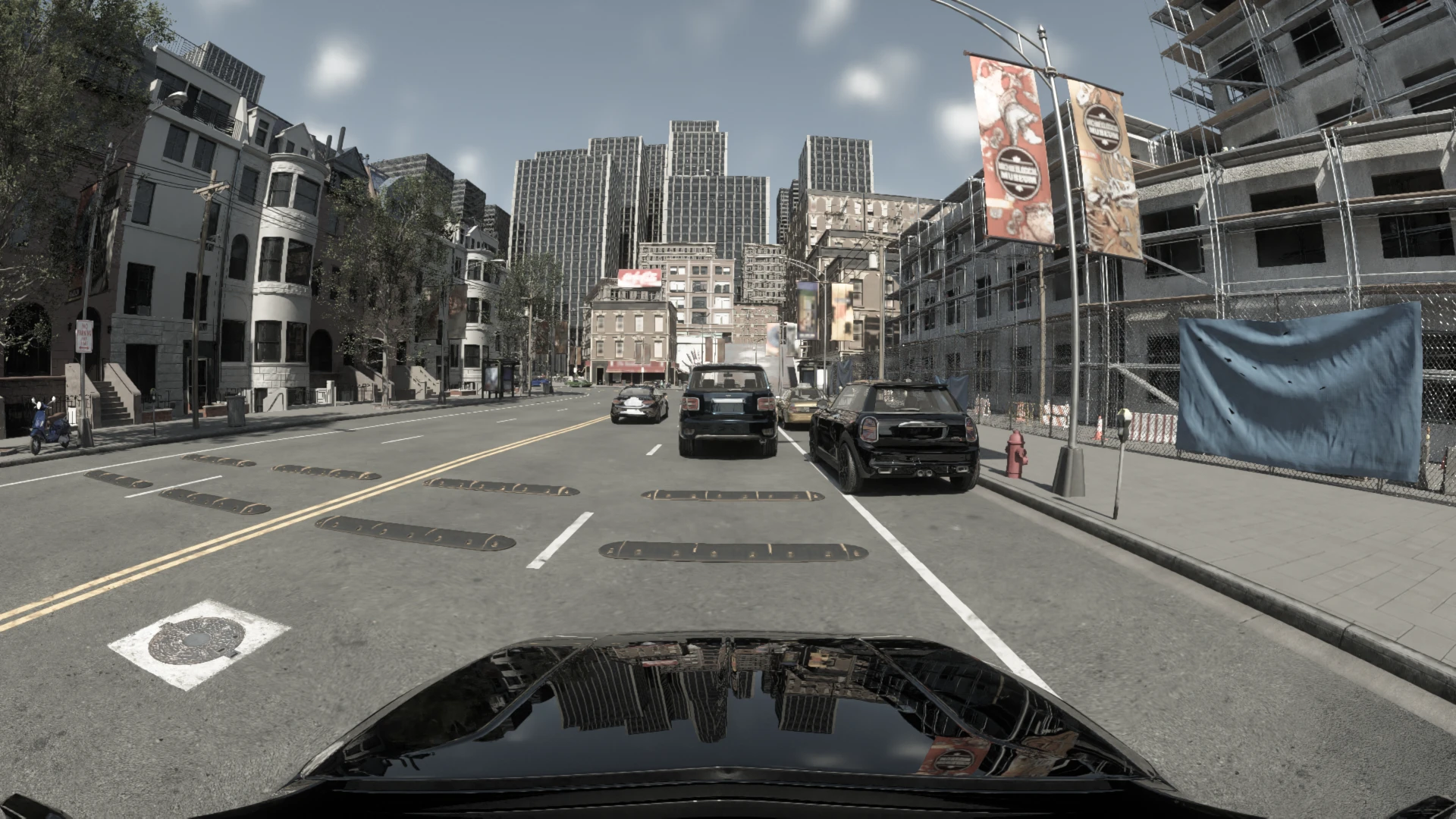
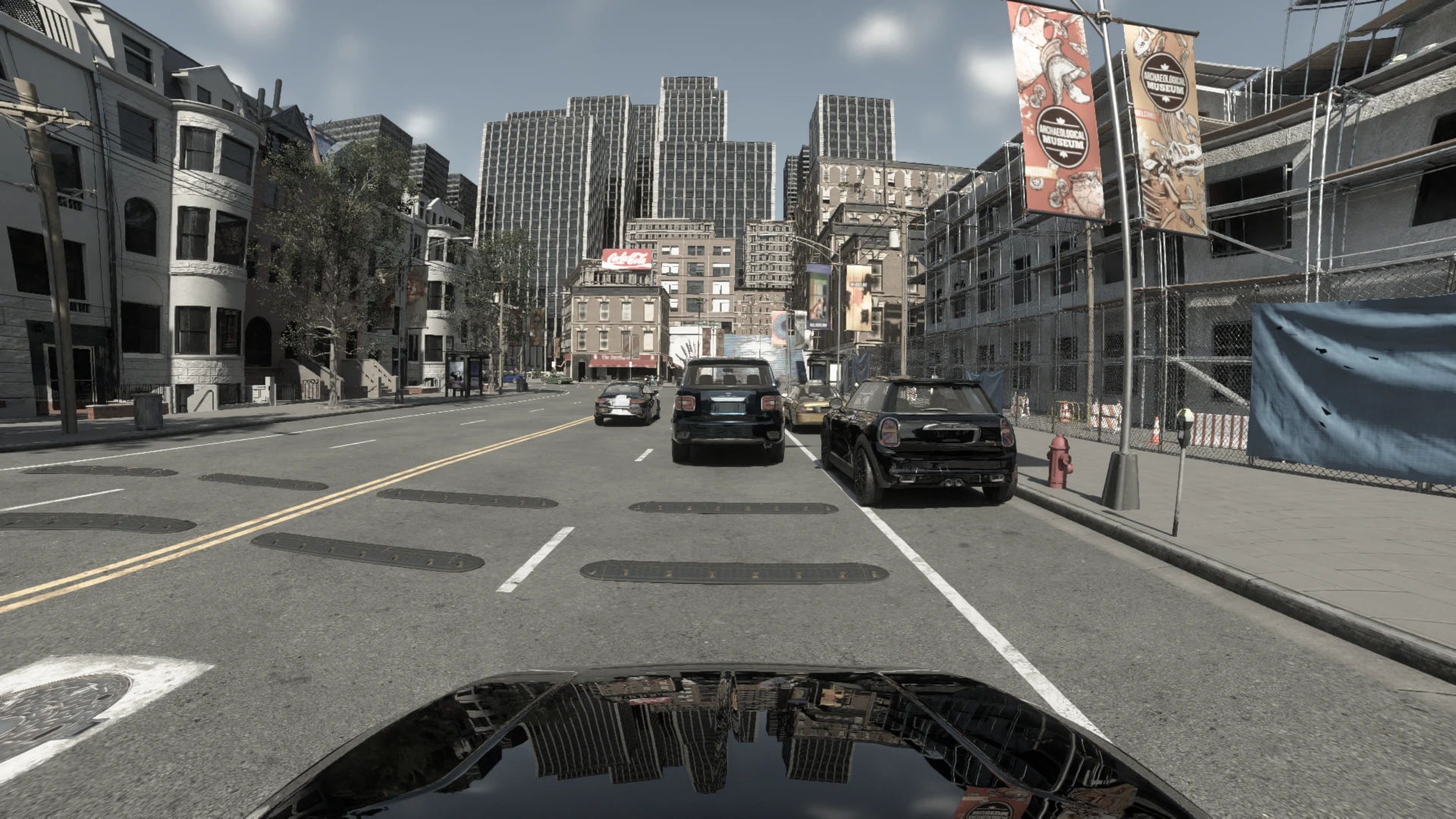
The new ray-traced lens cameras are path traced through real lens models (pinhole, Kannala-Brandt fisheye, Brown-Conrady barrel and NVIDIA’s ftheta polynomial). Unlike a distortion applied on top of a pinhole render, every ray leaves through the lens itself, so a 150° fisheye is exact out to the edge of the frame, with no seams:
-
sensor.camera.rt_lens(RGB) -
sensor.camera.rt_lens_distance(Euclidean distance, exact for every lens model) -
sensor.camera.rt_lens_instance(instance and semantic segmentation)
The cameras can also capture only a subset of actors, for compositing with real footage. CARLA 1.0 also adds a Hybrid Solid-State LiDAR modelled on the Hesai AT128 and the V2X sensor family. See the Sensors reference.
Camera profiles calibrated against real cameras
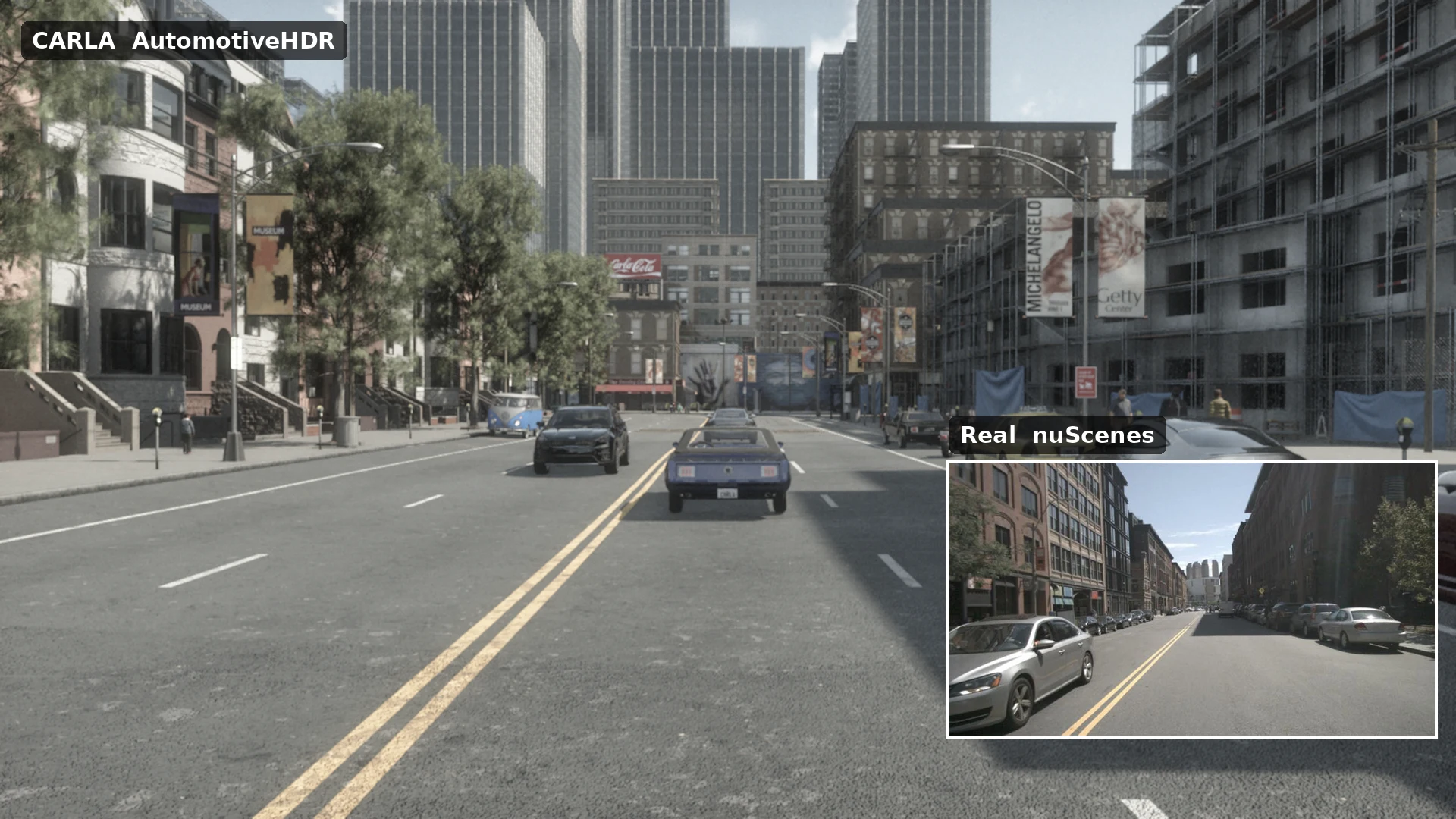
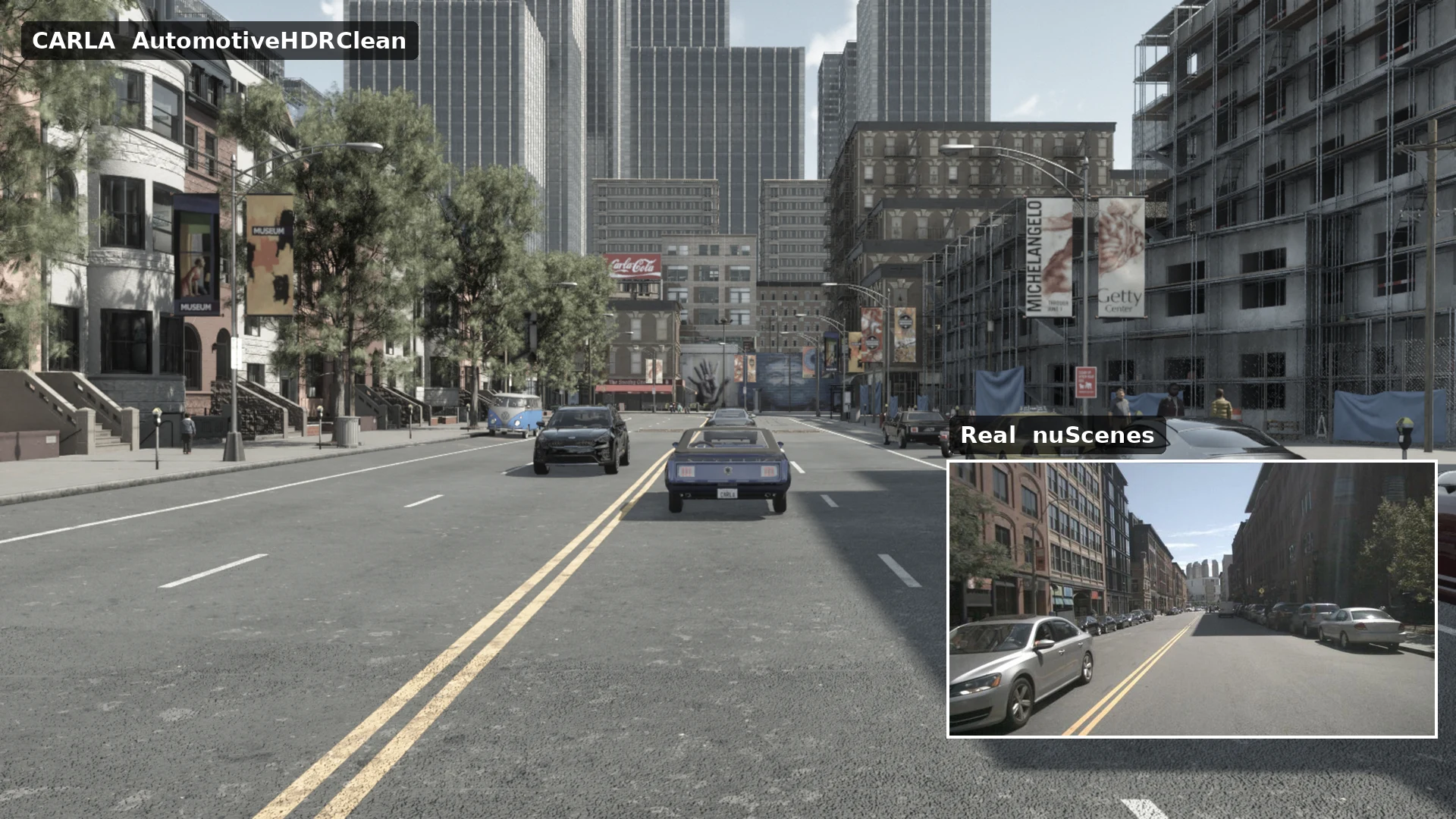
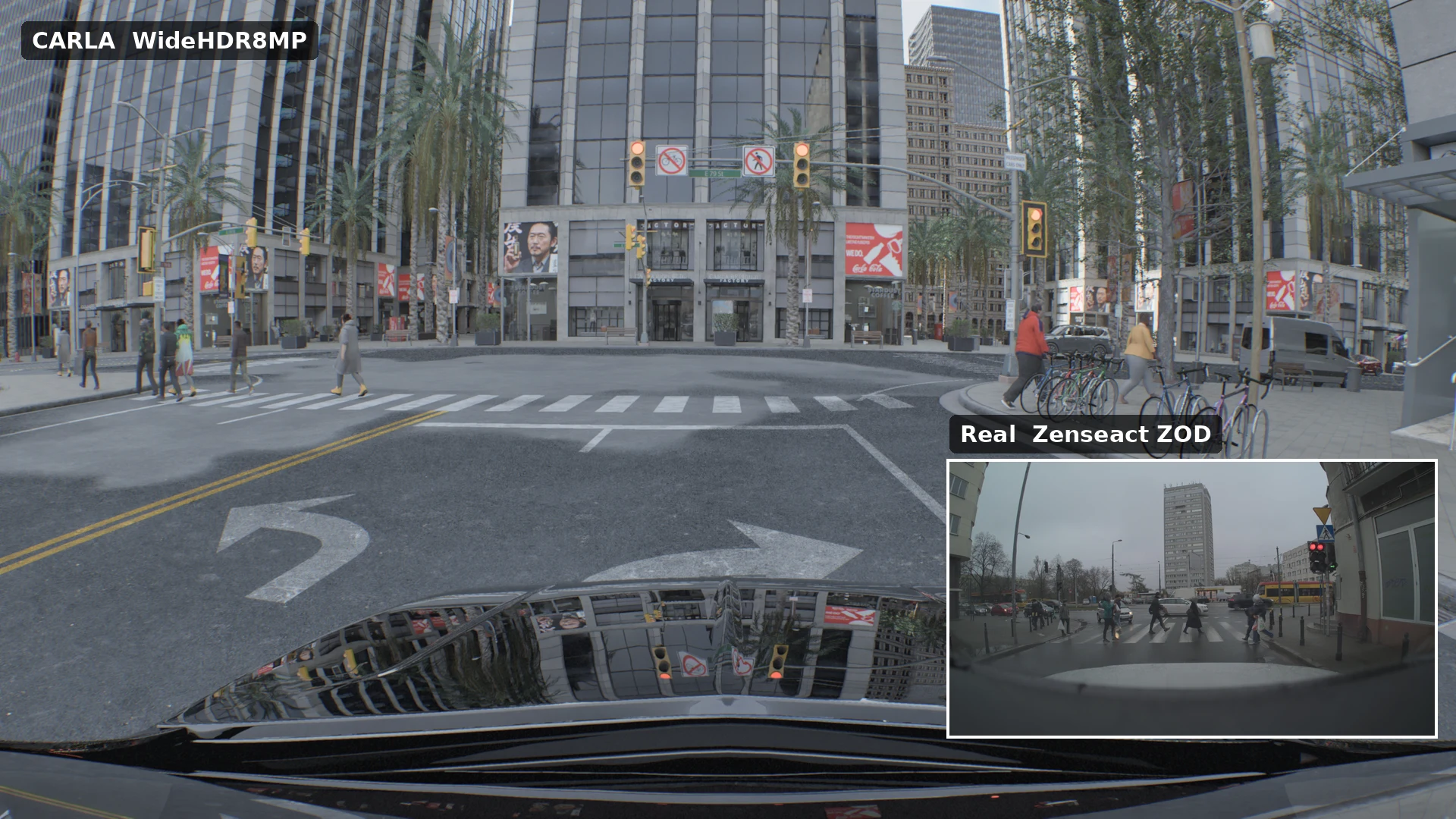
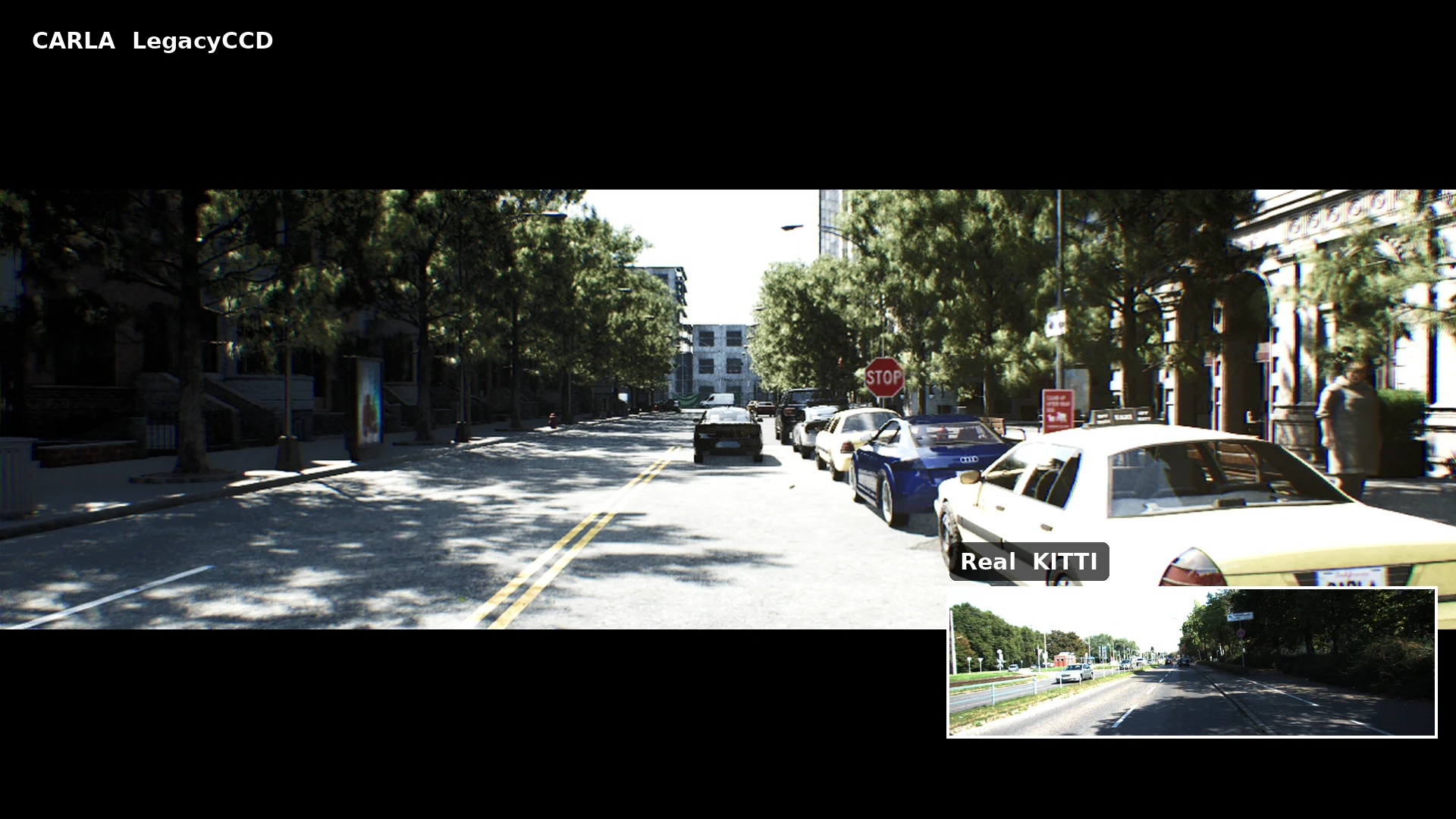
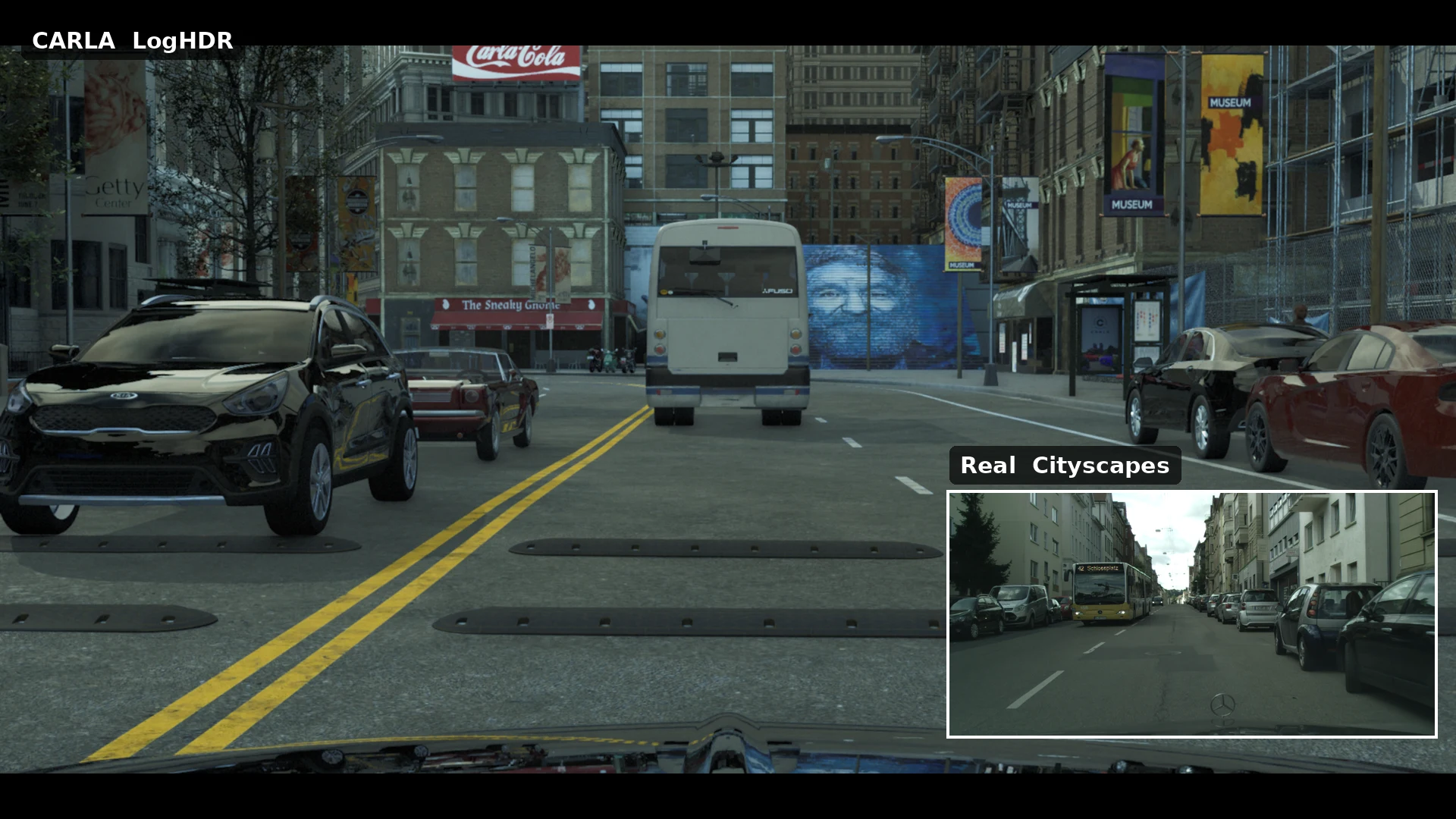
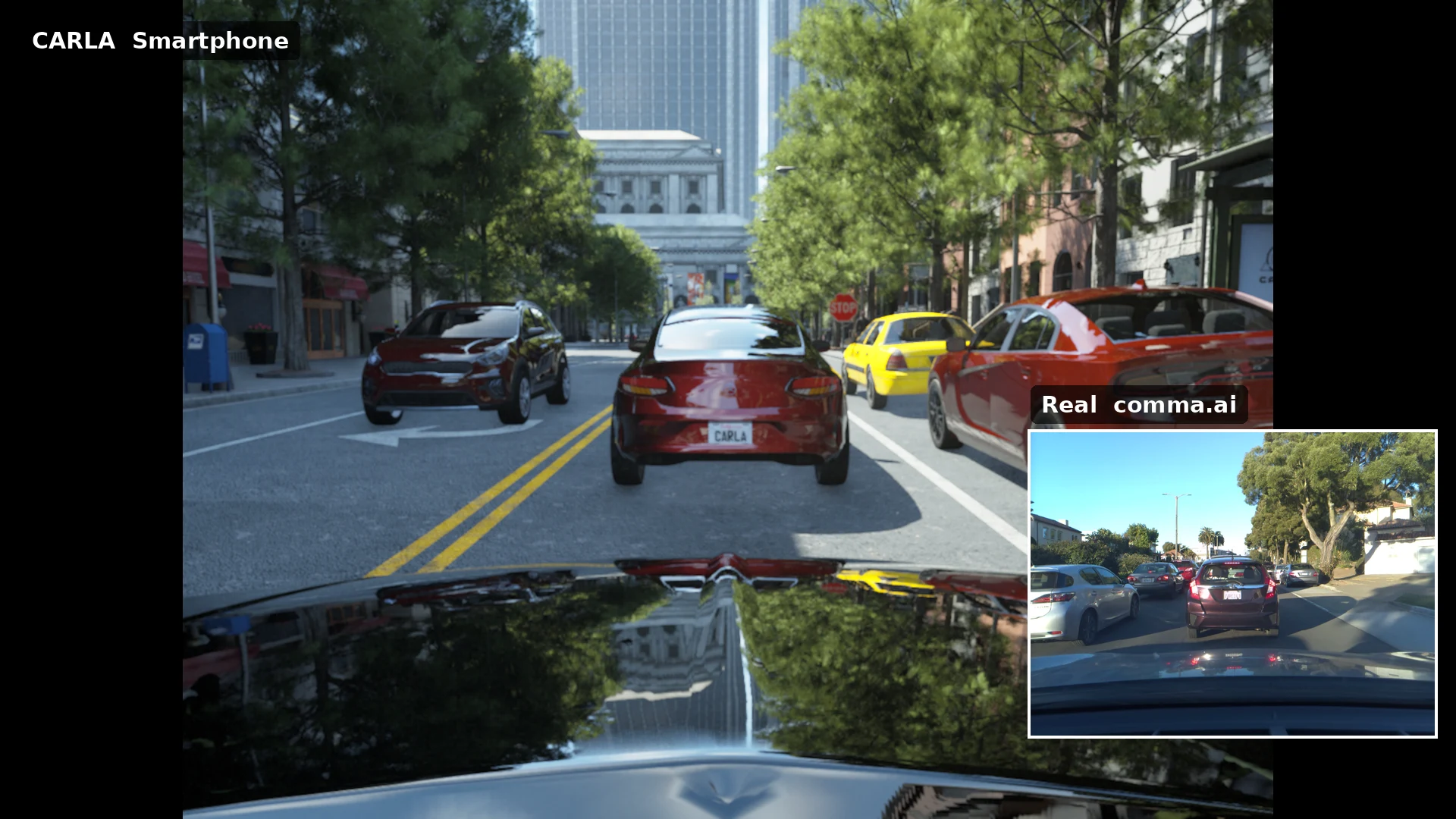
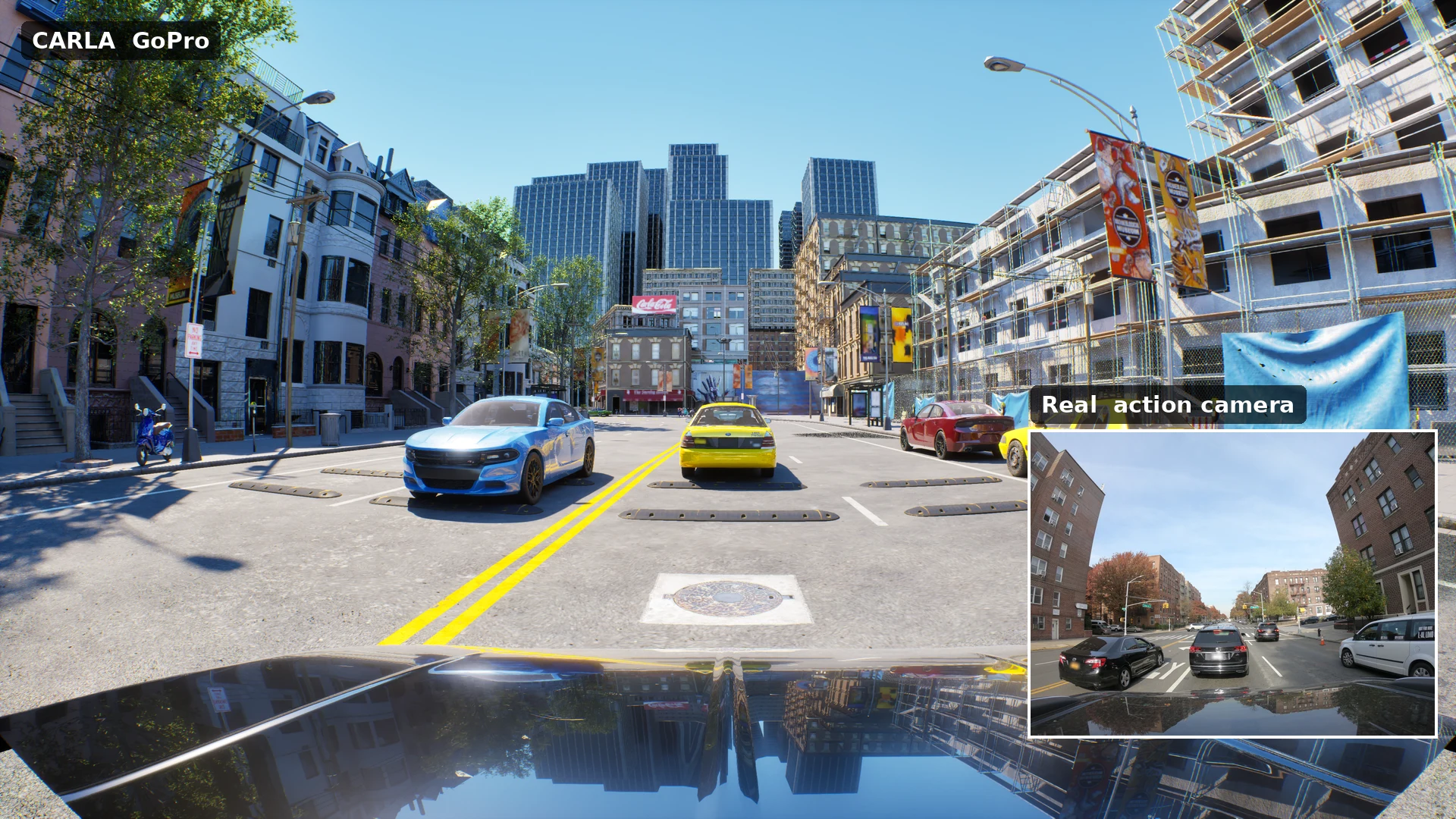
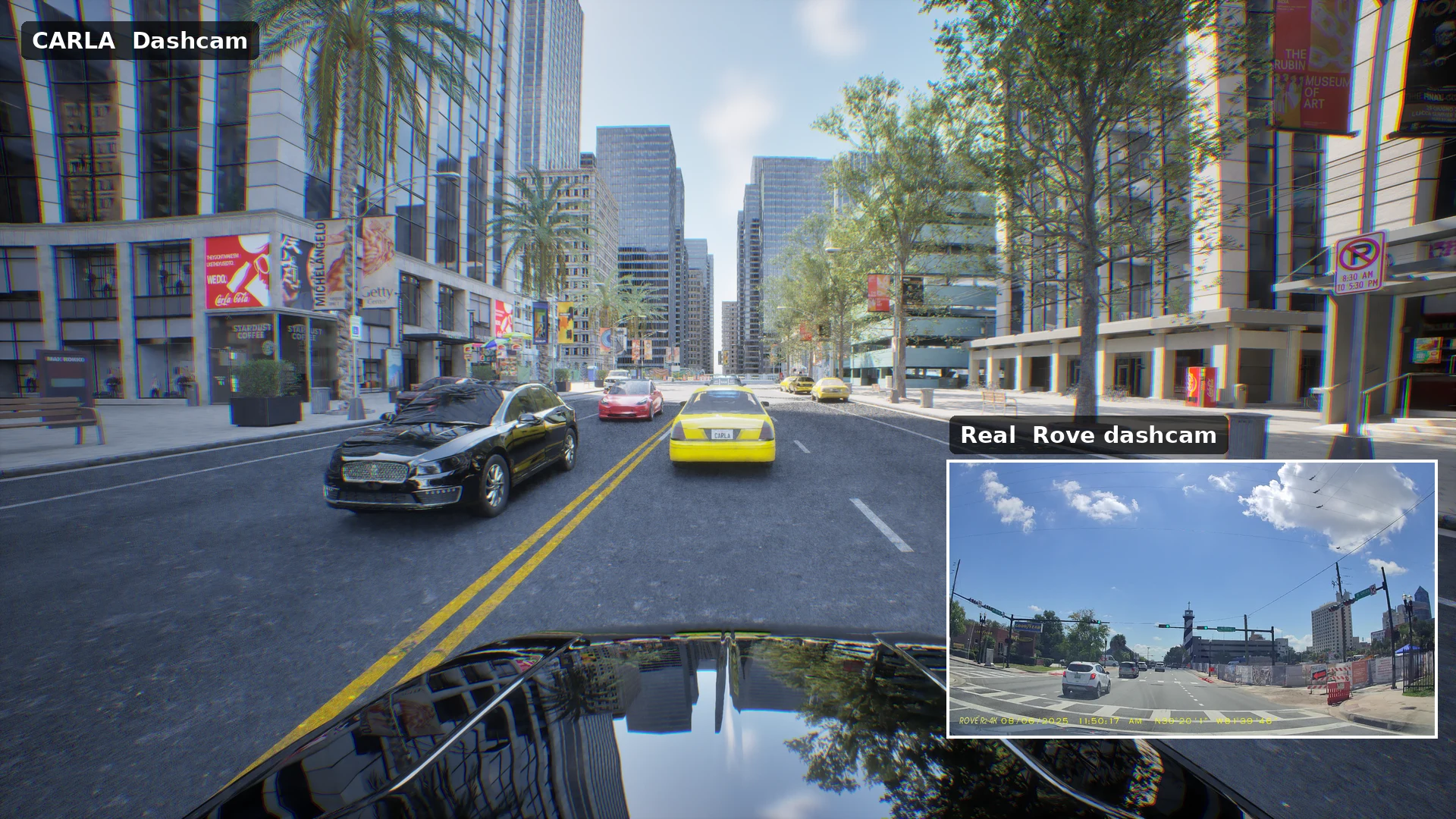
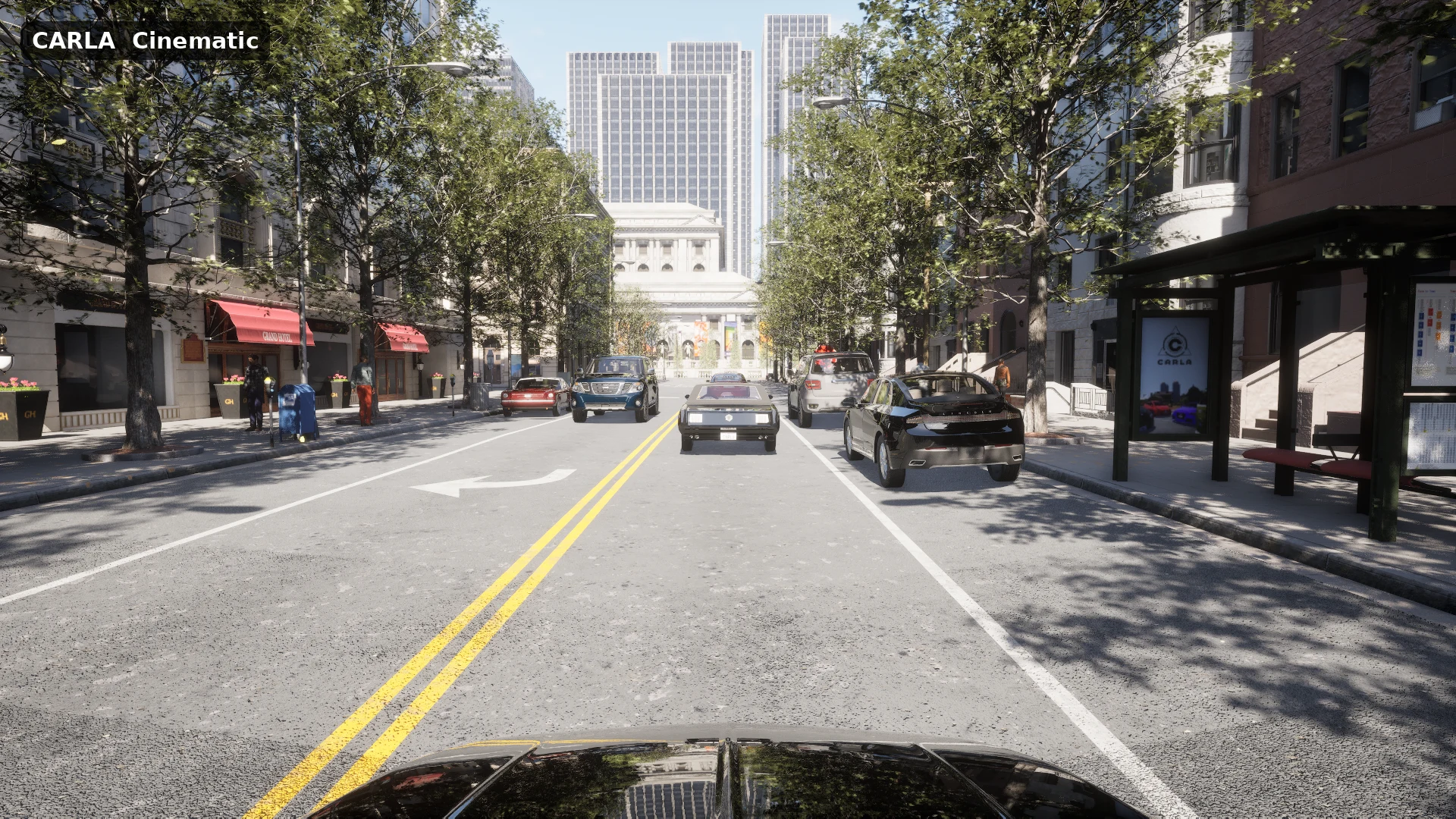
A camera’s look now comes from a profile. Six of the nine profiles that ship with CARLA reproduce the camera of a public driving dataset, tuned frame by frame against that dataset (exposure, contrast, saturation, white balance, sharpness and noise at every brightness), and two more reproduce consumer cameras. In the slides, each CARLA scene is staged to match a real frame of that camera, with the same kind of street, traffic and pedestrians, so that colour, shadows and contrast can be compared directly:
| Profile | Real camera | Look |
|---|---|---|
AutomotiveHDR (default) |
nuScenes front camera (Basler acA1600-60gc) | Flat machine-vision camera: neutral, low saturation, fast auto exposure, lens flare and sensor noise that rise in the dark. |
AutomotiveHDRClean |
Same camera, better sensor and optics | Same exposure and tone mapping, with little glare and noise, for clean ground truth. |
WideHDR8MP |
8 MP 120° ADAS front camera (Zenseact ZOD) | Multi-exposure HDR: no clipped highlights, lifted blacks, strong noise reduction. |
LegacyCCD |
KITTI (Point Grey Flea2 CCD) | Low dynamic range: clipped skies, steep contrast, sharp. |
LogHDR |
Cityscapes (onsemi AR0331) | HDR log-compressed to 8 bit: no clipped highlights, lifted shadows, grey-green cast. |
Smartphone |
comma.ai road camera (Sony IMX298) | Phone ISP: cool white balance, saturated, soft codec detail. |
GoPro |
Action camera | Vivid, contrasty colour, crisp detail, wide fisheye lens. |
Dashcam |
Consumer dashcam | Bright and flat, vivid colour, over-sharpened, strong vignette, wide barrel lens. |
Cinematic |
Photo and film camera | Filmic grading for the spectator view; not modelled on a reference camera. |
At night the difference between AutomotiveHDR and AutomotiveHDRClean is easiest to see. Both keep the same look, with the same exposure, tone mapping and colour, but the clean version removes most of the sensor noise and the glare around the lights, for when you want the camera’s look without its defects:
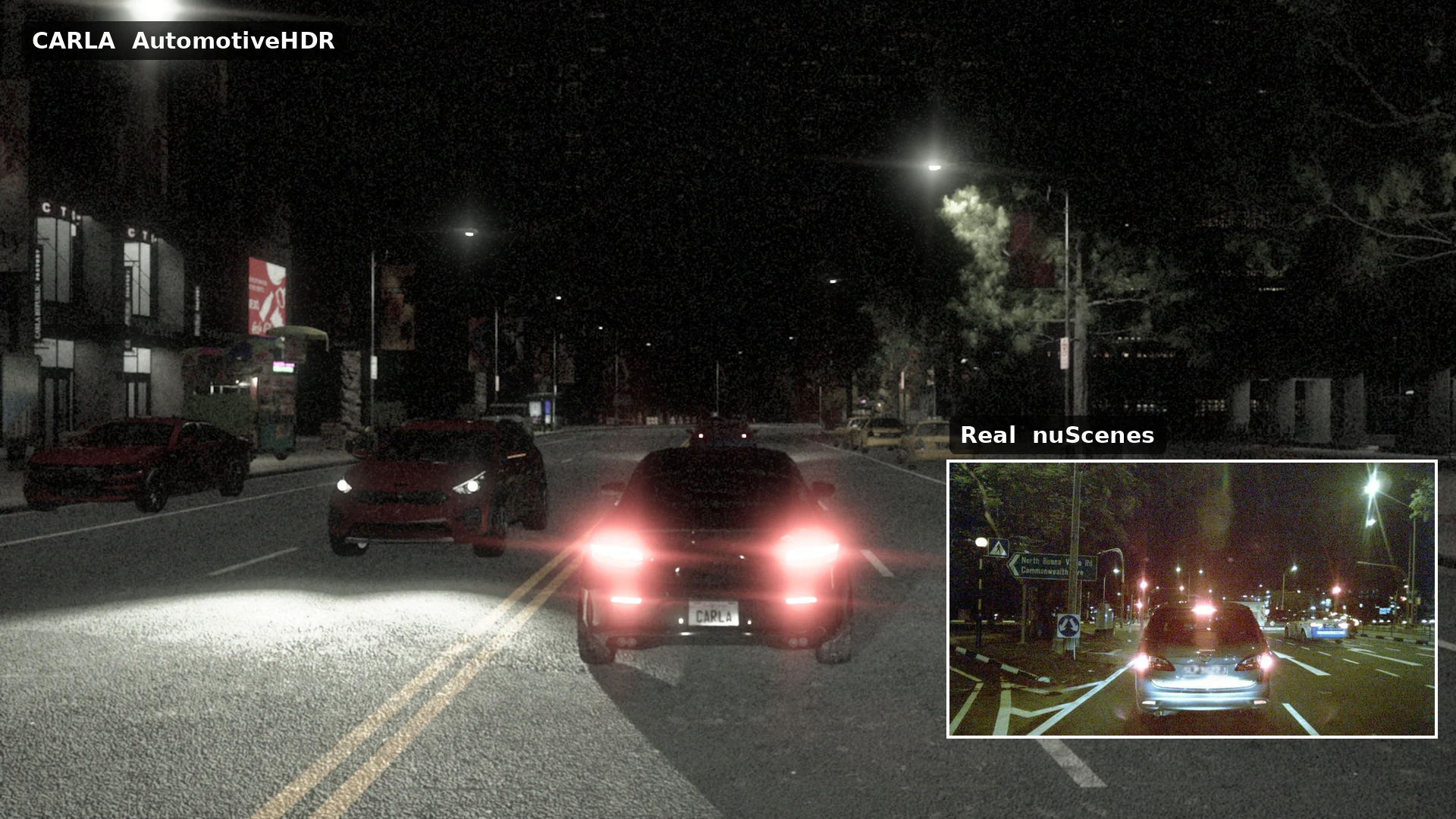
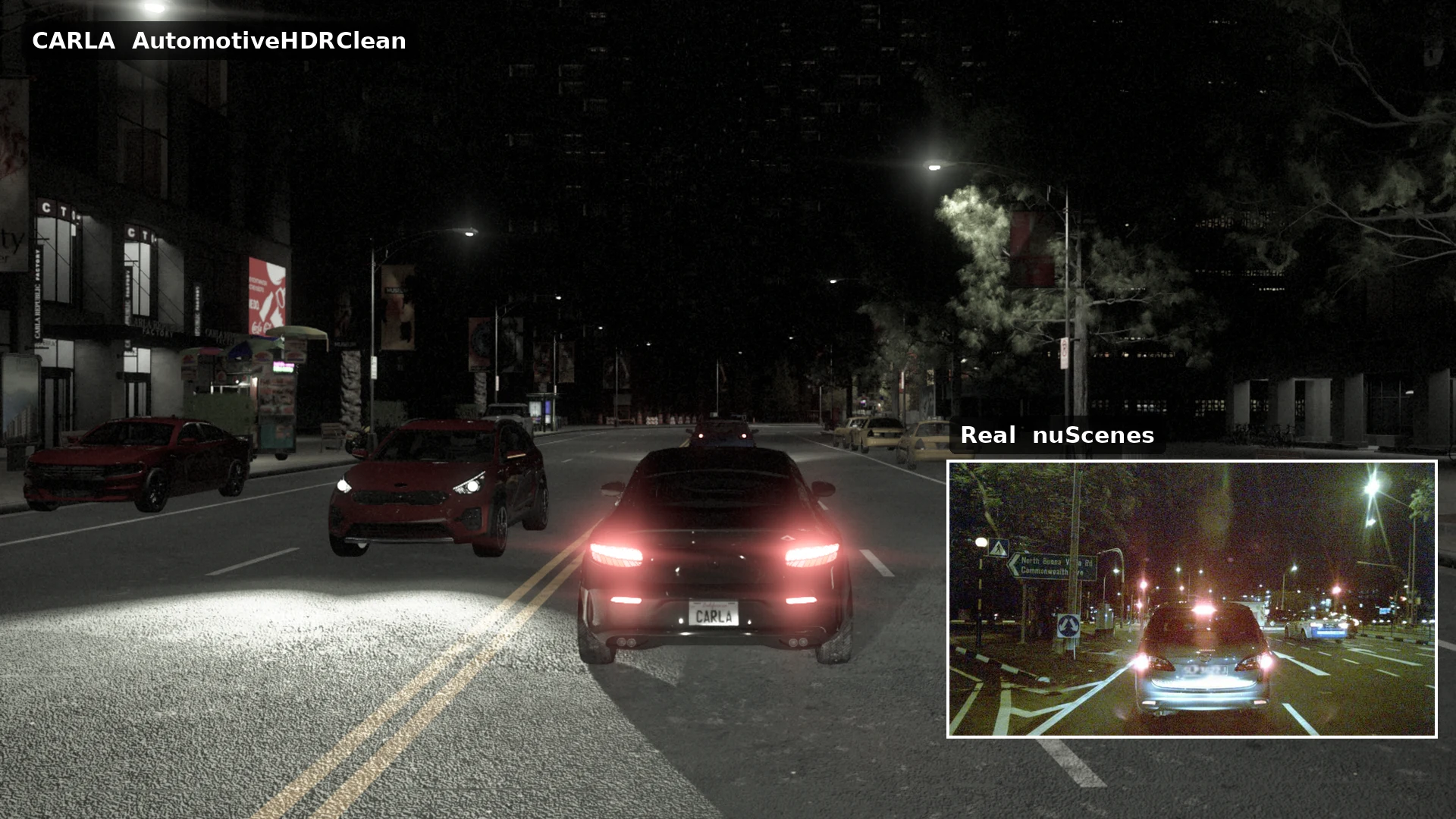
With the profiles come exposure-linked motion blur, sensor noise and optical softness that follow the auto exposure, and an FFT lens flare measured on the nuScenes night frames. Pick a profile with one attribute, and match the resolution, field of view and lens of the real camera:
camera_bp = blueprint_library.find('sensor.camera.rgb')
camera_bp.set_attribute('post_process_profile', 'LegacyCCD')
Simulate your own camera. The profiles are plain JSON files, and the same tools we used to build them are in the editor: tune exposure, tone curve, white balance, bloom, noise and lens flare against frames of your real camera, save the result as a new profile, and every sensor can load it by name. Pair it with the resolution, field of view and lens model of your camera, and CARLA renders what your real rig would see. manual_control.py cycles through the profiles with K / Shift+K. See Camera presets.
🗺️ Content: everything is back, and more
When CARLA moved to Unreal Engine 5 with version 0.10.0, only part of the content made the journey: Town10 and the Mine map, a dozen vehicles, fixed daylight weather, and no large maps or map layers. CARLA 1.0 brings it all back on Unreal Engine 5.8, and adds more:
| In CARLA 1.0 | |
|---|---|
| 15 Maps | Town10HD, Town12 and Town15 in the default package; Town01 to Town07, Town11, Town13, Town_C, Mine_01 and Eixample as additional content packs. Each map has a page with its size, spawn points, junctions and districts |
| 26 Vehicles | 13 cars, 4 motorcycles, 3 bicycles, 3 trucks, 1 van, 1 bus and 1 mining earth mover |
| 37 Pedestrians | 31 adults, 4 children and 2 police officers; 6 of them can use a wheelchair |
| 82 Props | Spawnable: containers, garbage, park and garden, personal items, road works and debris, sidewalk furniture and signs, and calibration targets |
| 22 Weather presets | Dynamic again: from noon to sunset and night, clear to hard rain and dust storm, with physically based lighting |
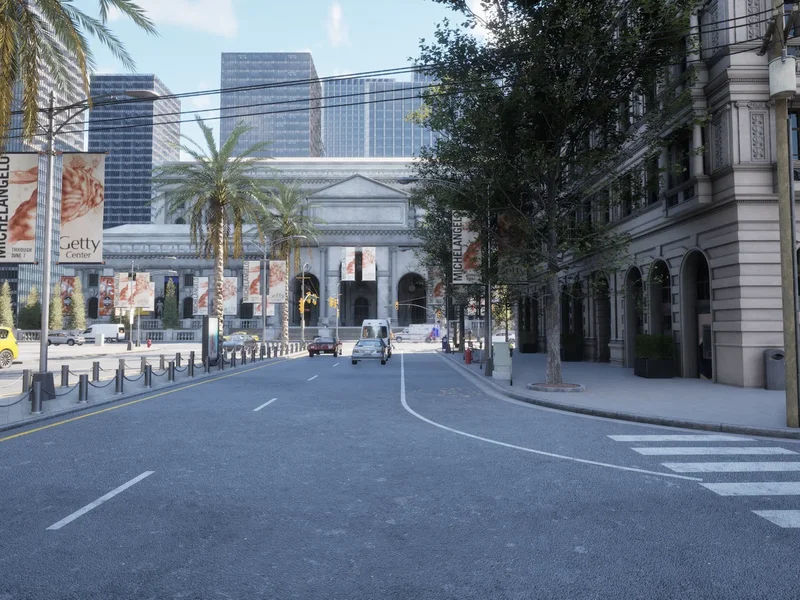 Town10HD
Downtown with skyscrapers and boulevards
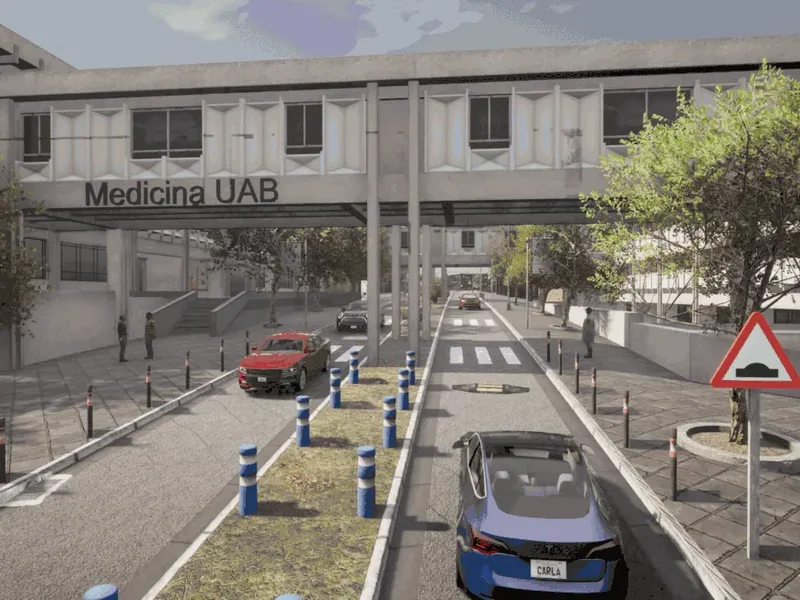 Town15
Autonomous University of Barcelona campus
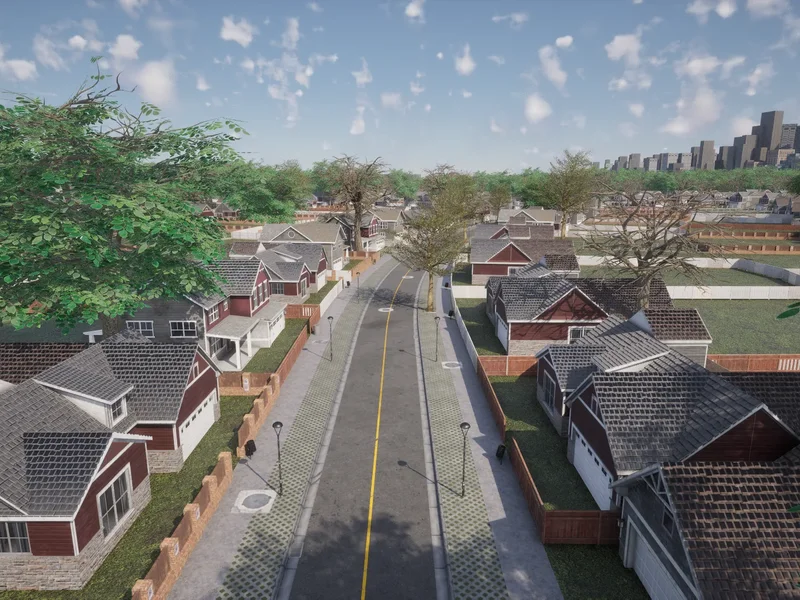 Town12
10 x 10 km: downtown, suburbs, highway and farmland
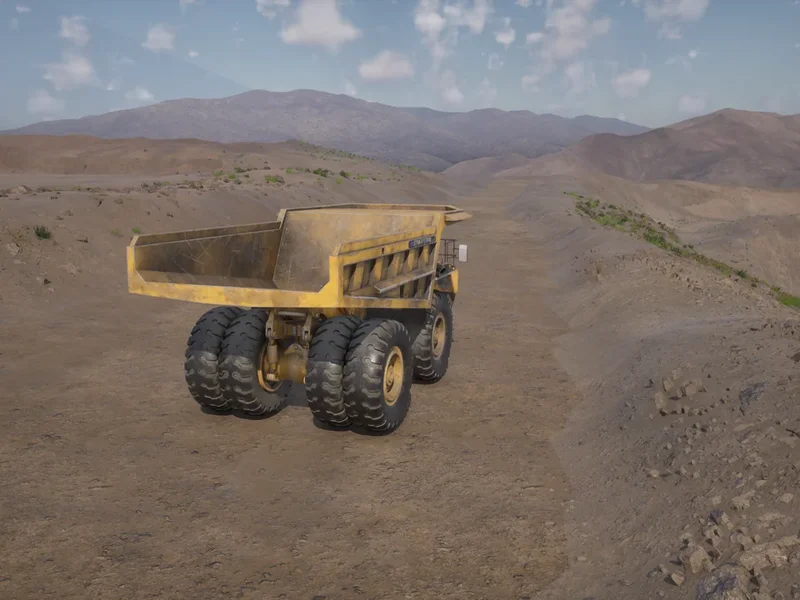 Mine_01
Open-cast mine with its access roads
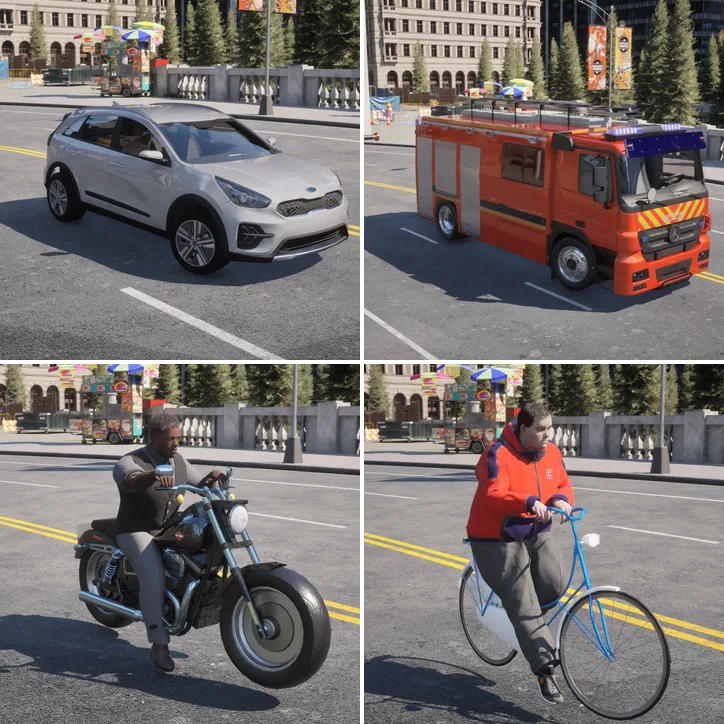 26 vehicles
Cars, trucks, emergency vehicles, motorcycles and bicycles
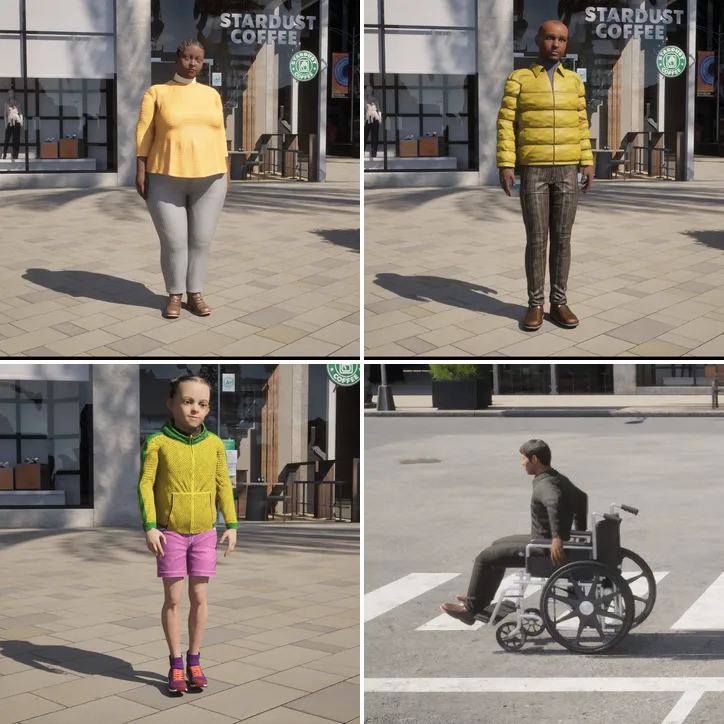 37 pedestrians
Adults, children and police officers; six of them can use a wheelchair
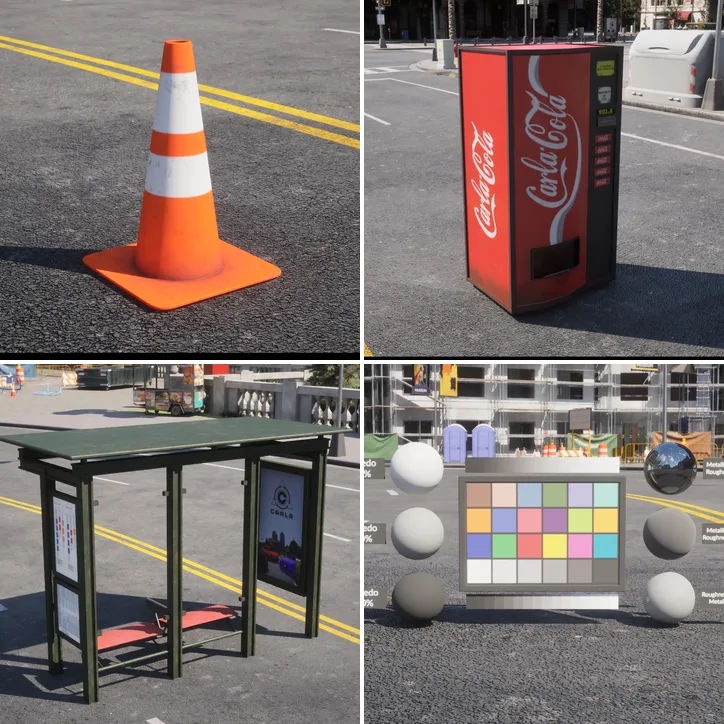 82 props
Road works, street furniture, debris and calibration targets
Large maps
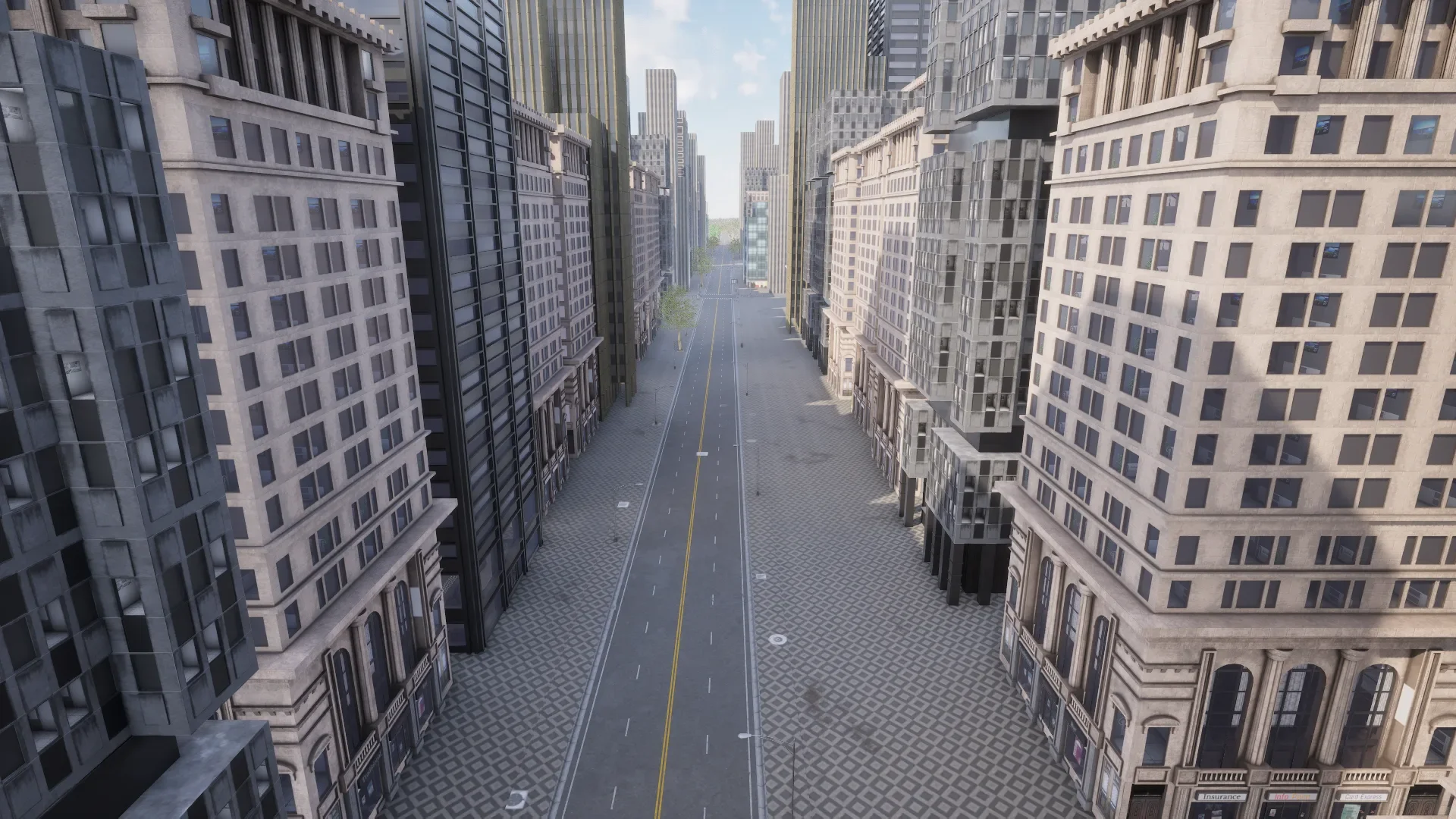
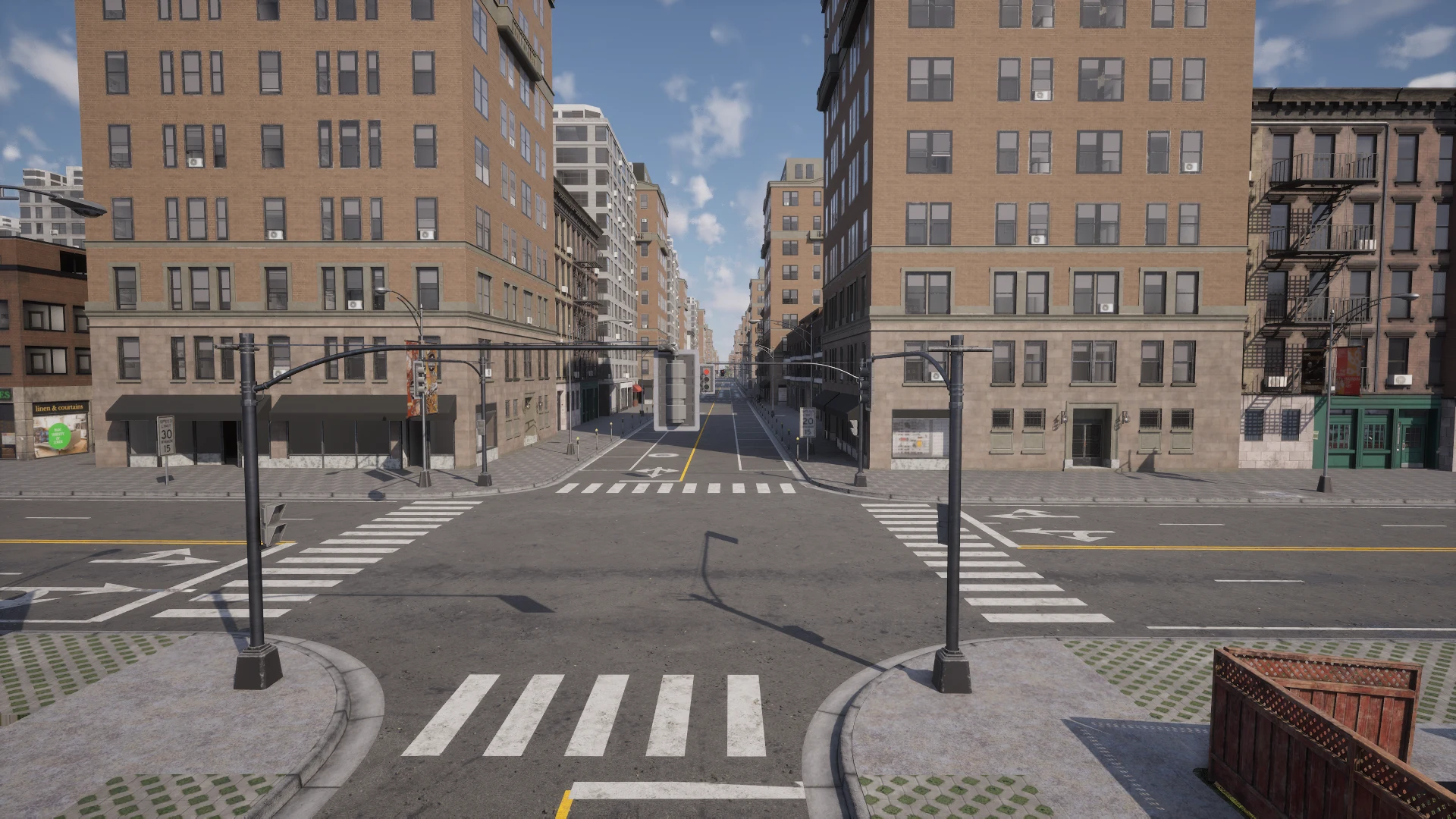
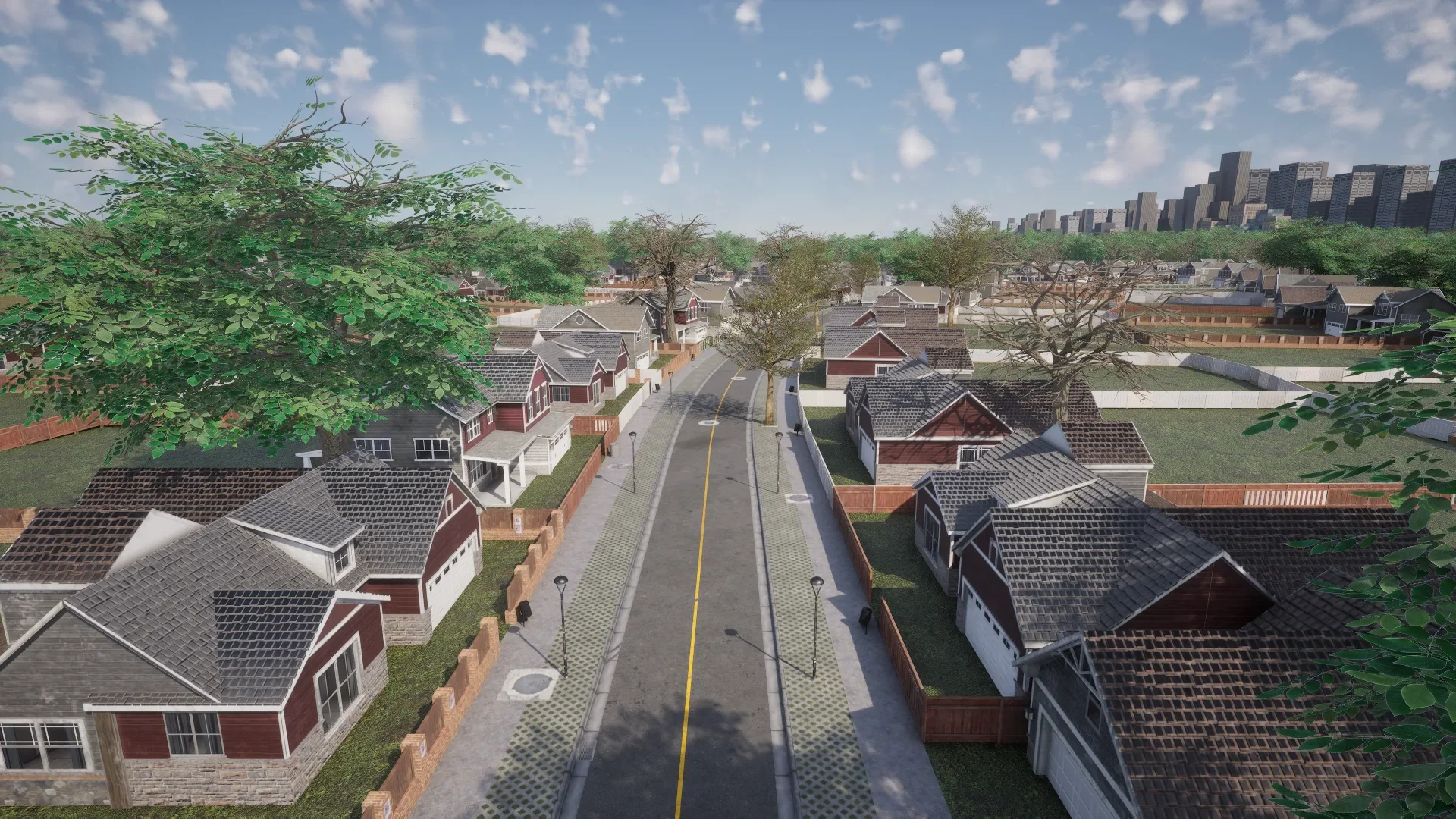
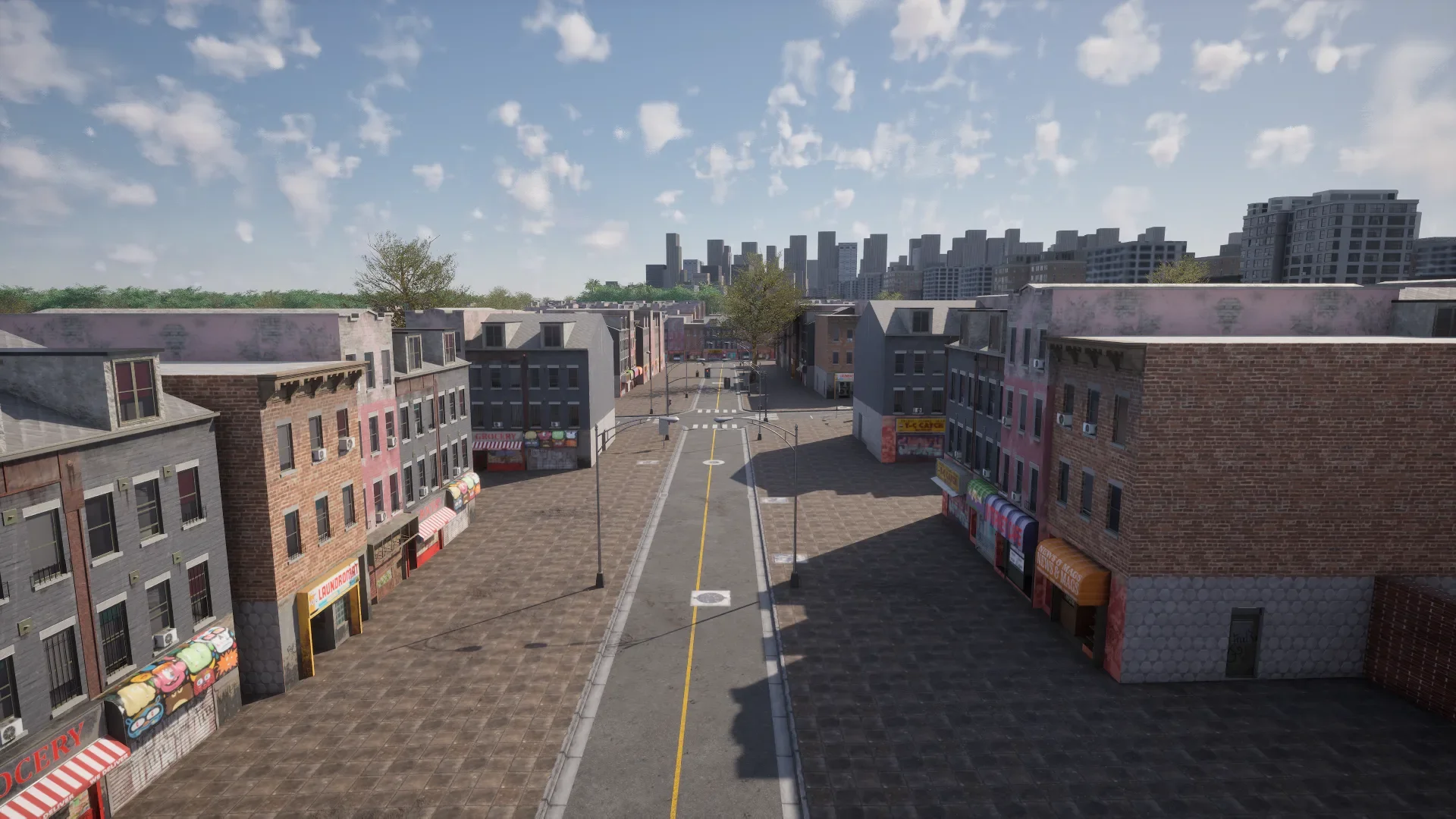
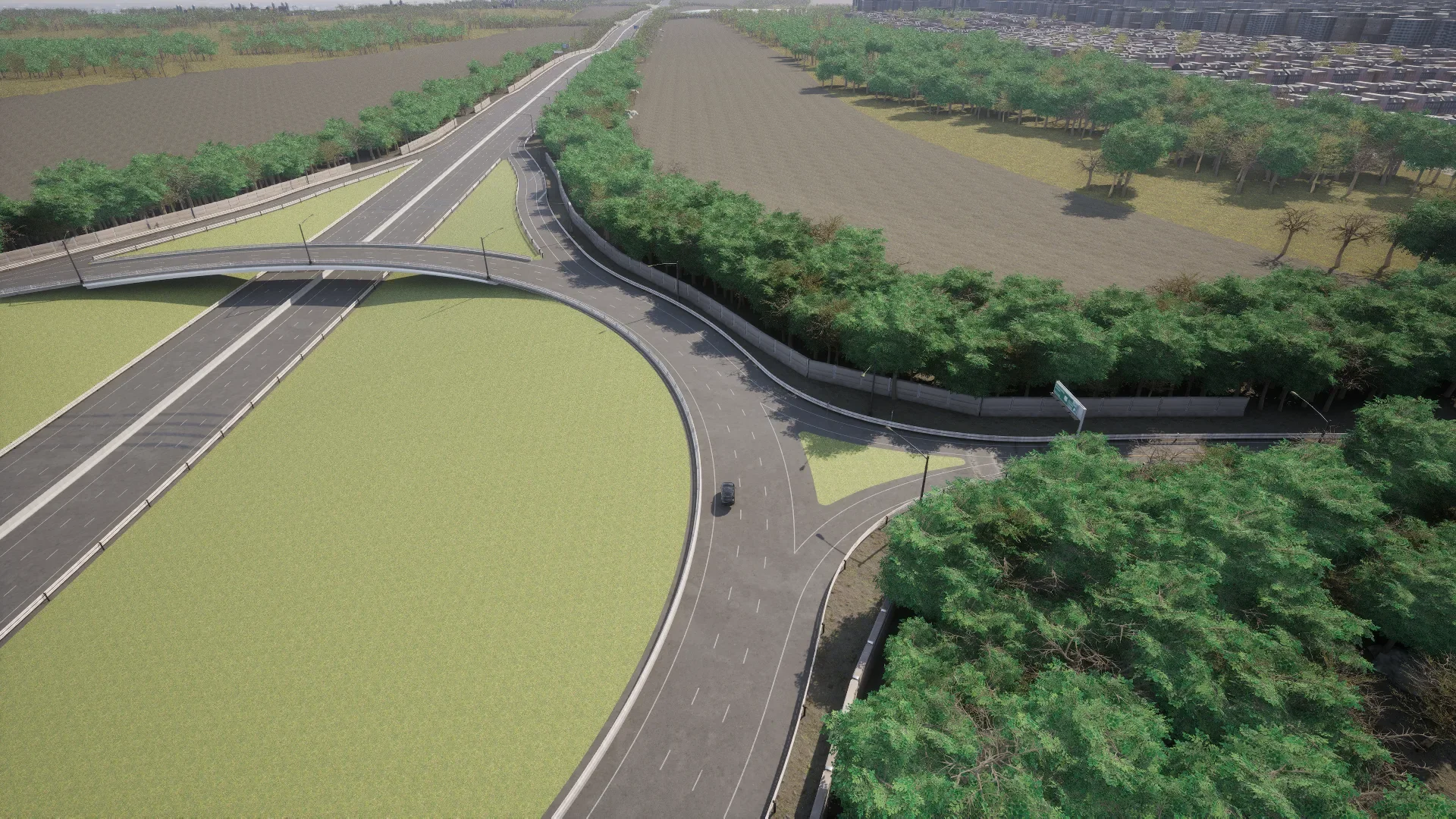
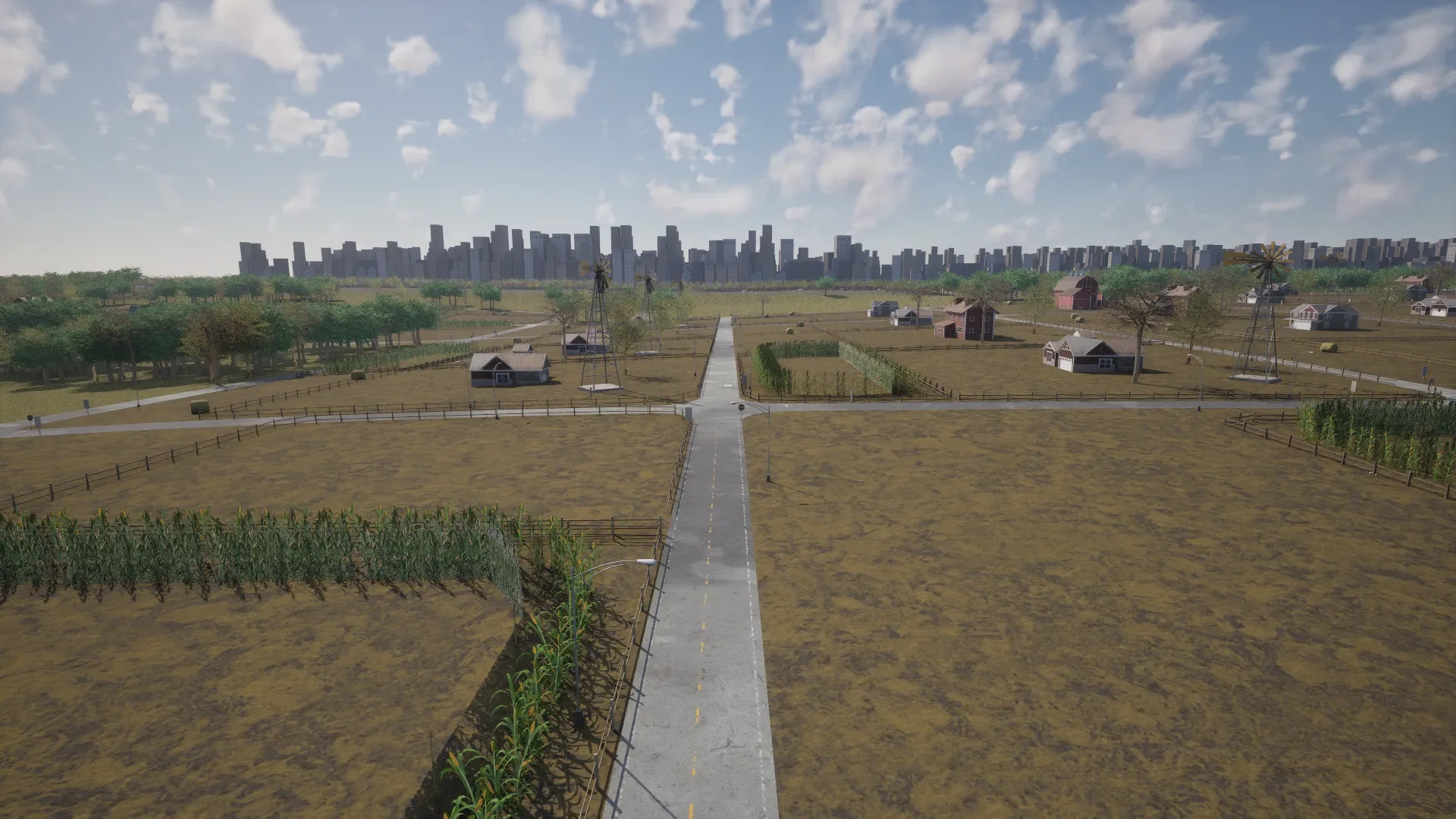
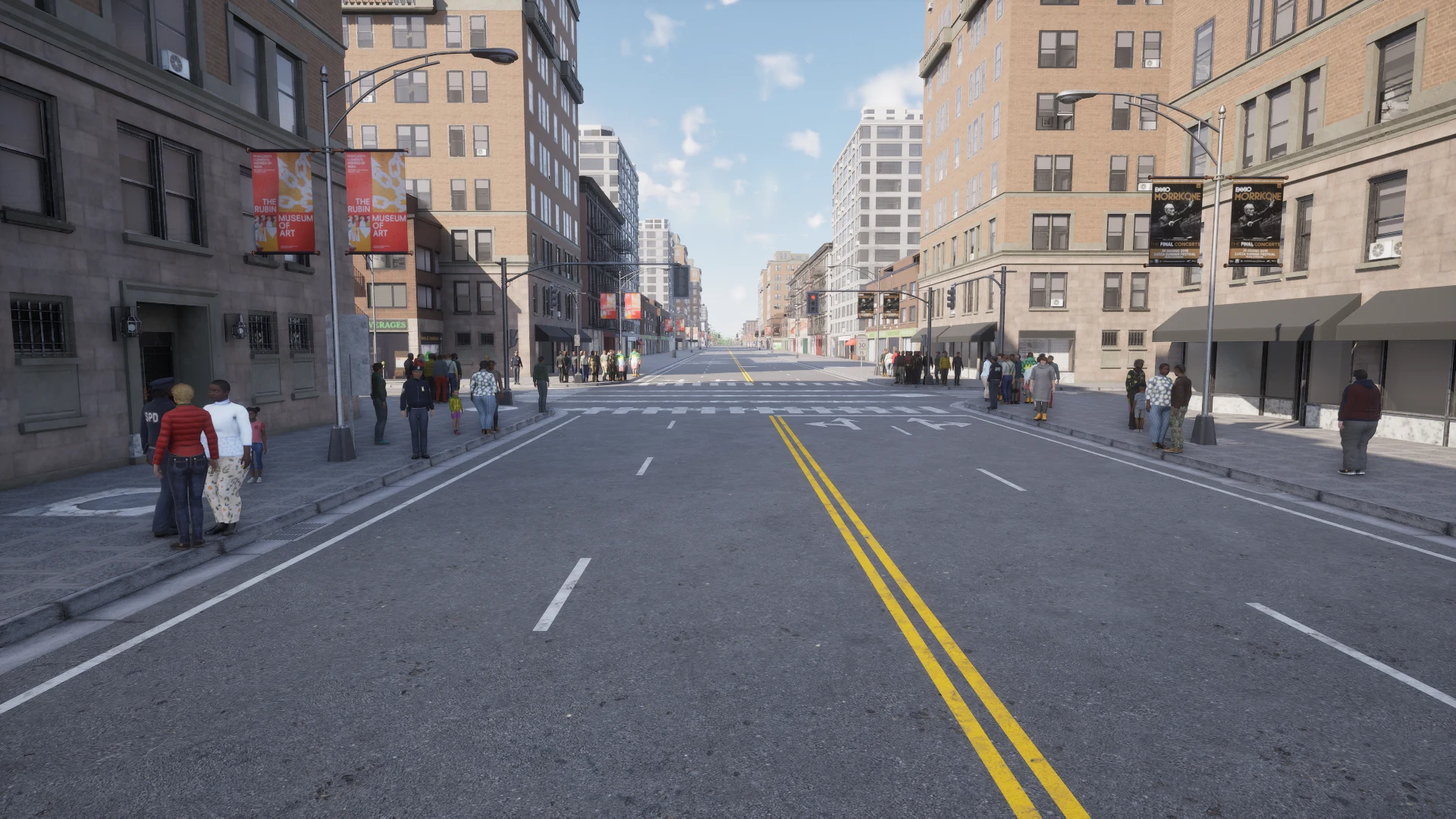
Navigate environments that are kilometres long, and now with pedestrians. Town11, Town12, Town13 and Town15 stream their cells in and out around the vehicles through World Partition, instead of CARLA’s old tiling. There is no rebasing and nothing tiled on the client side: from the Python API they behave like any other map, and pedestrians navigate them server side. Every vehicle keeps the ground under itself loaded, and a vehicle whose role_name is hero gets a wider ring, set by tile_stream_distance in carla.WorldSettings. See Large maps.
Dynamic weather
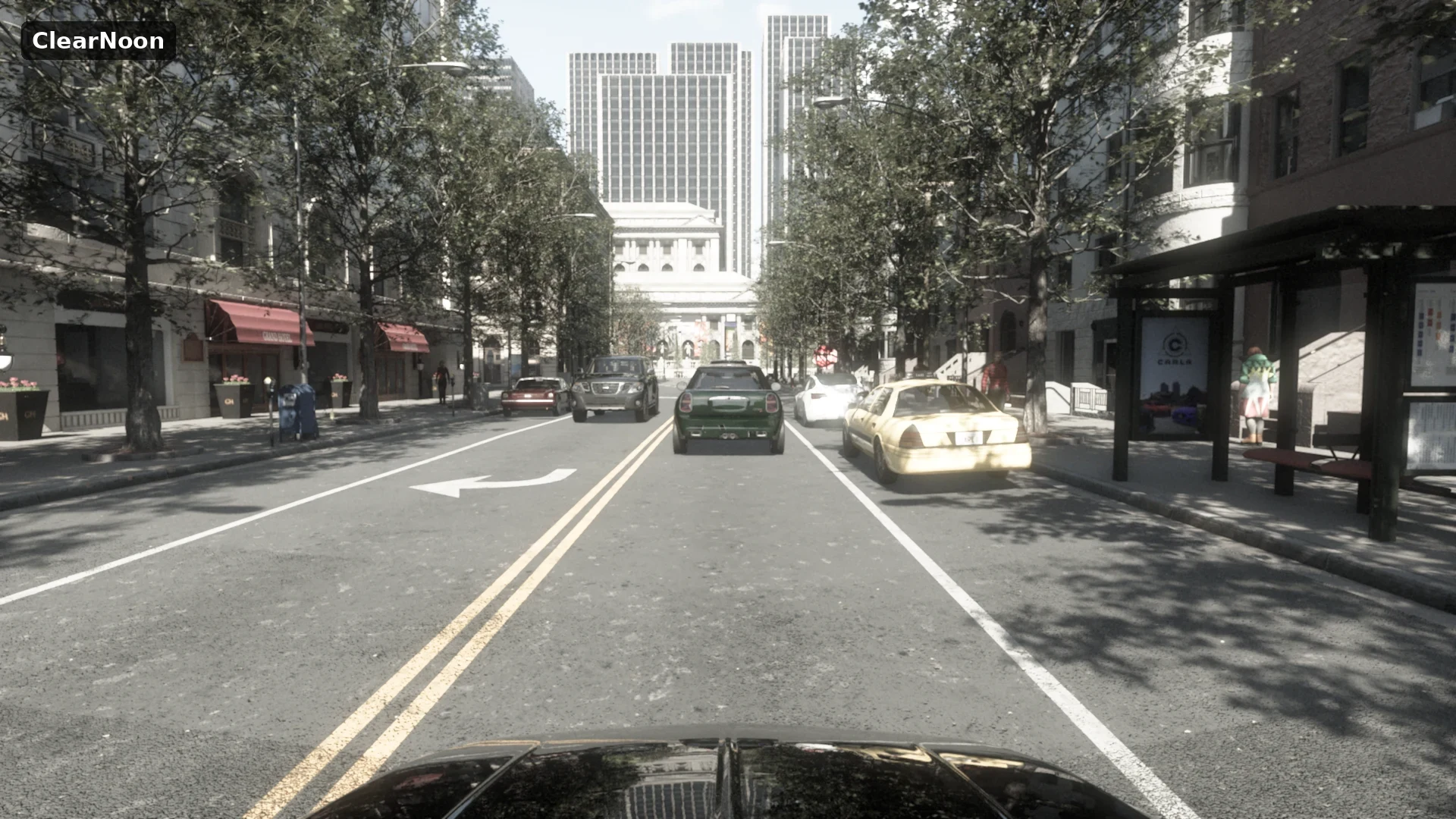
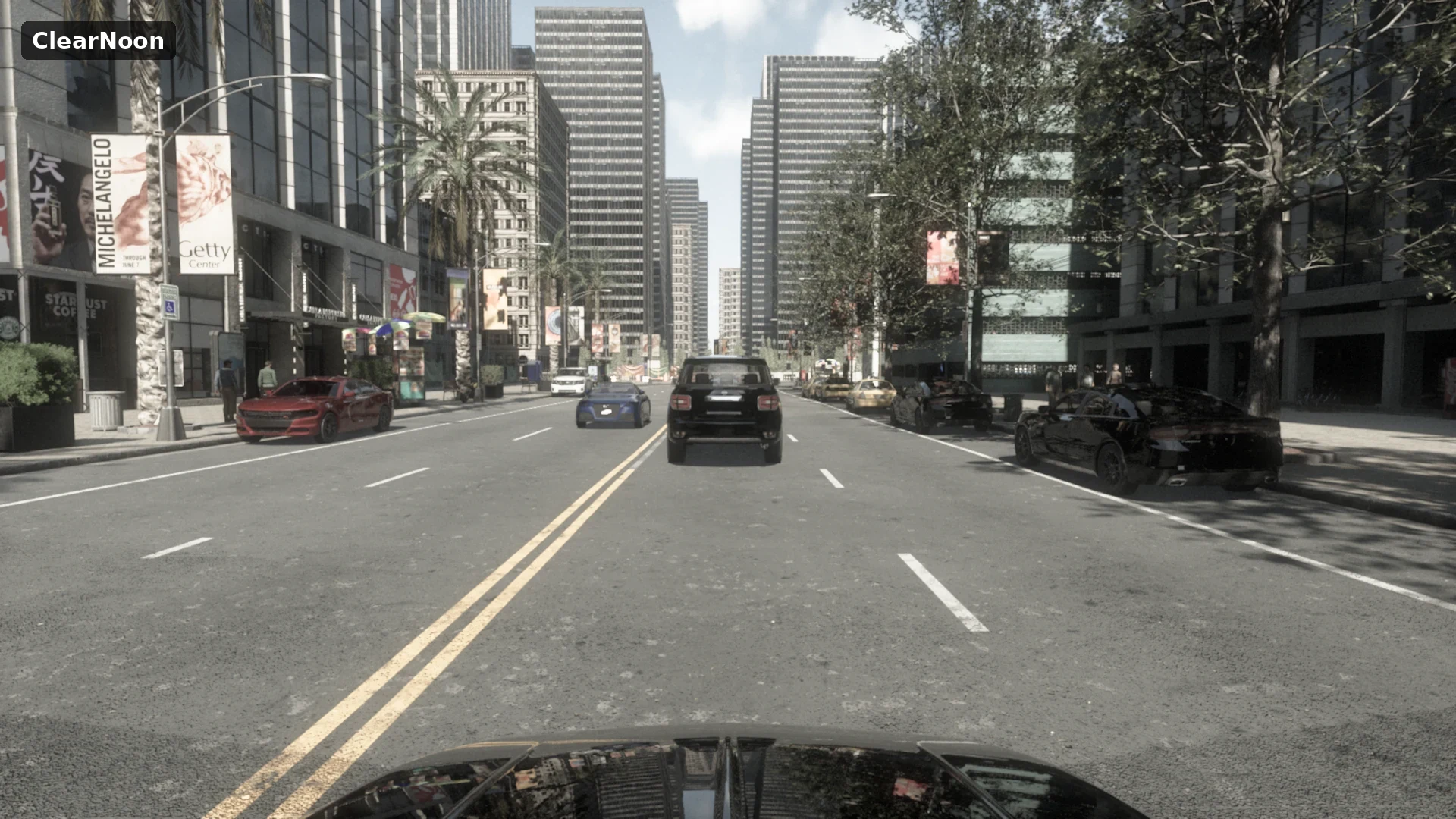
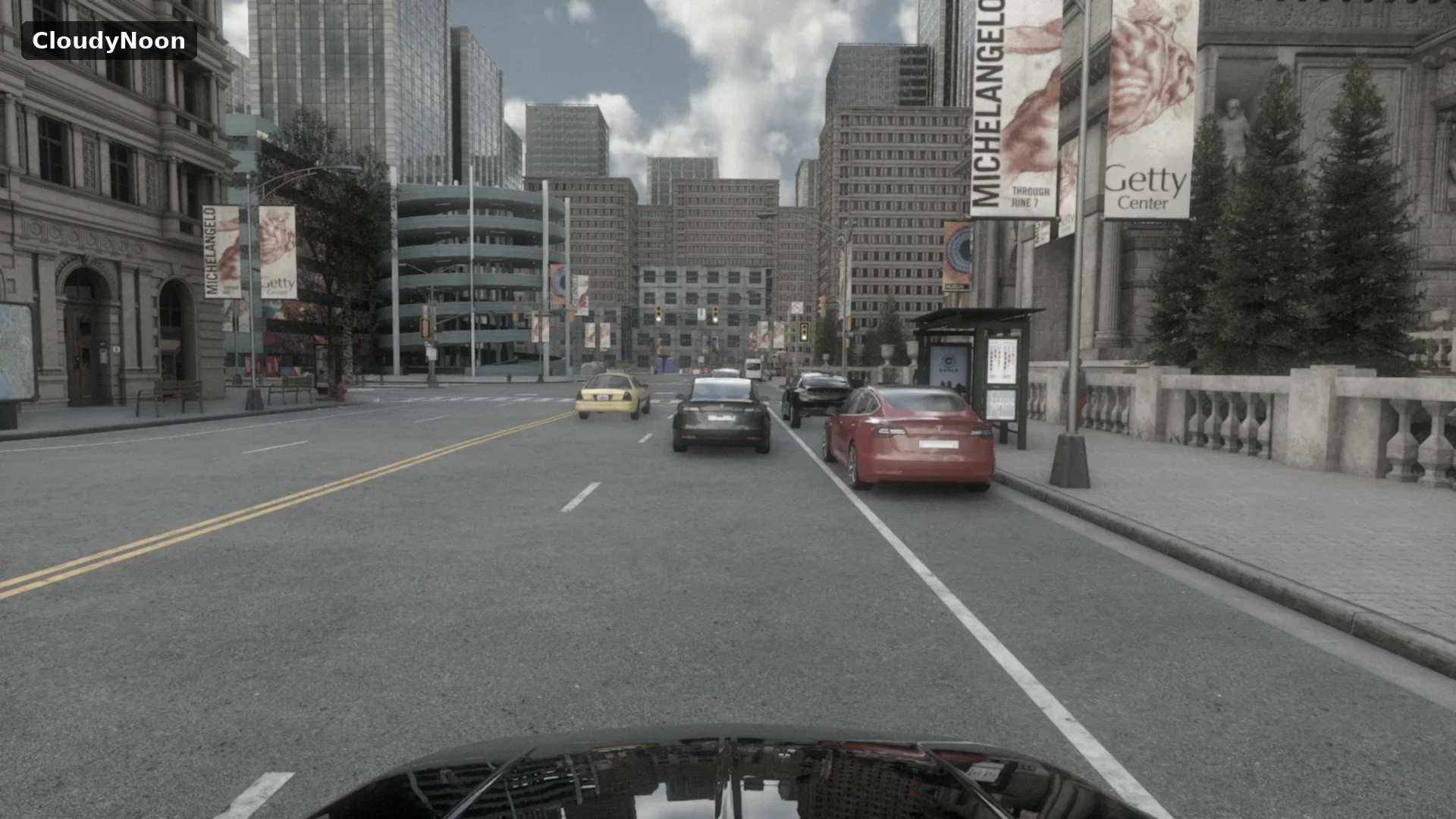
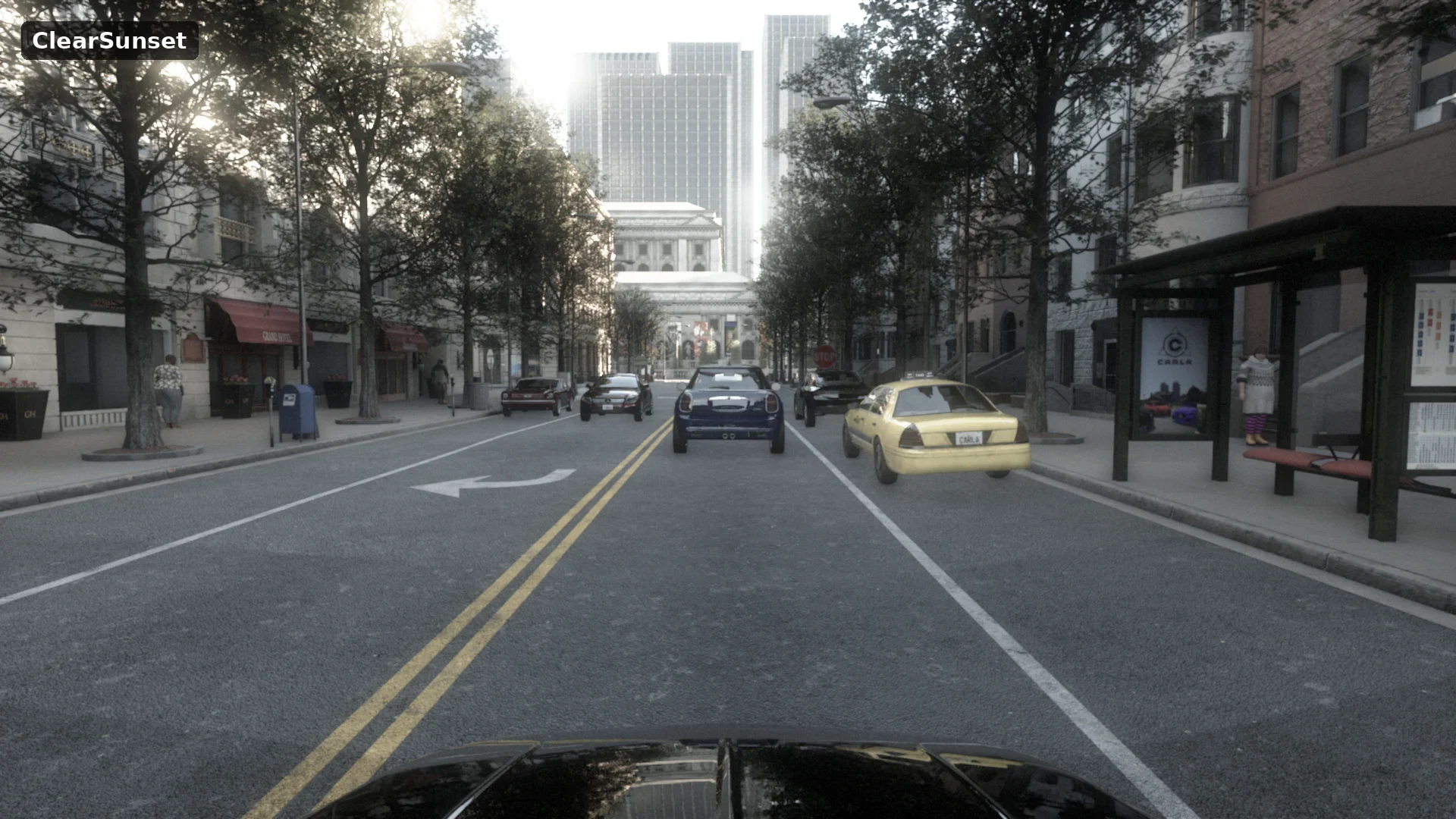
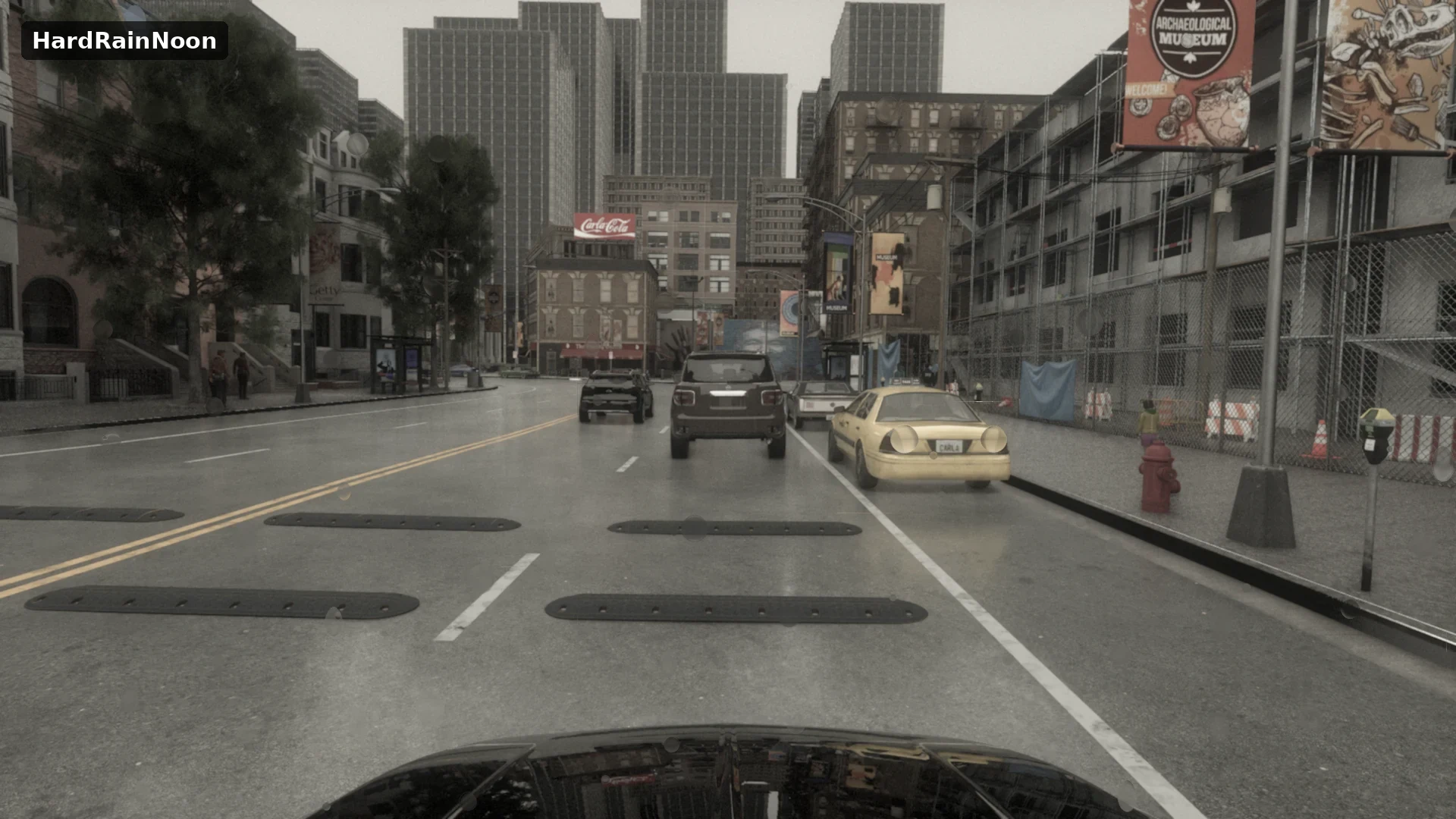
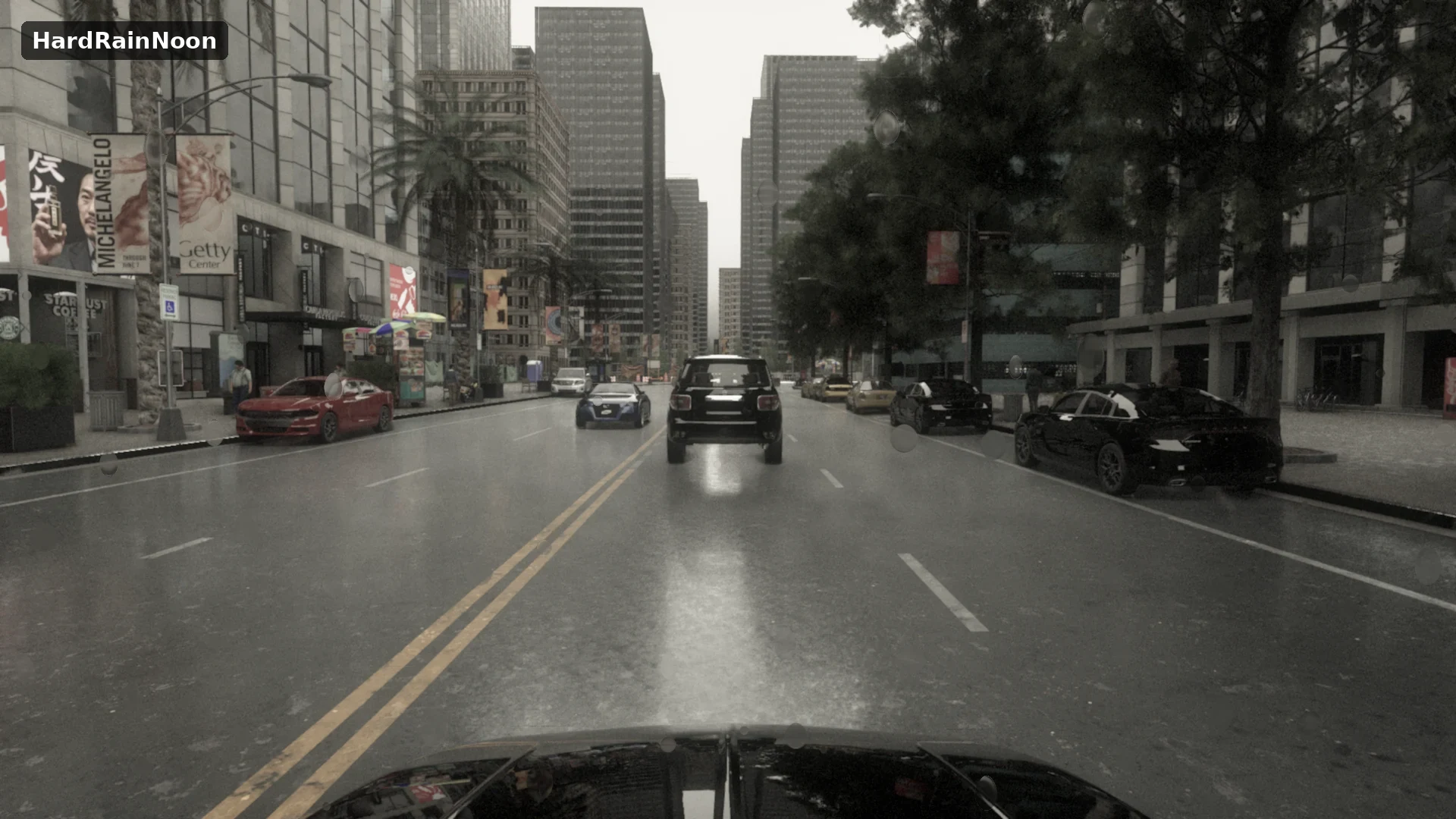
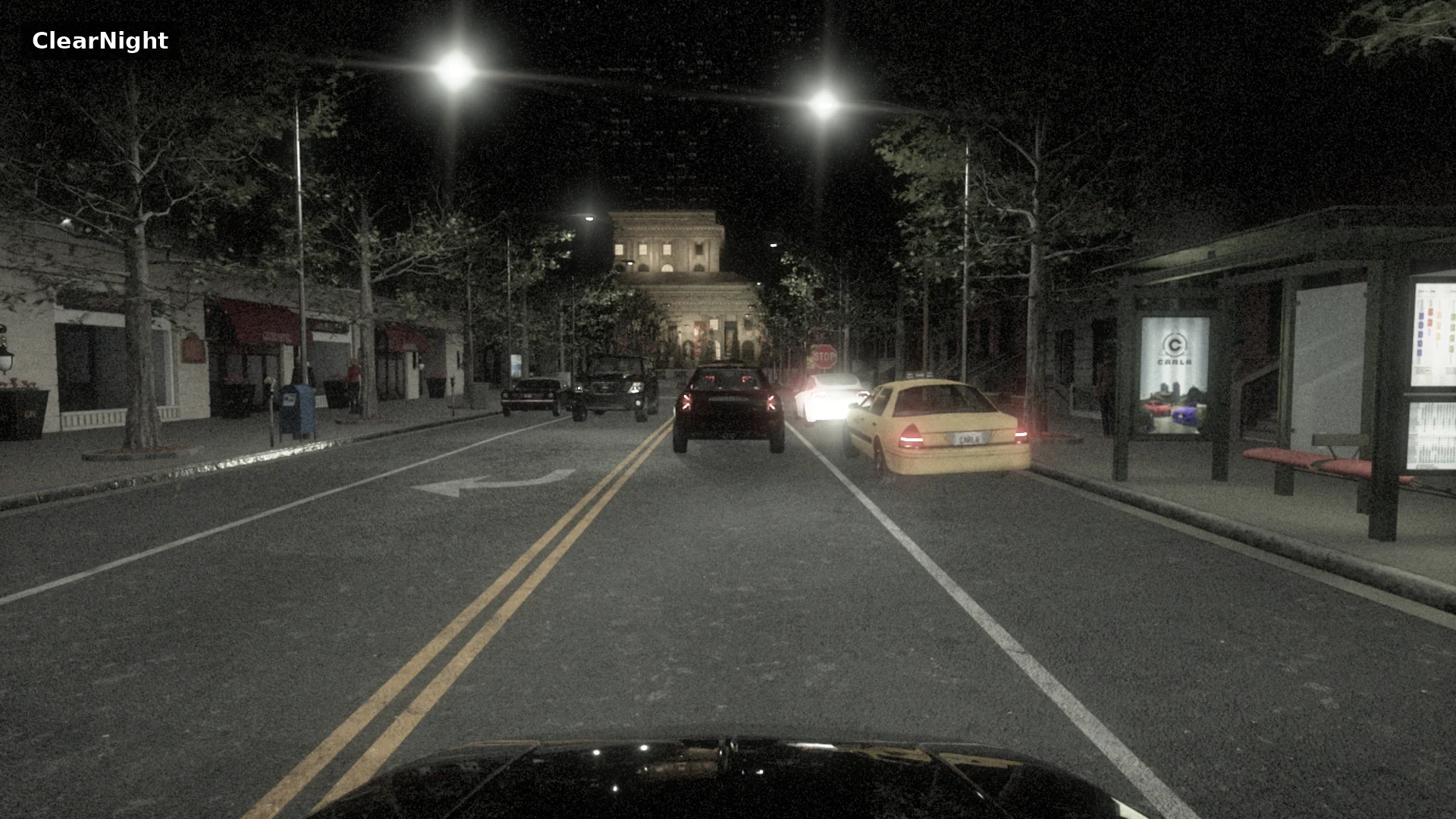
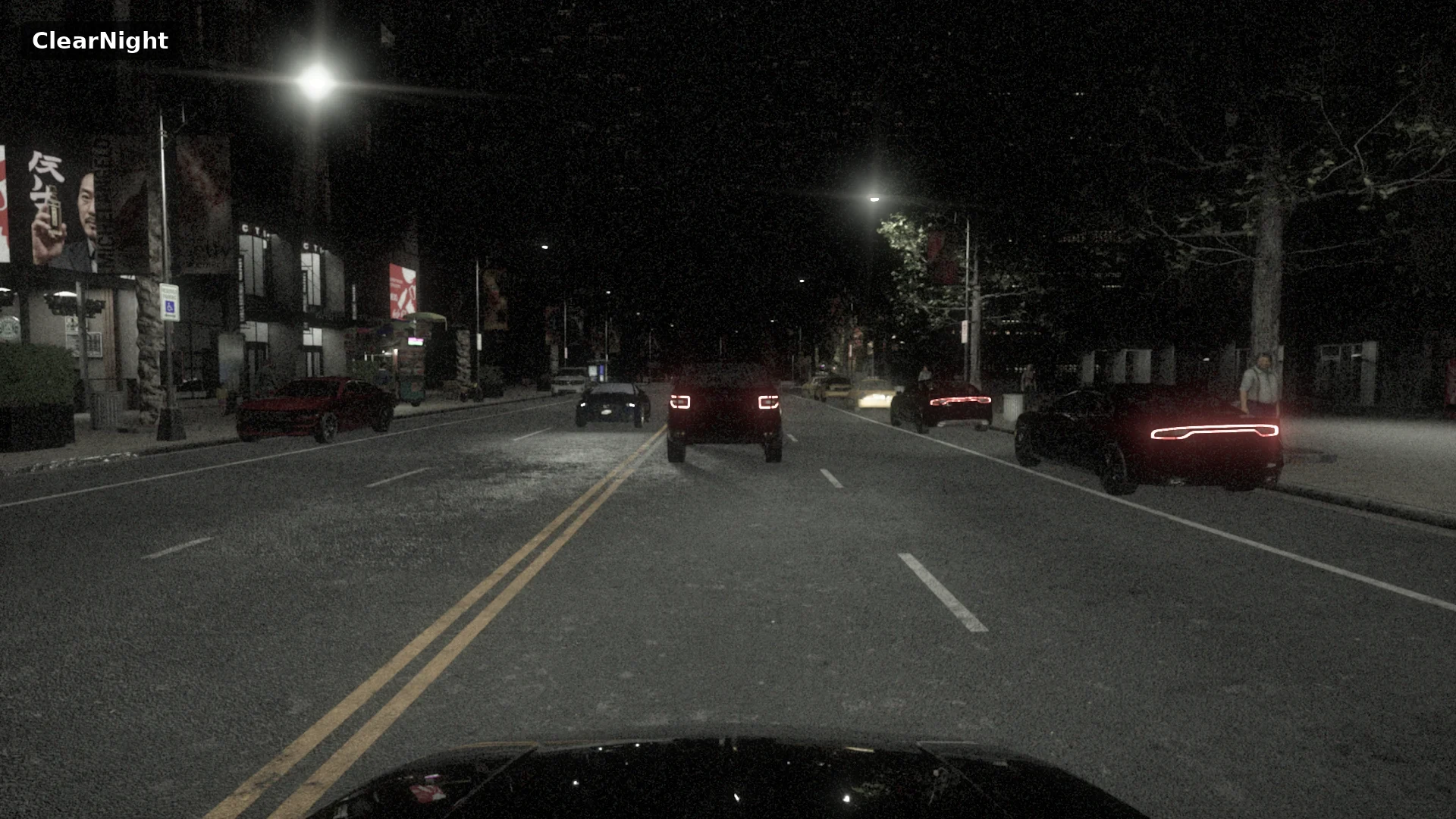
The weather API drives the Unreal Engine 5 sky rig again, with next-generation lighting. Street lamps emit real light in lumens, vehicle headlights cast their beams, and the moon and stars light the night. Rain falls per camera, with droplets on the lens. The vehicle lights have been balanced across the whole fleet, and the new environment-map lighting (World.set_sky_light_map) lights the actors with an HDR panorama, for compositing with real footage or neural scenes. The intensity and colour of street lamps, building windows, traffic lights and vehicle lights are set per class in one JSON file from the new Light Defaults panel in the editor, so a new lamp or vehicle can be matched to the rest of the city. See Lights.
The classic towns
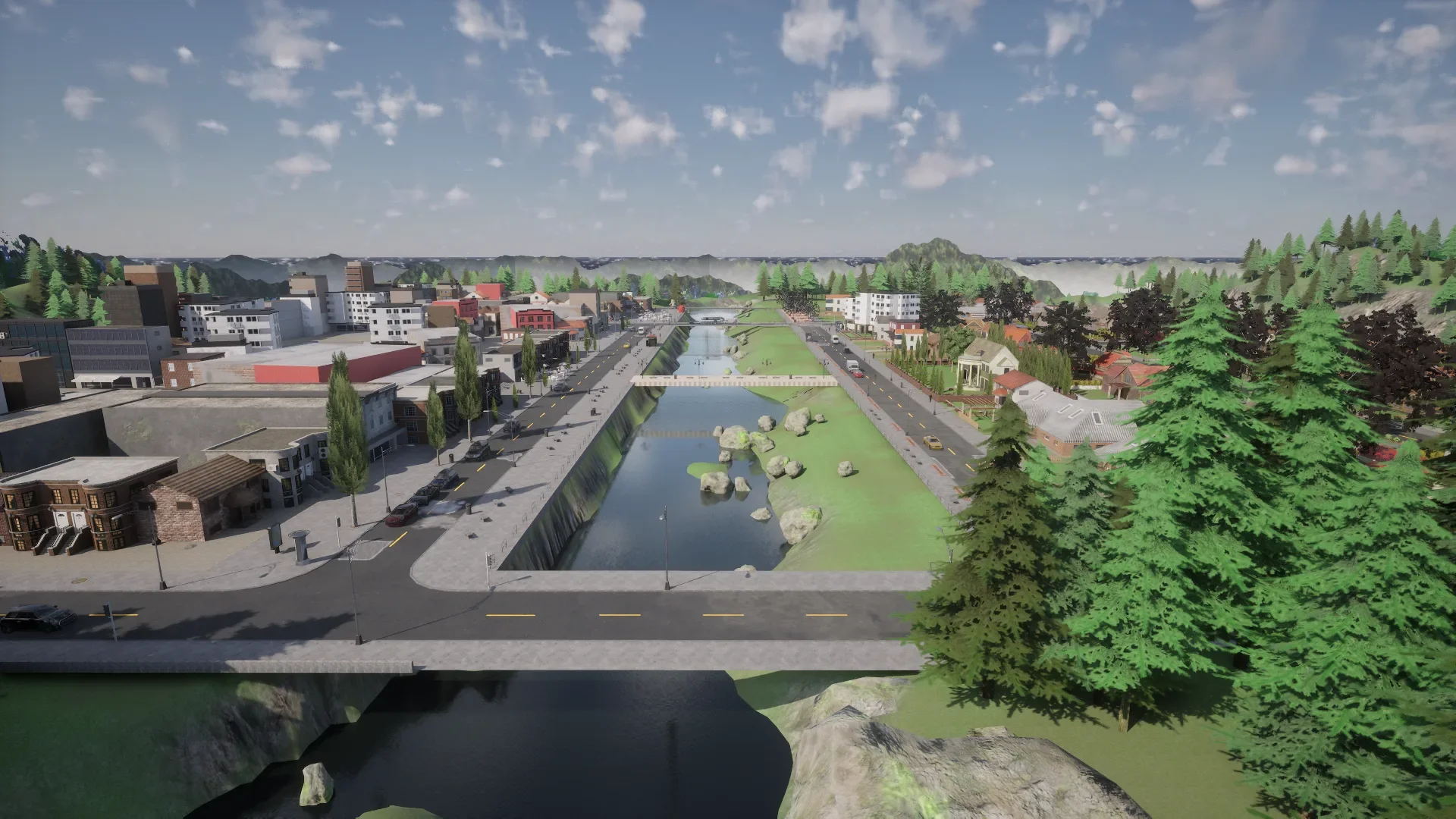
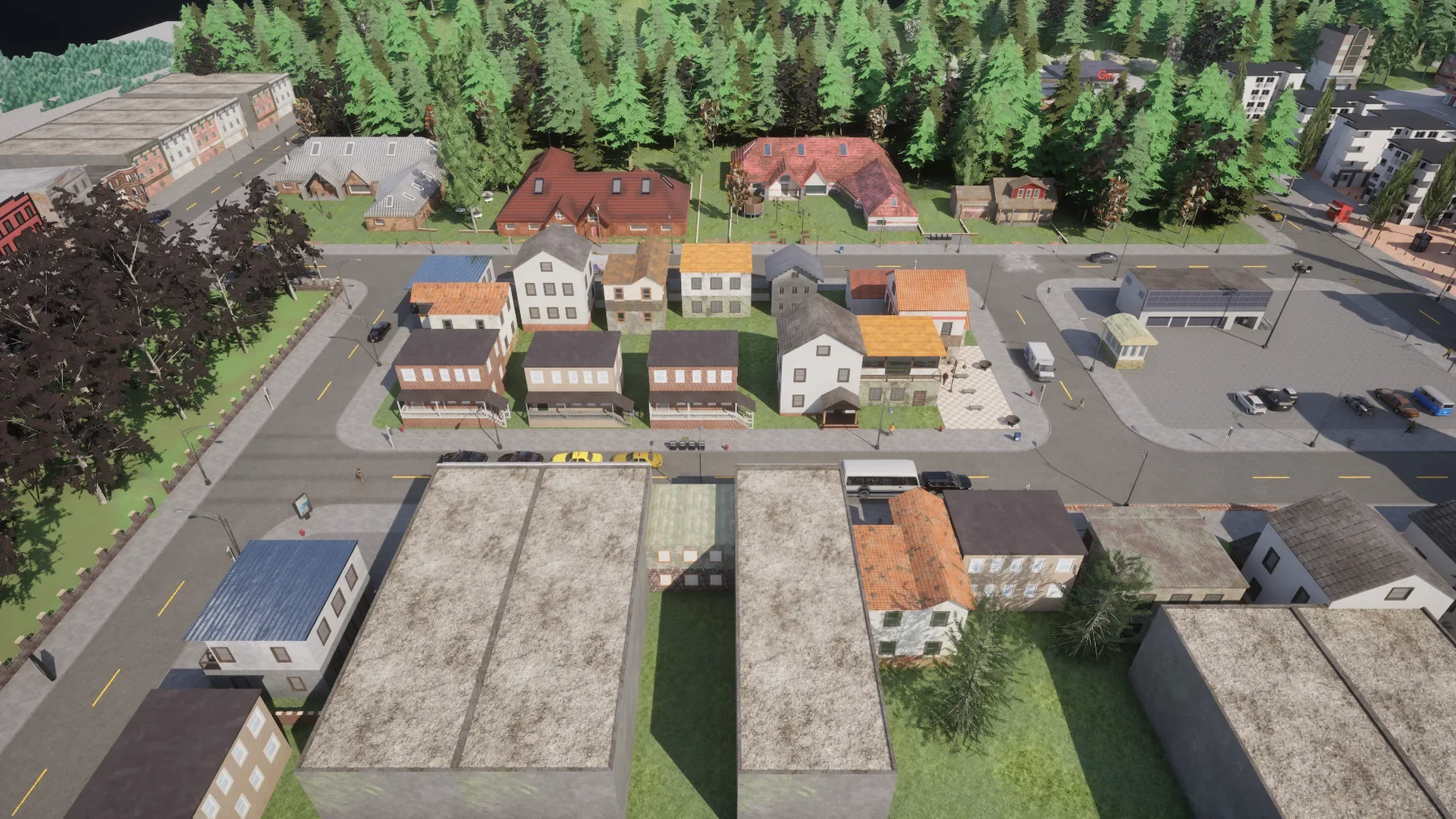
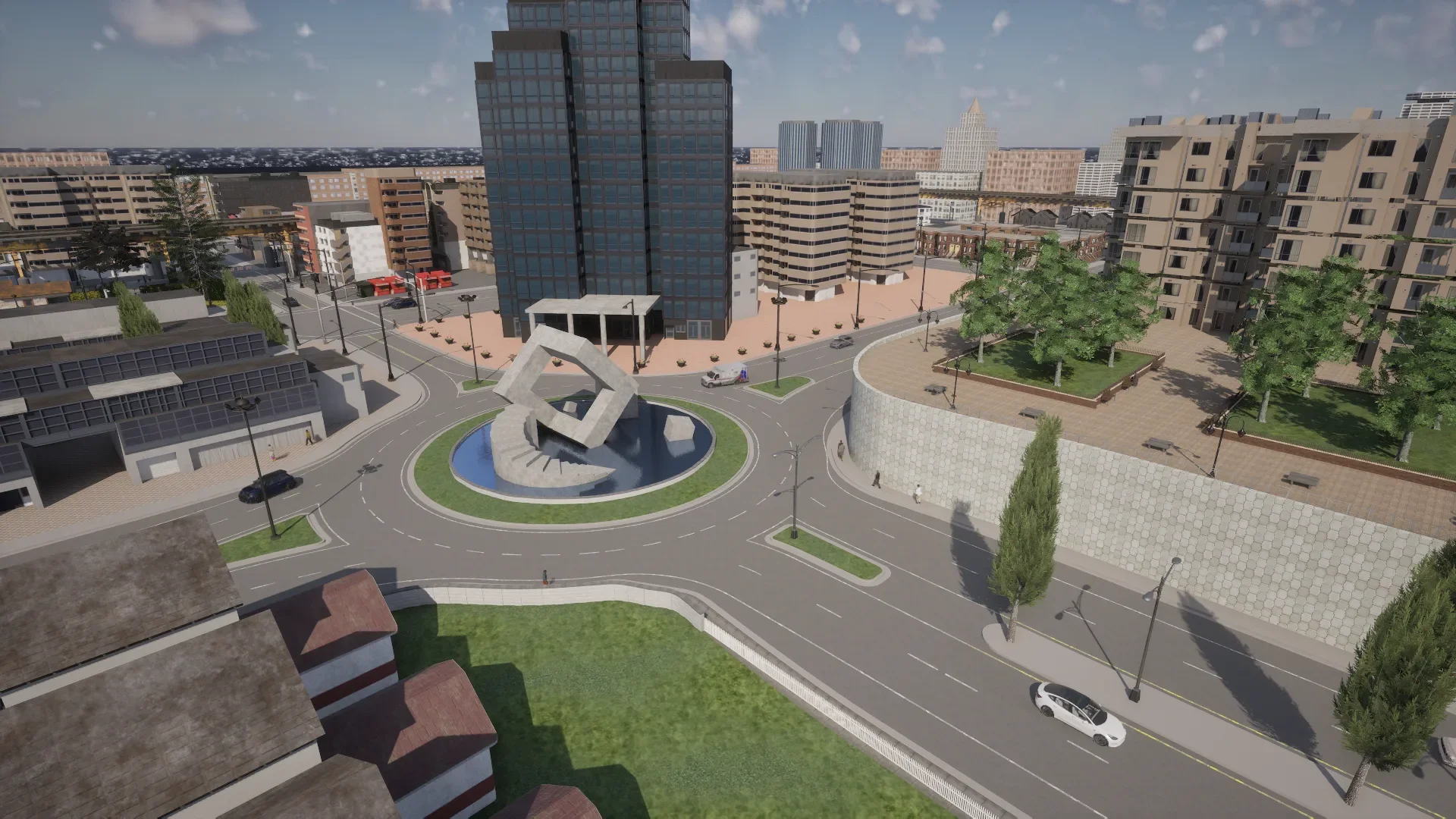
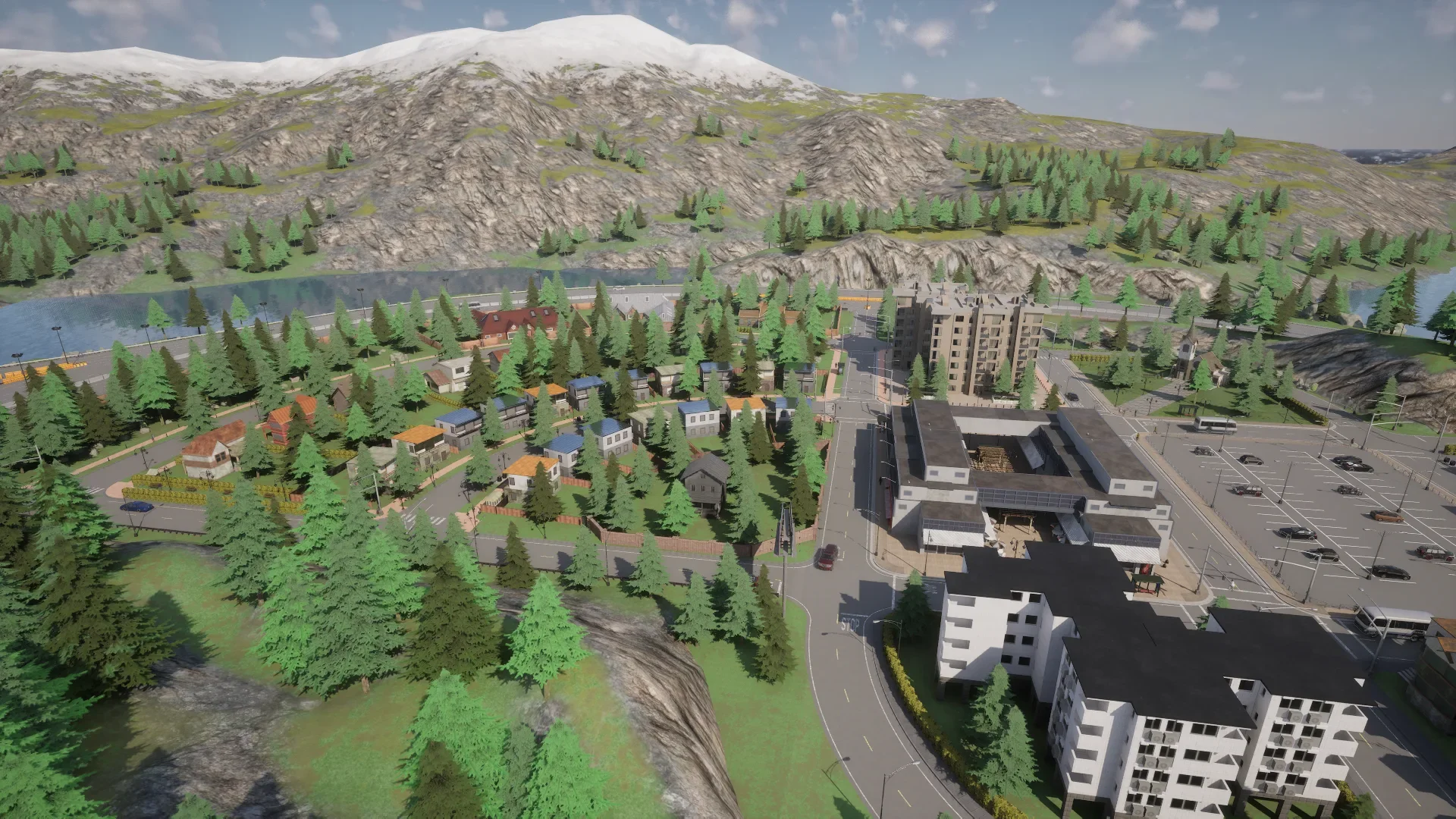
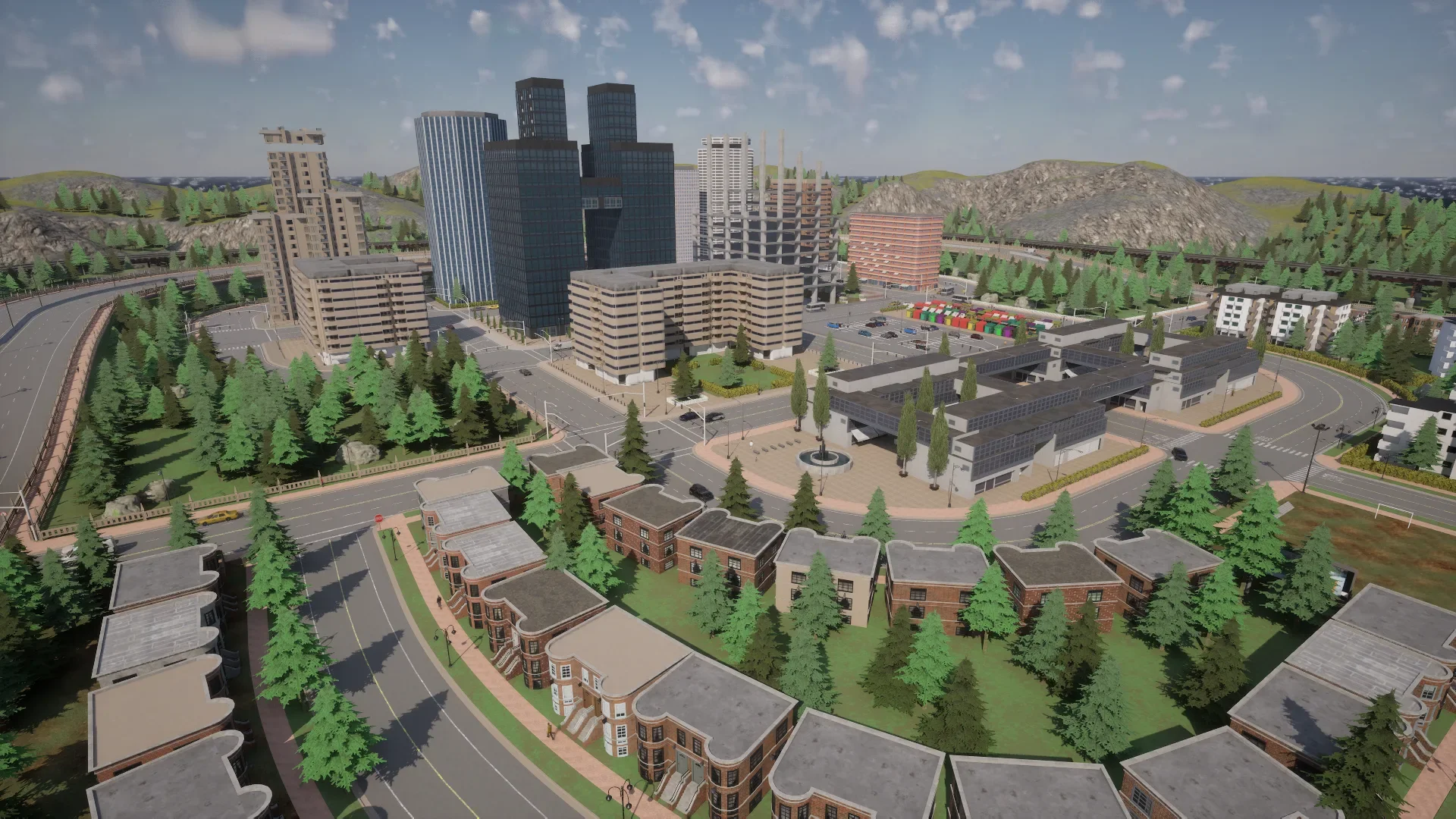
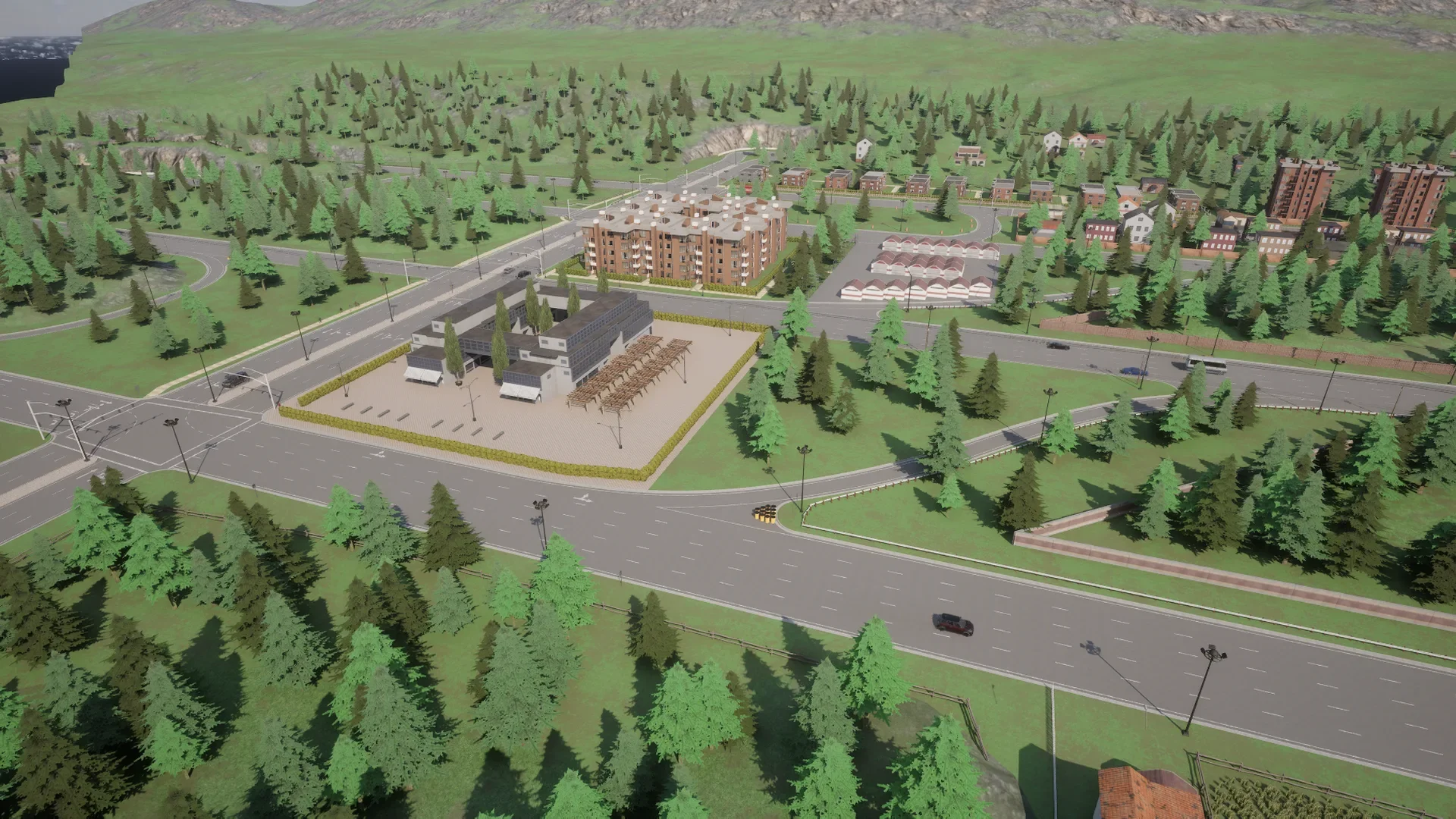
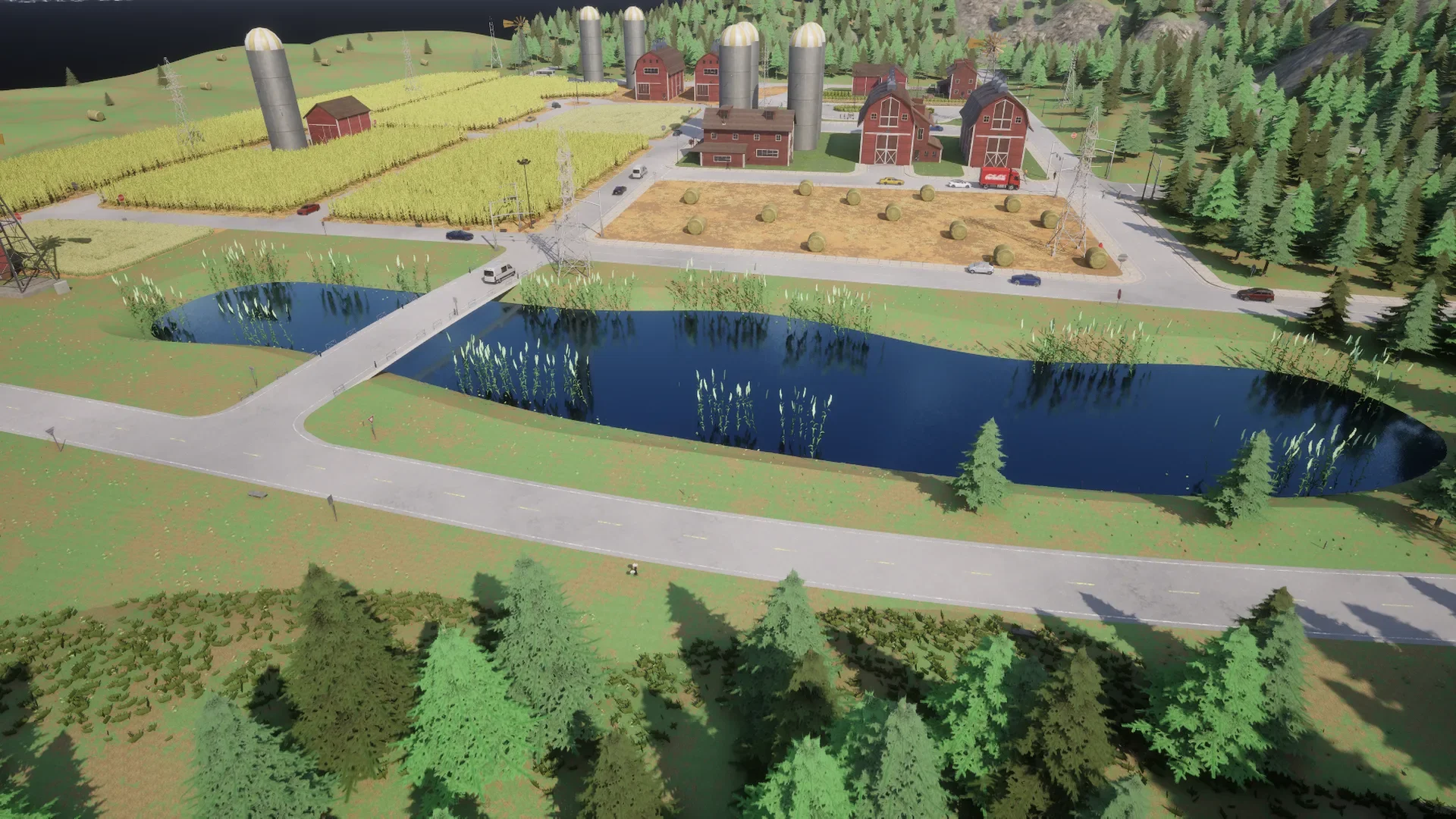
The towns that a generation of autonomous driving research was trained and evaluated on are back. Town01 to Town07 return migrated to the new lighting stack, as layered maps: load them by their _Opt name and toggle their layers with carla.MapLayer.
client.load_world('Town03_Opt')
New town: Town_C
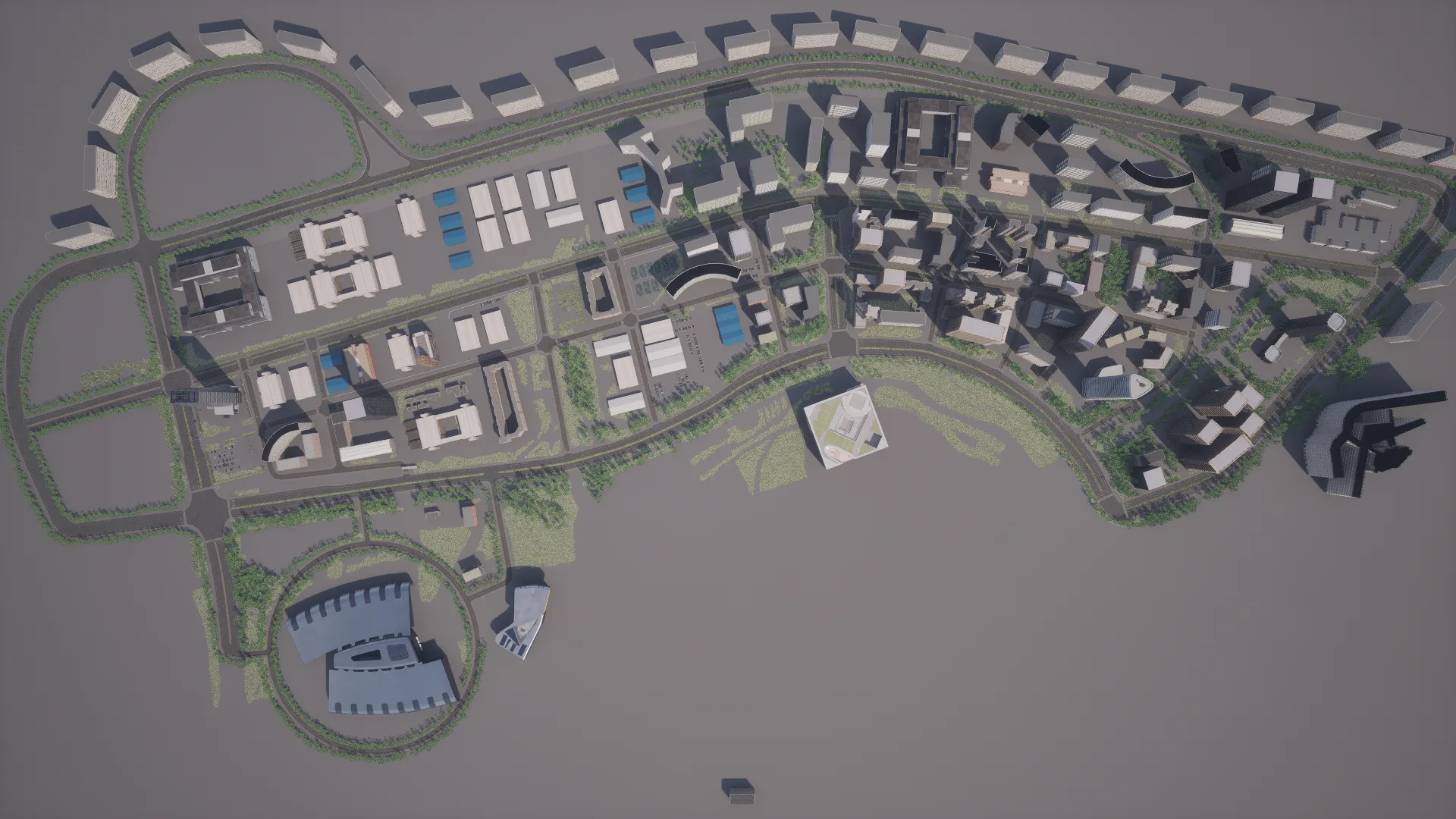
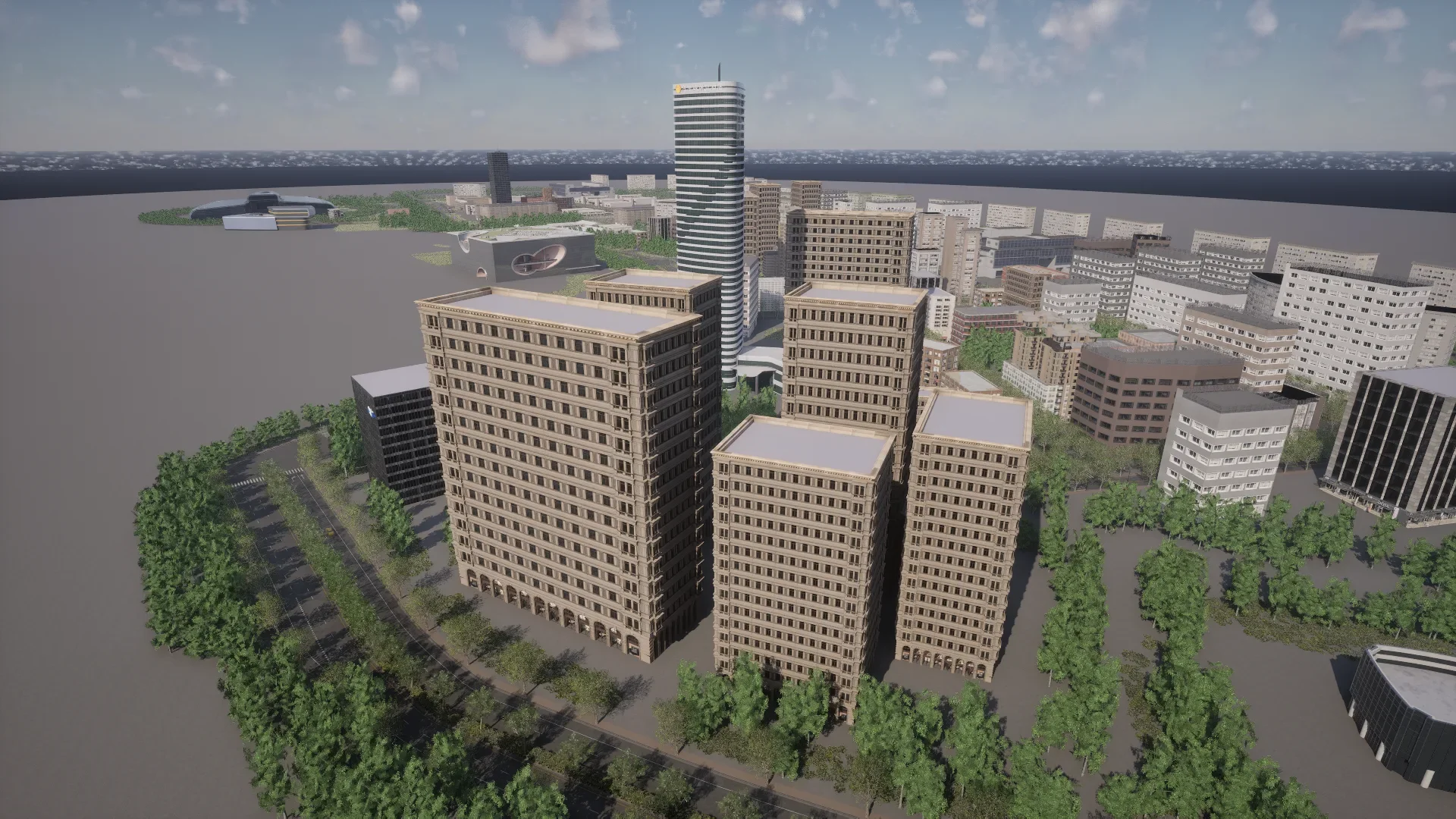
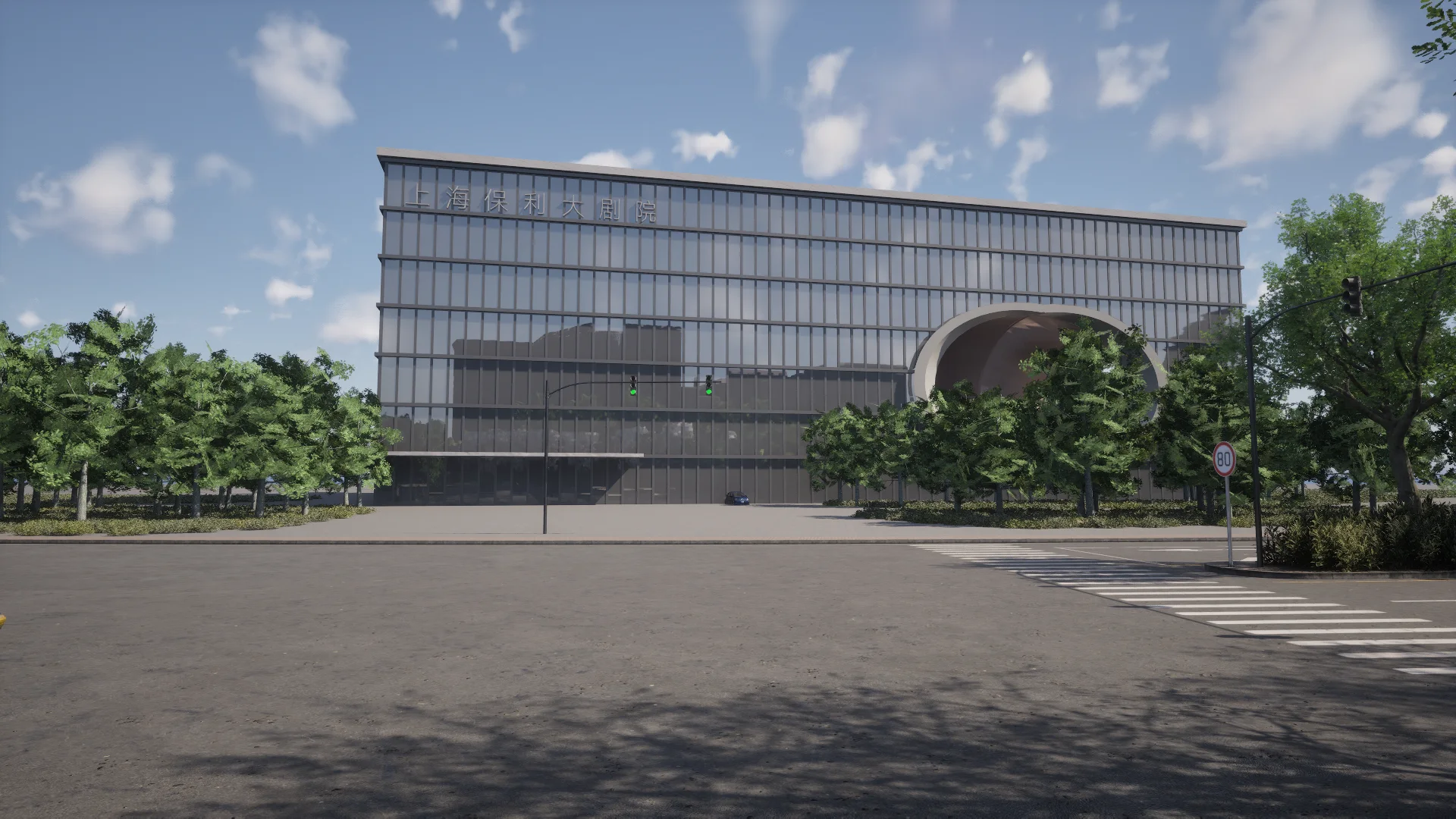
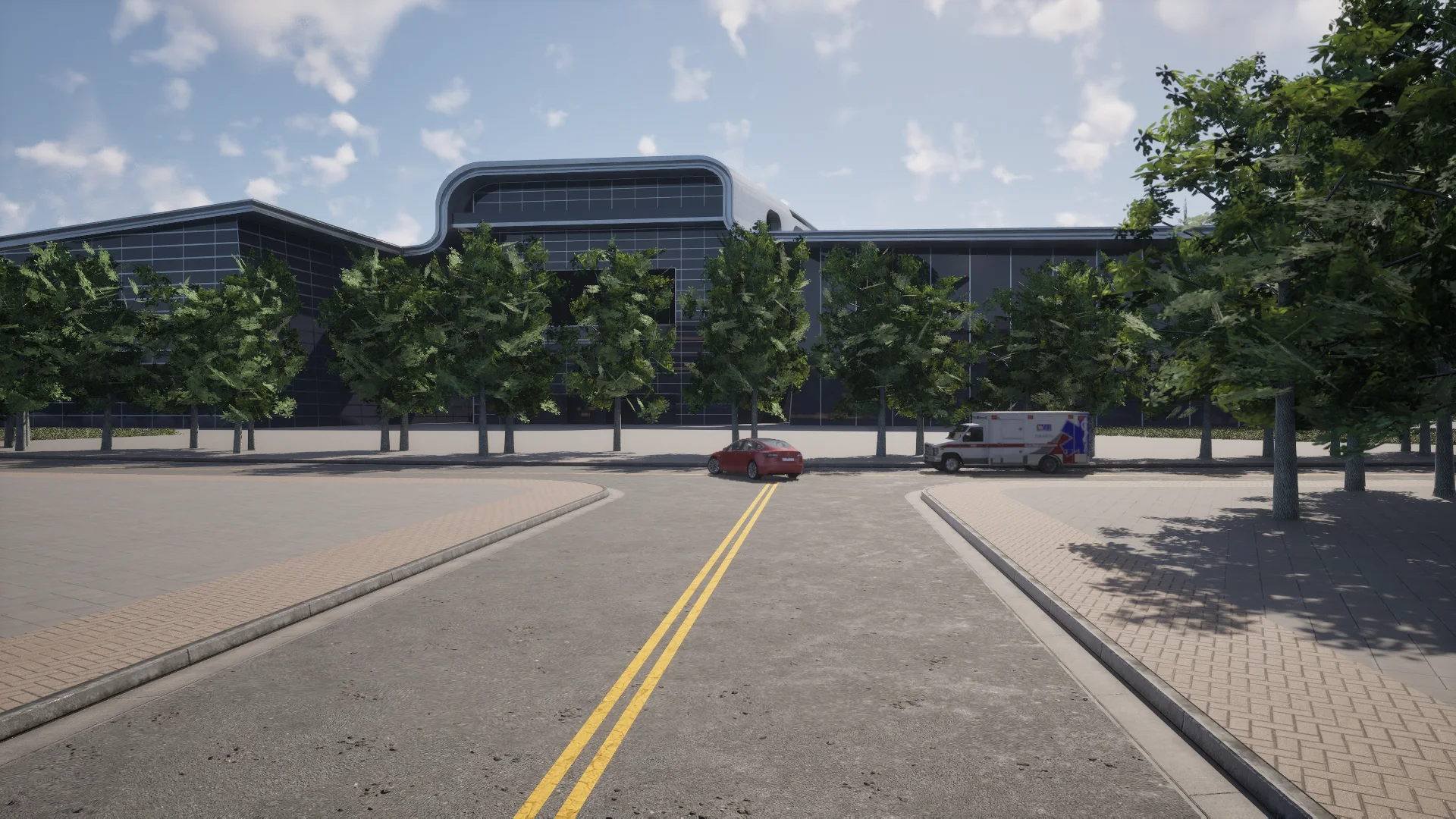
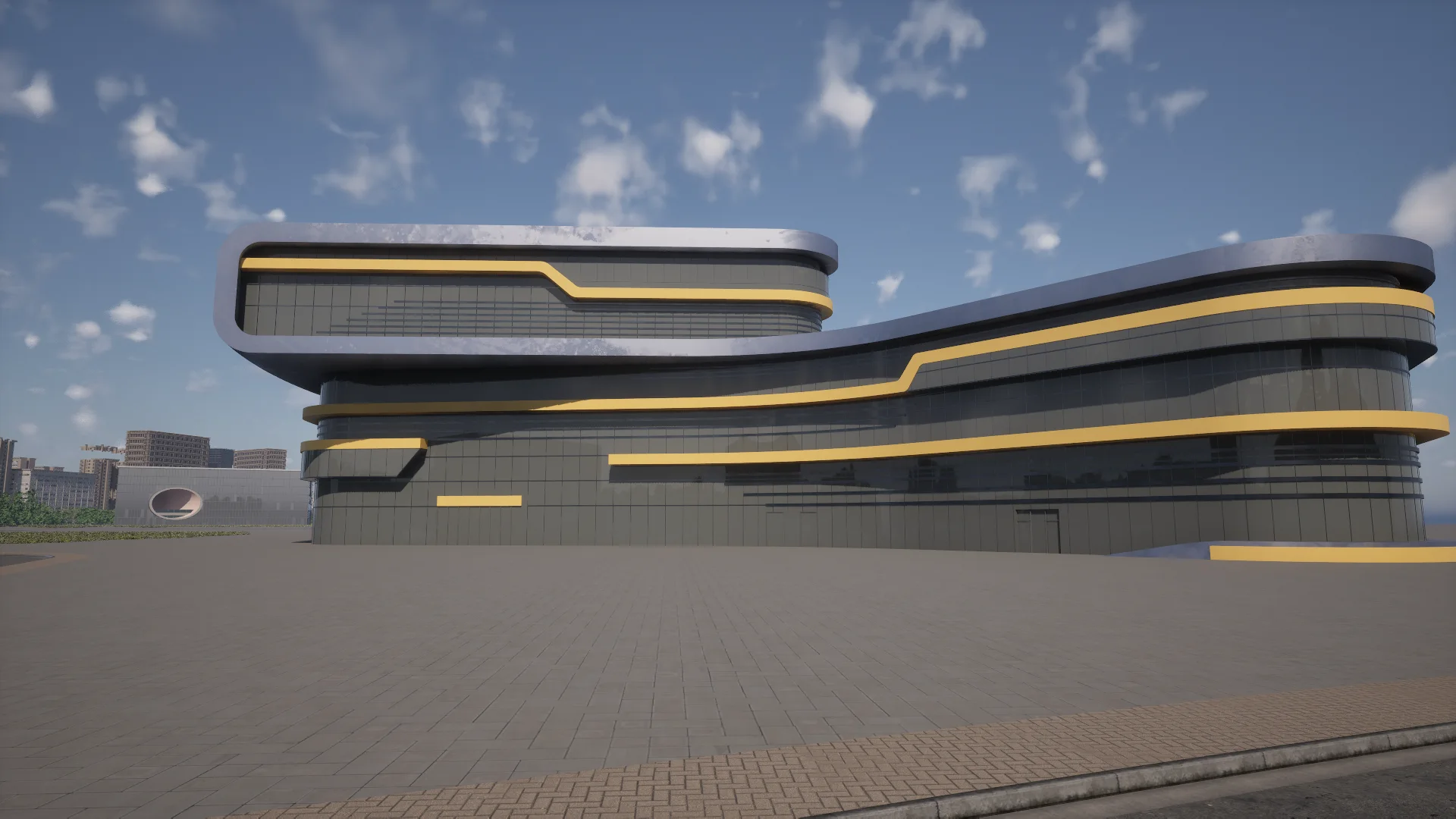
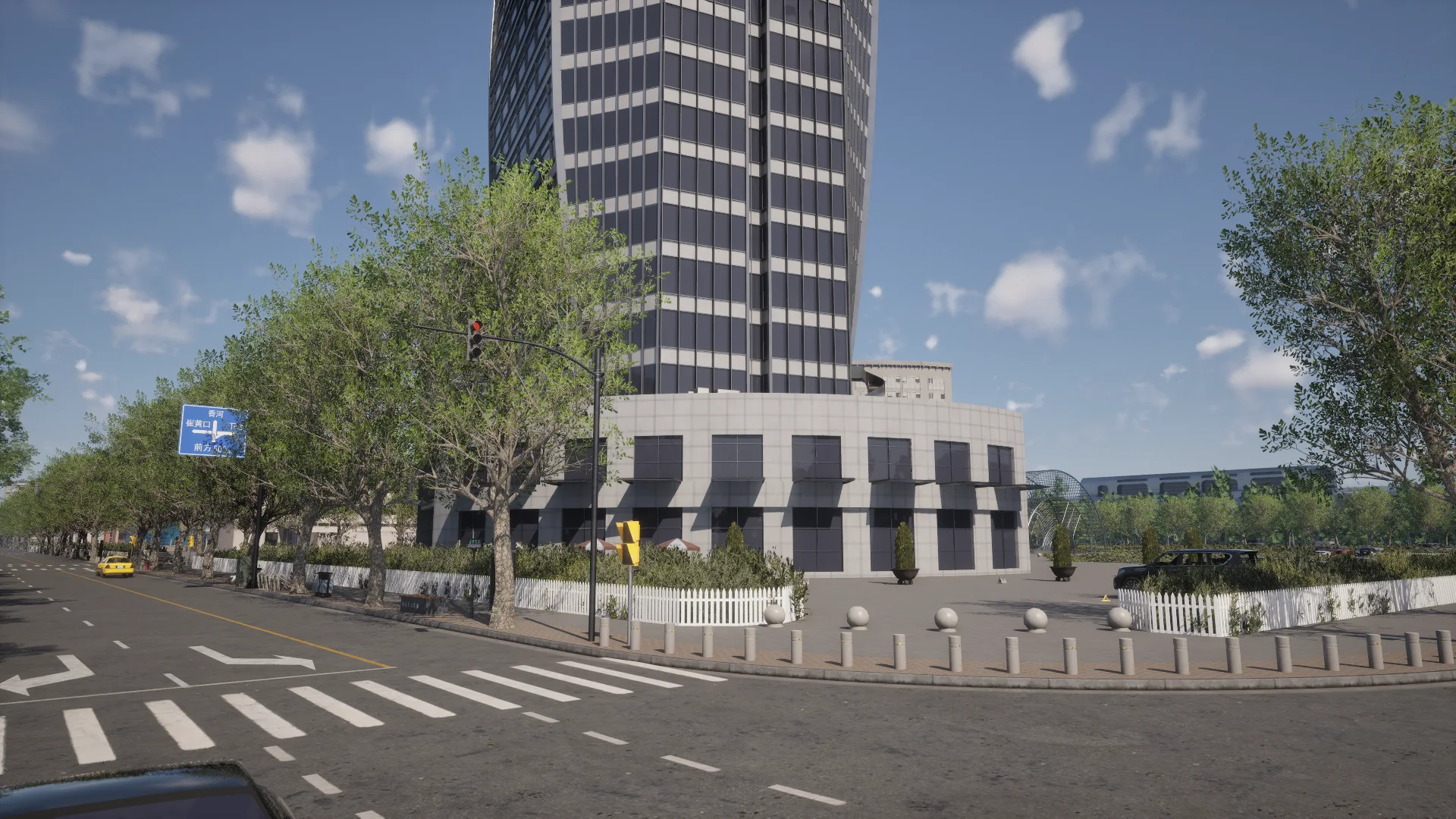
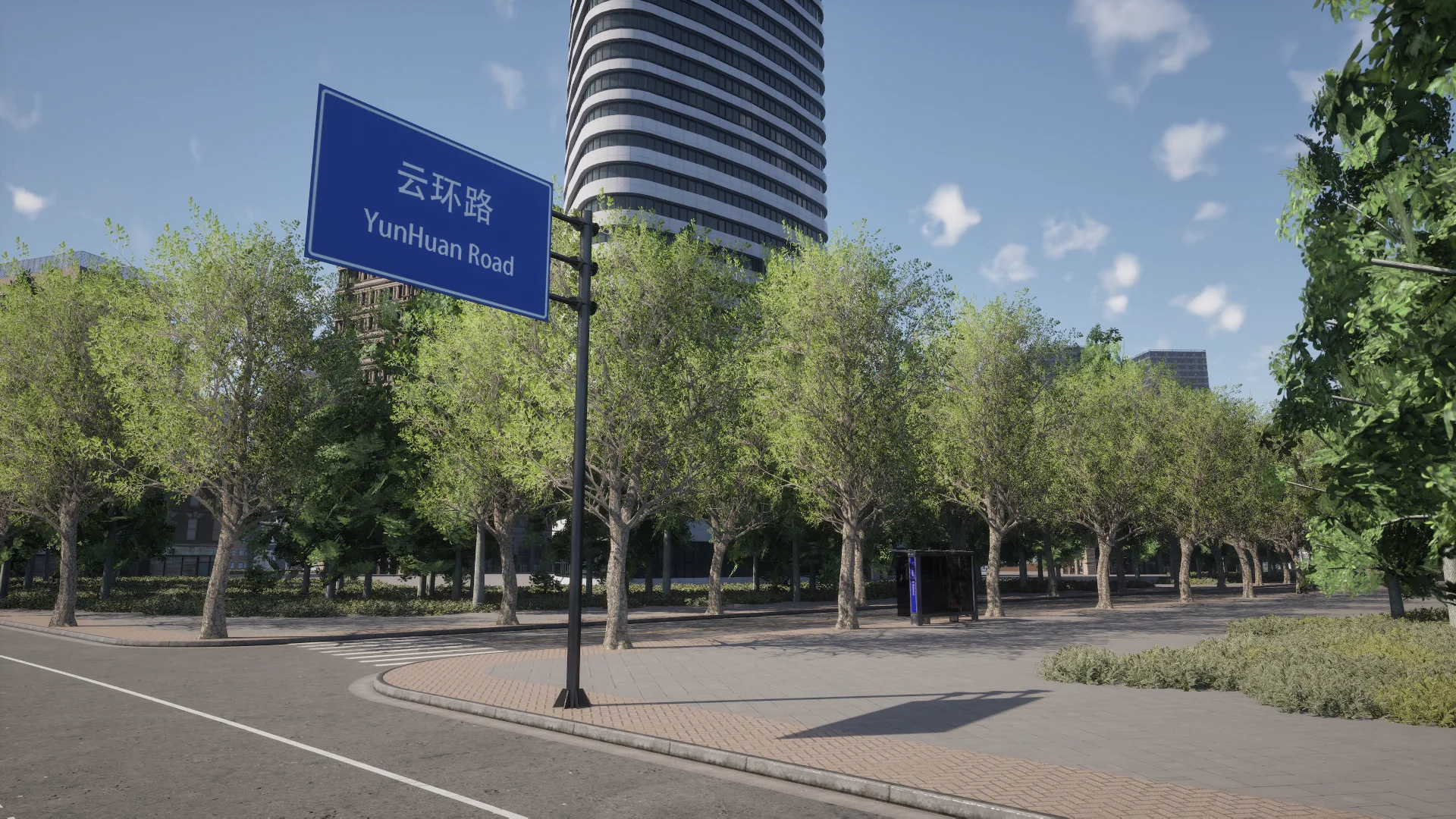
Town_C is a new China-inspired environment authored by CARLA consortium member and sponsor Synkrotron. It is modelled on the Shanghai International Automobile City in Jiading, with recreations of its landmark buildings: the Shanghai Poly Grand Theatre, the Shanghai Automotive Exhibition Center, the Shanghai Auto Museum and more. See Town_C.
Digital twins
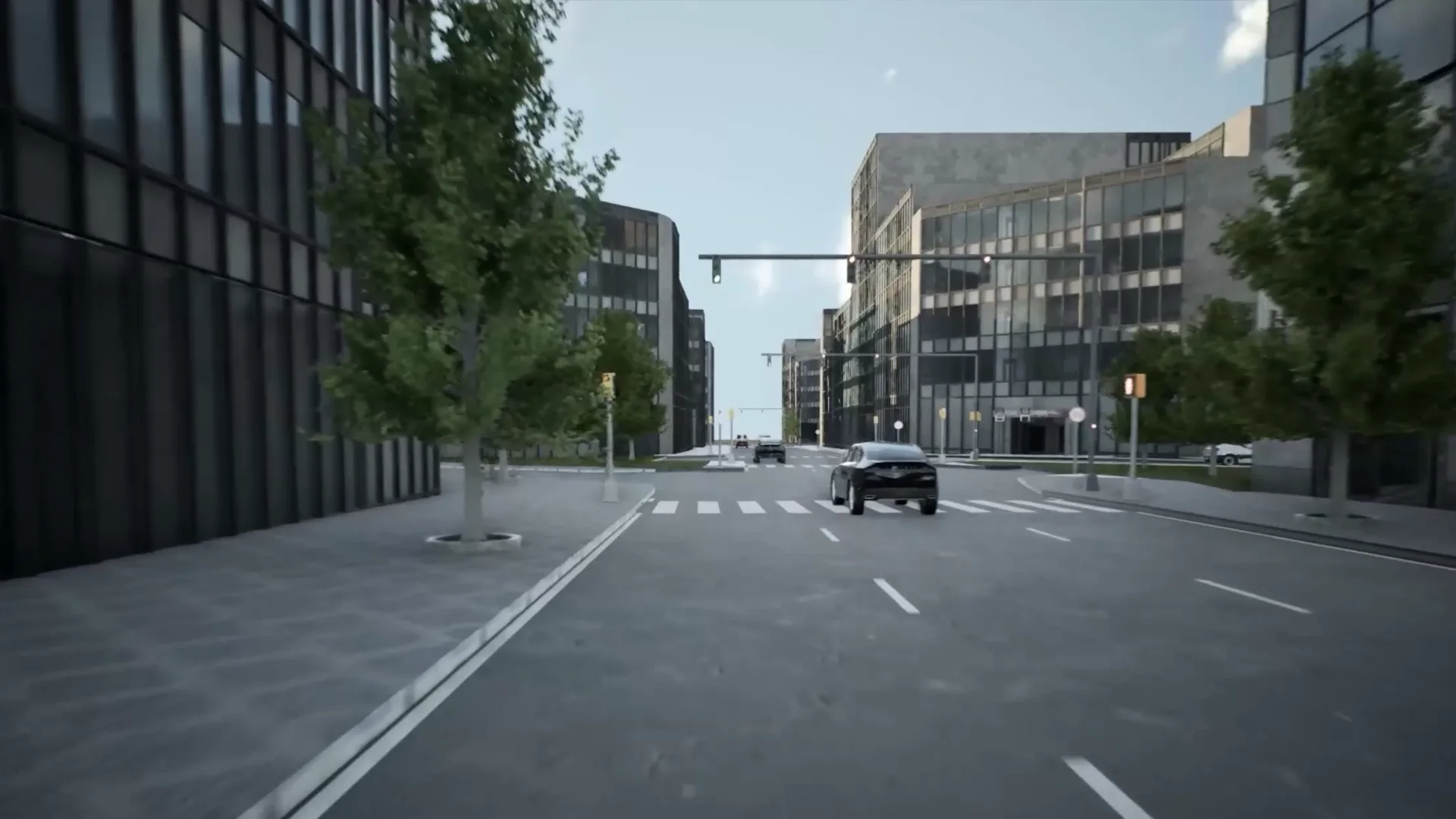
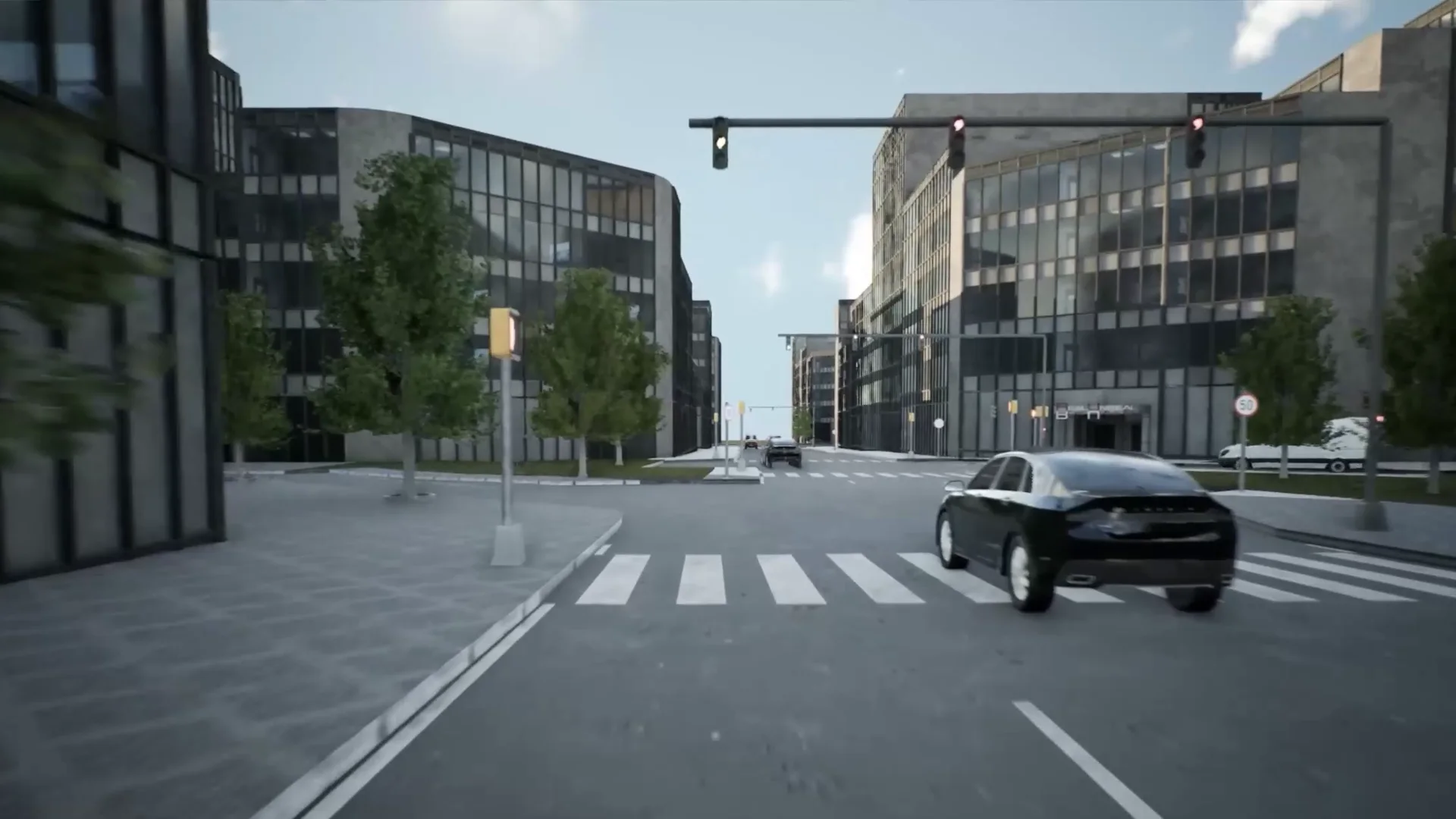
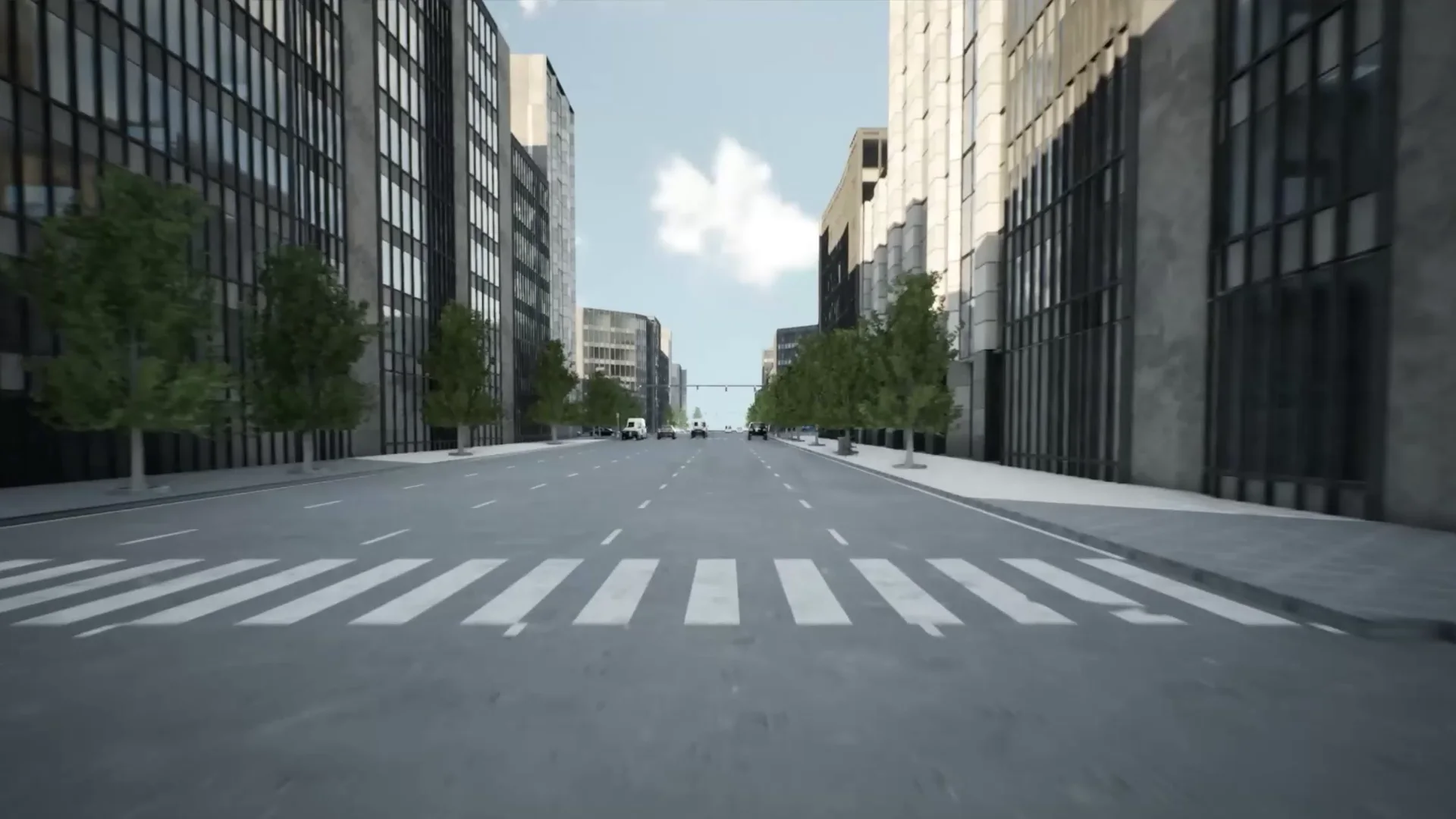
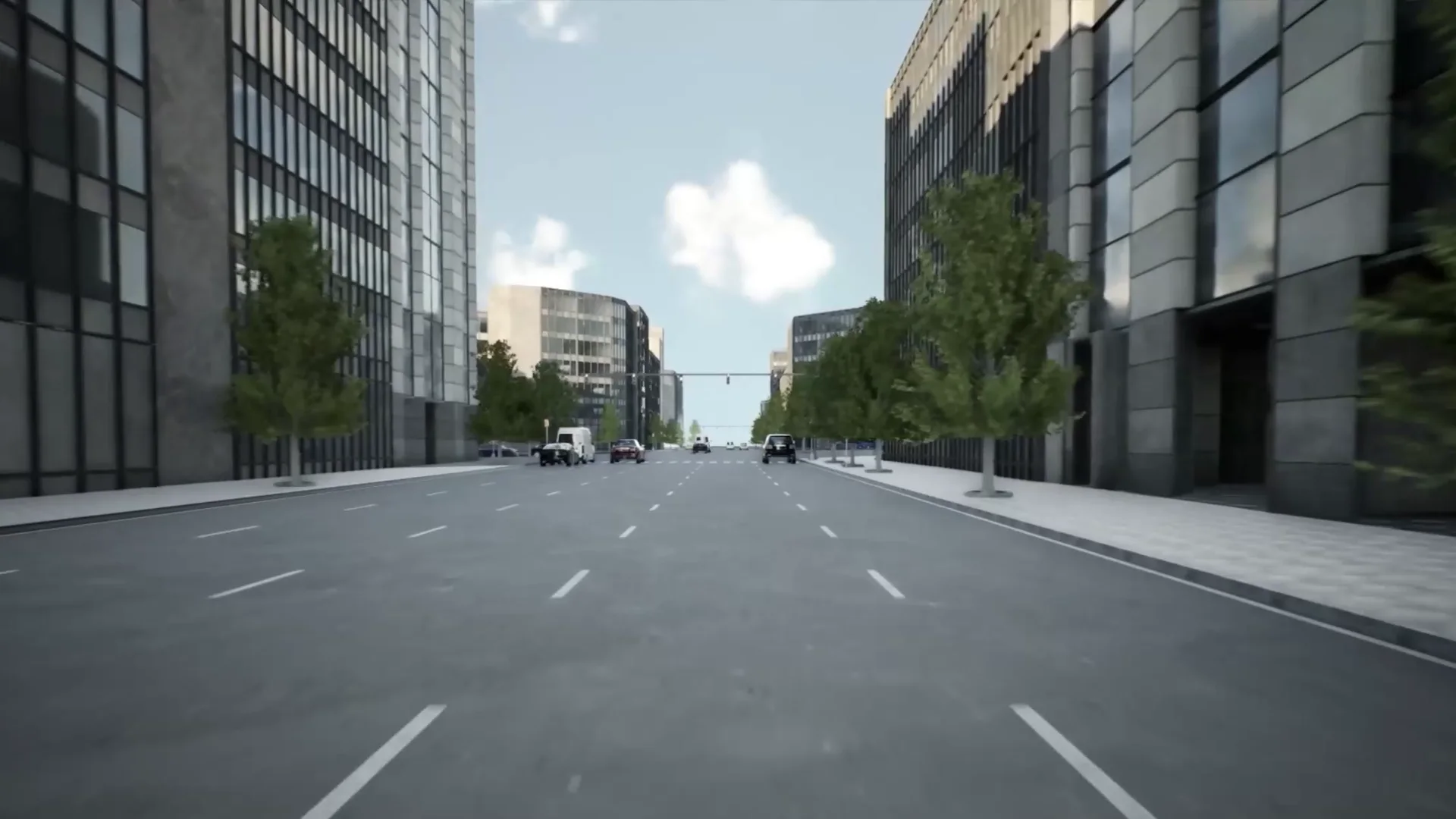
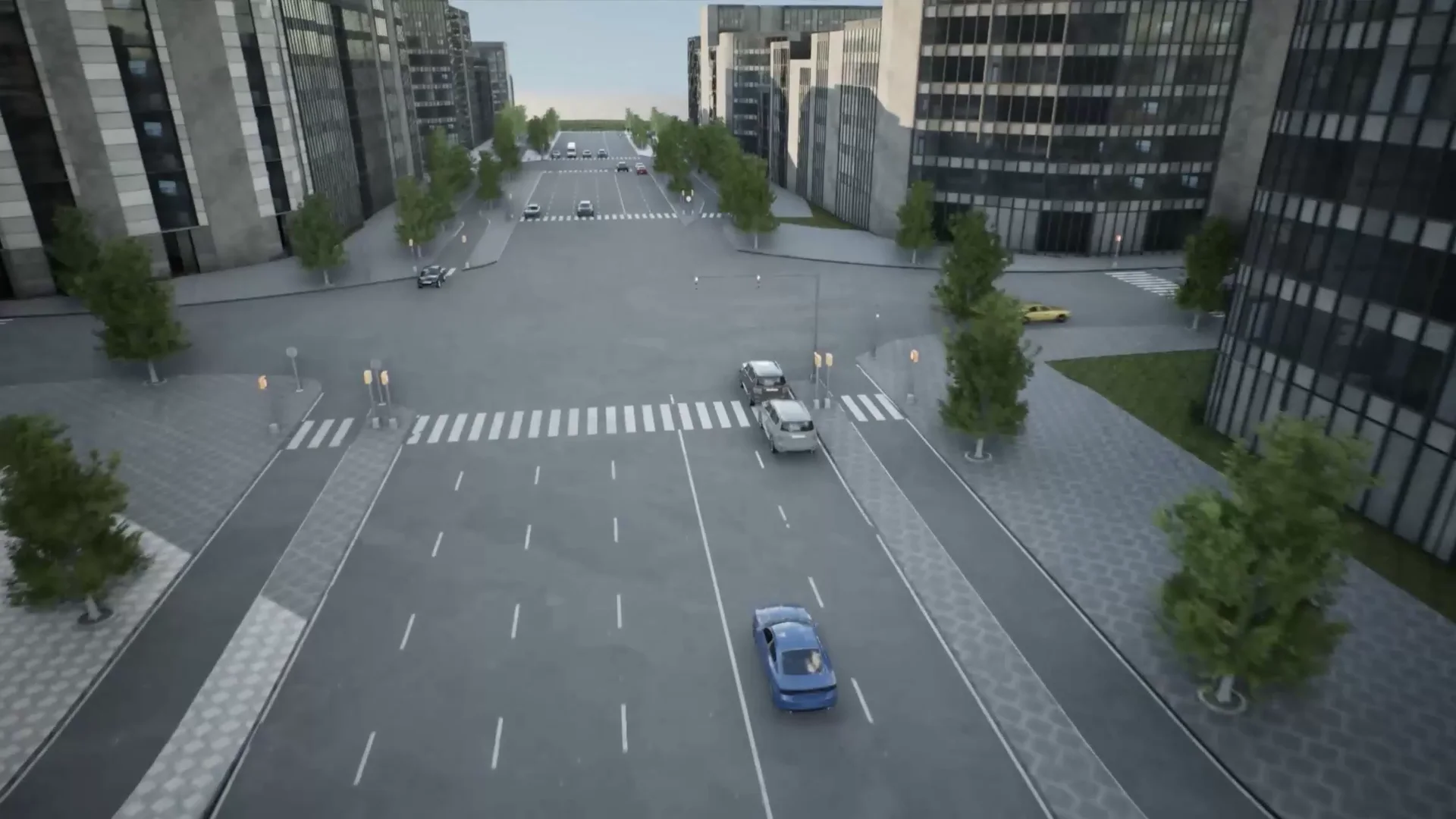
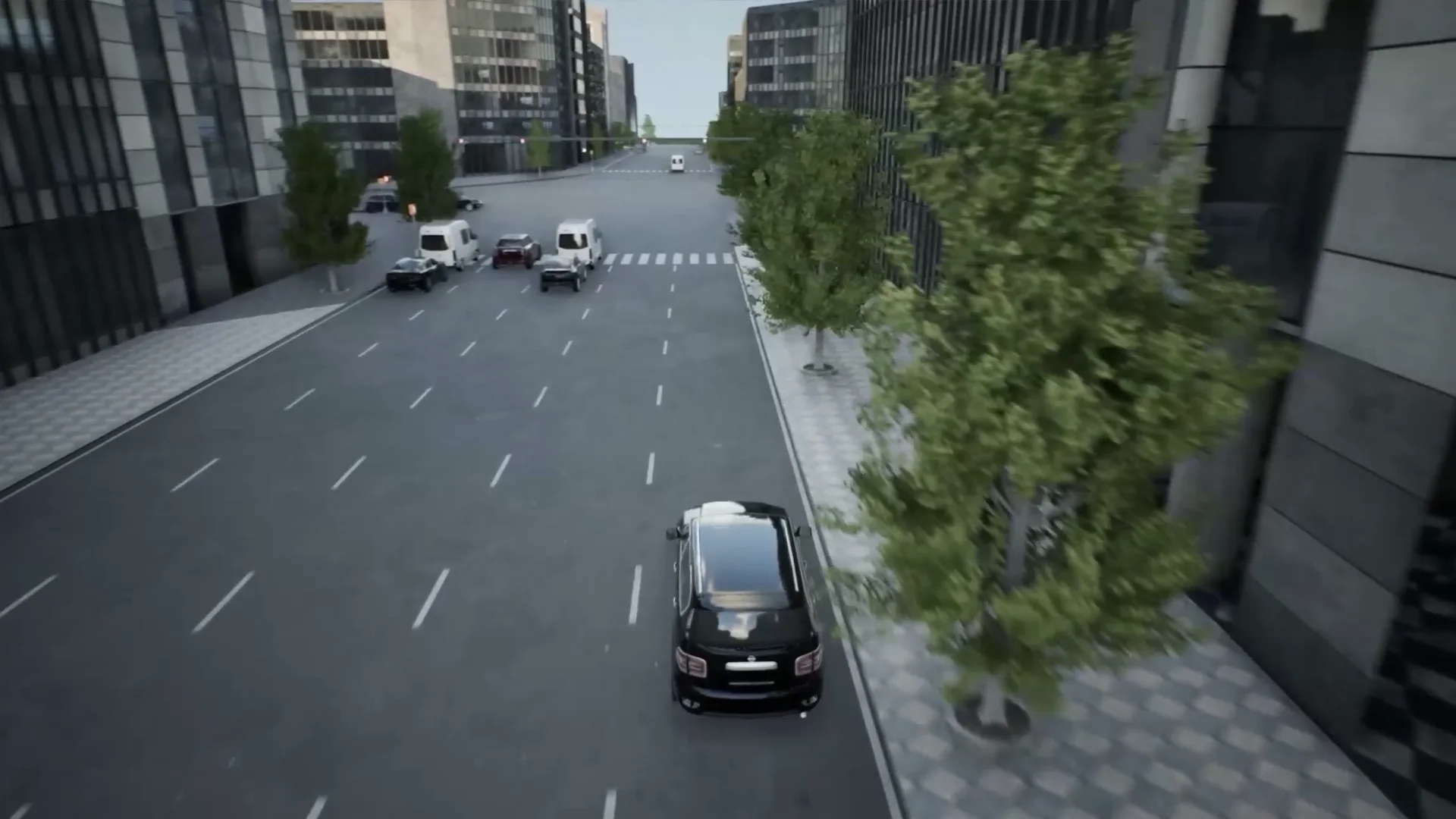
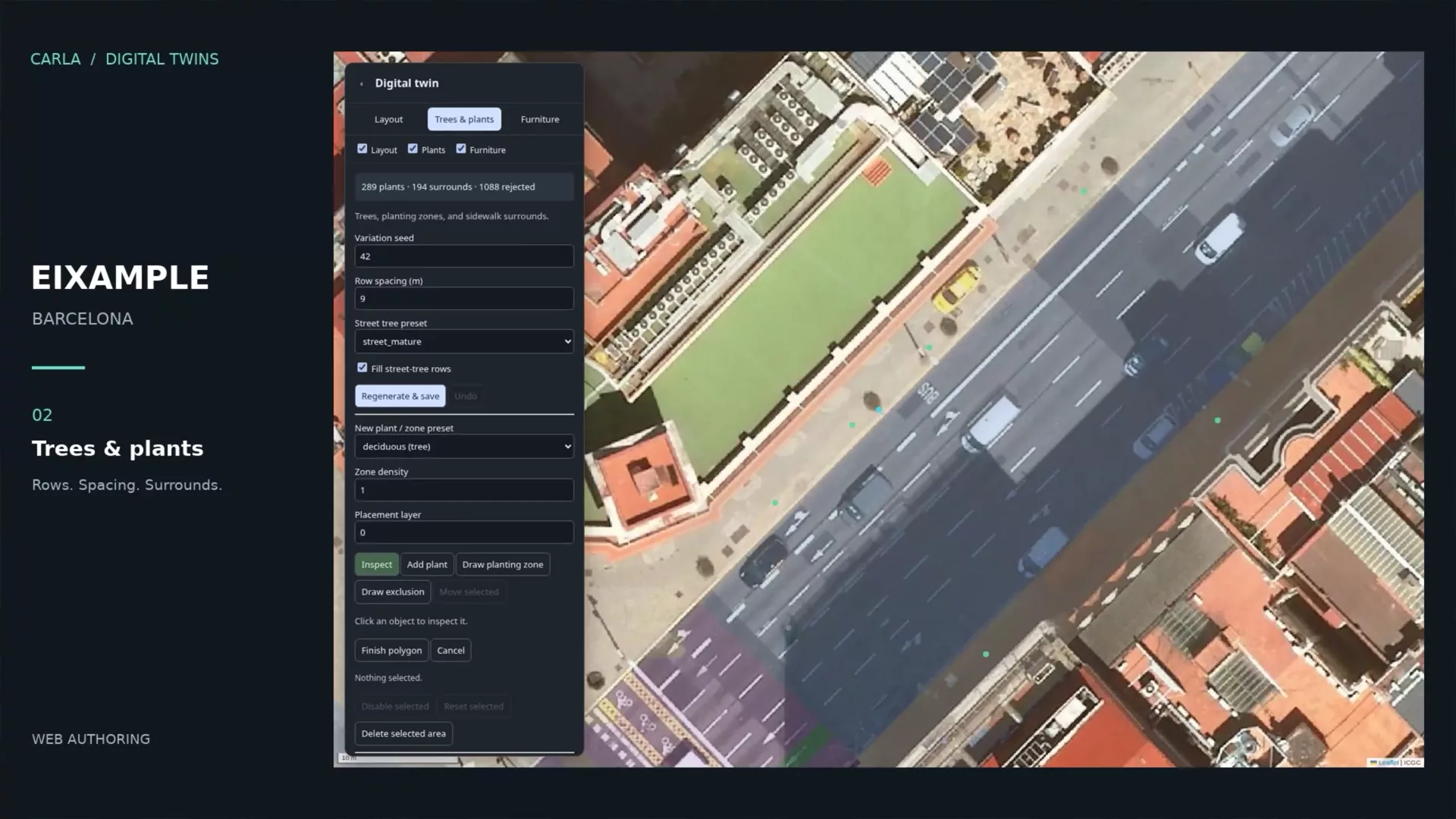
The Digital Twin Tool makes new-map creation fast from OpenStreetMap data: the street layout becomes an OpenDRIVE road network and road meshes, and the spaces between the roads are filled with procedural buildings, trees and plants, street furniture, traffic lights and traffic signs. The Eixample district of Barcelona shows the whole path, from map to simulation. In CARLA 1.0 the tool is a preview: the command-line pipeline builds a twin end to end, the procedural buildings need the optional CarlaDigitalTwinsTool content (about 18 GB, downloaded separately), and the editor widget is not usable yet. See Digital Twin Tool.
Your own maps and assets
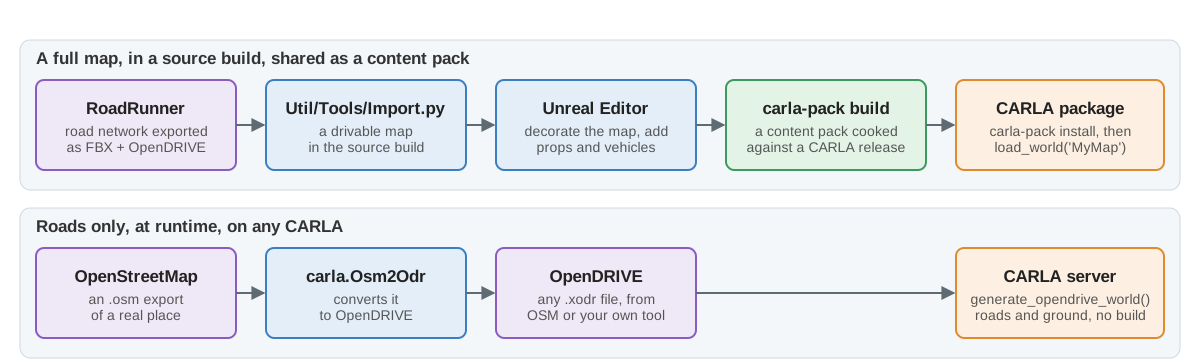
Bring your own maps into CARLA. Export the road network from RoadRunner as FBX and OpenDRIVE, and Util/Tools/Import.py turns it into a drivable map in a source build, ready to decorate in the editor. An OpenDRIVE file alone is enough to drive on at runtime with client.generate_opendrive_world(), and OpenStreetMap data converts to OpenDRIVE again. To share what you build, put your maps, props and vehicles in a content pack: carla-pack cooks them against a CARLA release, and installing the pack adds them to that CARLA package without rebuilding or repackaging it. The towns that the default package leaves out are distributed the same way. See Create a map and Content packs.
🚗 AV stacks
Autoware
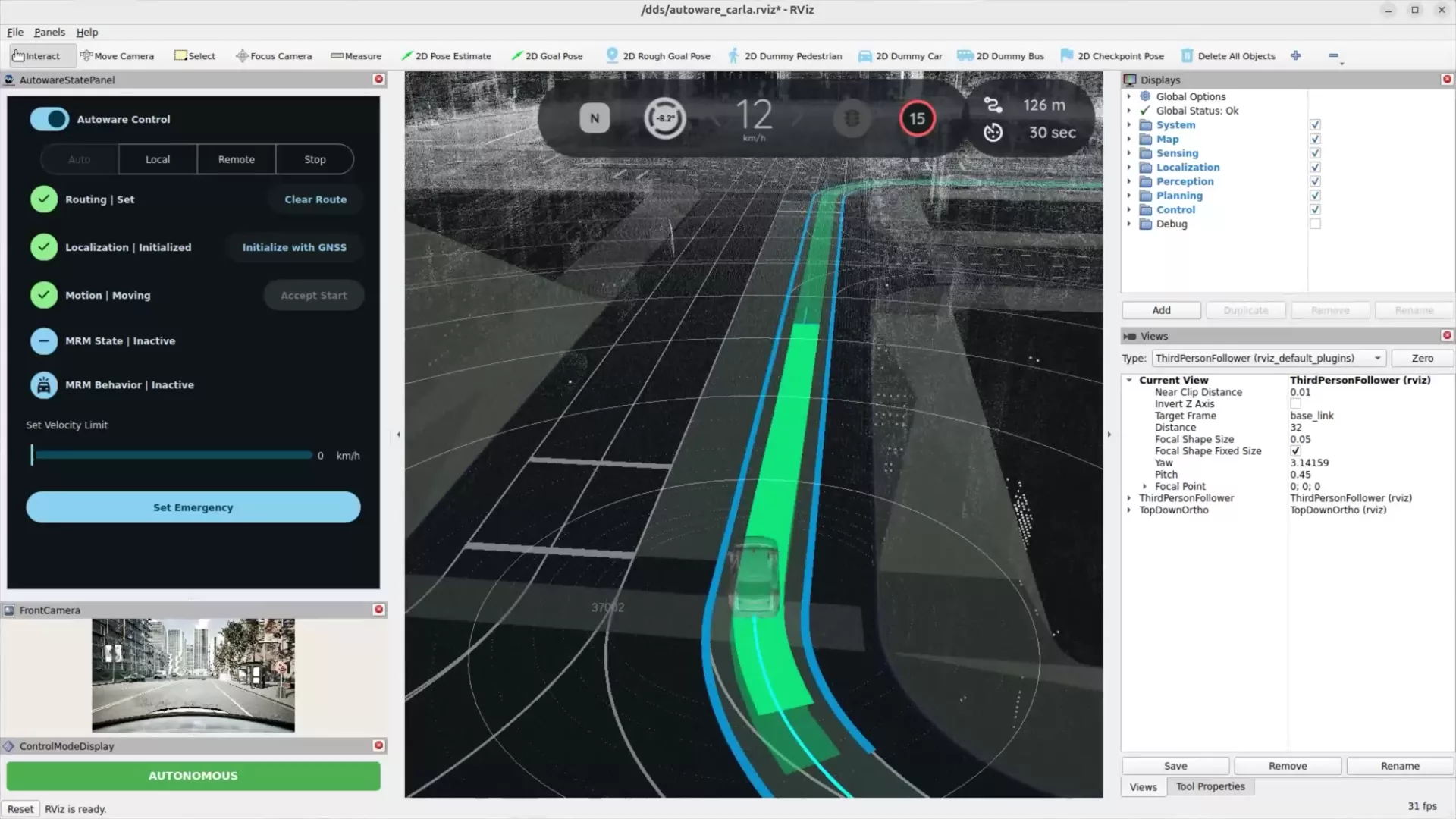
Test your Autoware stack in CARLA out of the box, over CARLA’s native ROS 2 interface and with no bridge process. The CARLA-Autoware map generator gains stop signs, more reliable traffic-light lane linking and a traffic-light state bridge, and run_carla_autoware.sh --with-rviz starts RViz on a CARLA-adapted config. The native ROS 2 interface now lets you choose the middleware at launch (FastDDS, CycloneDDS or Zenoh) with --rmw= and --ros-domain-id=. See Autoware and ROS 2 native interface.
NVIDIA Alpamayo 2 Super
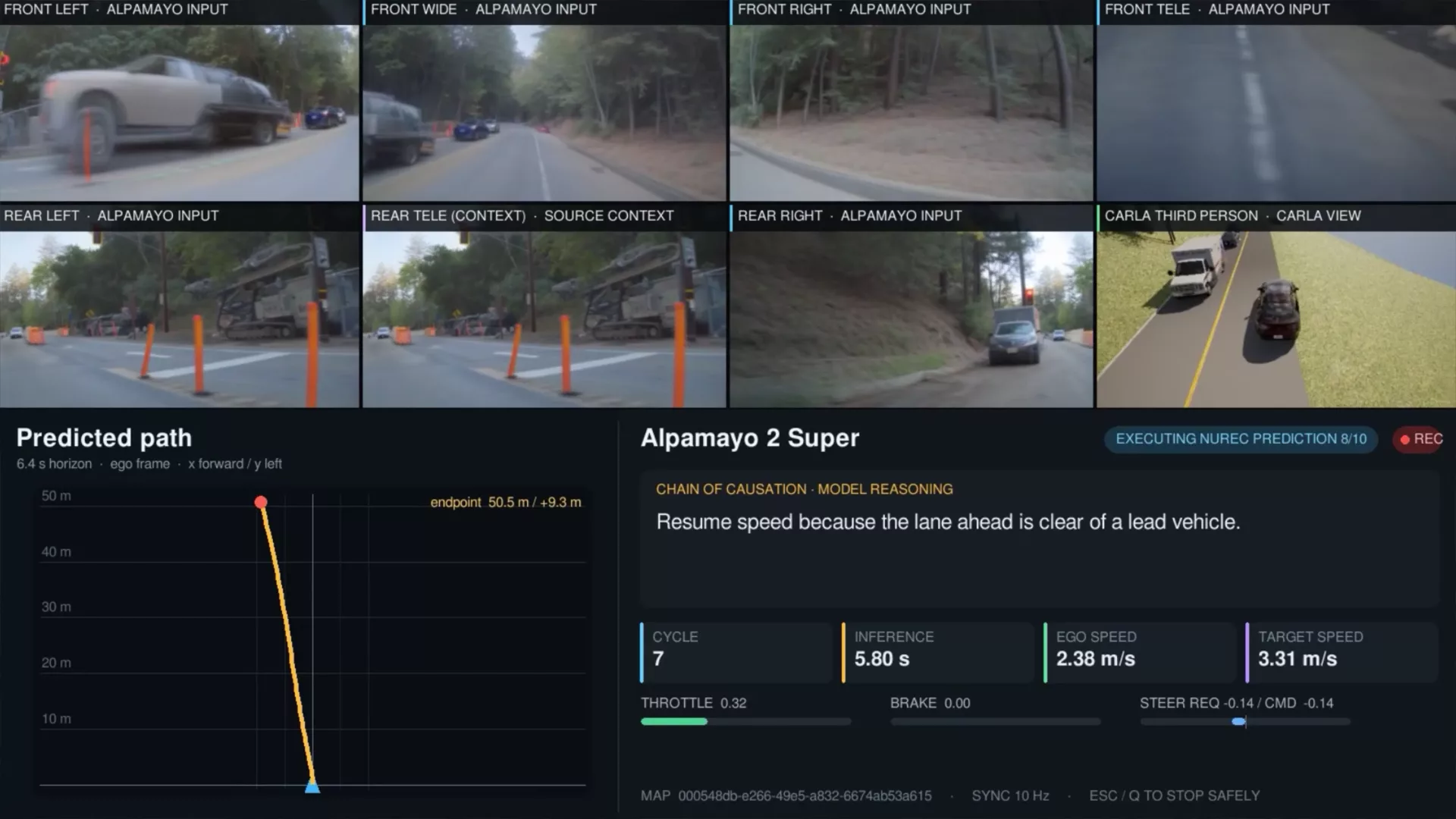
Test NVIDIA Alpamayo 2 Super in CARLA, natively or inside a NuRec scene. The closed-loop example captures the model’s calibrated cameras and ego-motion history, runs the trajectory inference, shows the predicted path and the model’s Chain of Causation reasoning, and turns the trajectory into vehicle control. It runs with CARLA-rendered cameras on any CARLA map, or with NuRec cameras on a reconstructed real-world scene (see below). See Run NVIDIA Alpamayo 2 Super in CARLA.
🎬 AV scenario design
Scenarios are how an autonomous driving stack is tested, and CARLA 1.0 supports the latest ScenarioRunner (Python scenarios and OpenSCENARIO), Scenic and the CARLA Leaderboard. The skill library covers all of them, so your agent can install the right version for your CARLA, write a scenario from a description, run it and read back the results. See ScenarioRunner and Scenic.
New workflows: CARLA meets real-world data
CARLA 1.0 connects the simulator with neural reconstruction, world models and end-to-end driving models in workflows that were not possible before. They all share one idea: CARLA keeps what a simulator is good at, the physics, the clock, the actors and the ground truth, and the NVIDIA models bring the look and the behaviour of the real world.
Your scenario, on a real road: Scenic + NuRec + CARLA assets
Describe the scenario you want to test, and your agent writes it in Scenic with CARLA’s own vehicles and pedestrians. The hybrid pipeline then runs it inside a NuRec scene reconstructed from a real drive:
- Scenic receives the real road network of the scene and drives the ego, which carries the recorded camera, and every other agent.
- The CARLA actors are path traced through the recorded camera’s own lens (NVIDIA’s
fthetamodel) and hidden wherever the neural scene’s geometry is in front of them, pixel by pixel. - The sun is found in the reconstructed scene and the actors are lit by it, cast their shadows on the real road, and are exposed like the real camera.
- NVIDIA’s diffusion Harmonizer blends the composite, frame by frame or over time, so the inserted actors match the photometry of the drive.
The result is a scenario you designed, on a road that exists, with the look of the real camera, and with CARLA’s ground truth for every inserted actor. Five scenarios ship as examples:
See Hybrid rendering.
NuRec + Alpamayo 2 Super: closed loop on a real road
Alpamayo 2 Super can drive a NuRec scene in closed loop. NuRec renders the model’s calibrated cameras from the reconstructed real drive, Alpamayo predicts the trajectory and explains it, and CARLA turns that trajectory into vehicle control and moves the ego through the scene, so the next frames are rendered from where the model actually drove. An end-to-end model tested on a real road, without driving a real car. See Run with NuRec cameras.
NuRec + Cosmos: one real drive, any condition
A NuRec scene can also condition Cosmos. nurec_to_cosmos.py conditions it three ways: on the world model of the drive (the scene’s own OpenDRIVE map and ego trajectory, exported as a ClipGT scene package), on the neural RGB of the real place, or on both with Cosmos 3. One recorded drive becomes the same road in other weathers, times of day and seasons. See NVIDIA in CARLA.
🐍 Python API
-
Road network objects:
carla.Road,carla.LaneSectionandcarla.Lane, so the map can be addressed as objects instead of only sampled as waypoints (Map.get_roads,Map.get_junctions,Waypoint.get_lane,Junction.get_entry_lanesand more). -
Geolocation that follows the map’s own projection: the OpenDRIVE
geoReferenceis read into a typed projection (Transverse Mercator, UTM, Web Mercator or Lambert Conformal Conic) throughMap.get_geoprojection, with the newMap.geolocation_to_transform. -
Vehicle.get_telemetry_data()is back, with control, speed, RPM, gear and per-wheel slip from the Chaos physics state. - Wheel animation override for replays and co-simulation, and wheels that turn when Chaos is not simulating the vehicle.
- Actor introspection: component, bone and socket names and transforms.
- The recorder now records the weather and the wheels, and can replay one recording while recording another.
-
Deterministic collisions (
WorldSettings.deterministic_collisions): in synchronous mode the same crash now happens in the same frame on every run, however fast the server runs. -
Vehicle.is_door_open()reads whether a door is open, whoever opened it.
API changes to check in your scripts
-
carla.Waypoint.get_right_lane/get_left_laneare renamedget_right_waypoint/get_left_waypoint, andcarla.GeoOffsetTransform.ApplyTransformationis renamedapply_transform. The old names still work and raise aDeprecationWarning. - The pitch and roll rotation order in the geometry types has been corrected. Clients that compensated for the wrong order must remove that workaround.
-
actor.destroy()now always asks the server. Scripts that polledis_aliveto detect “not yet spawned” must useworld.wait_for_tick()ortick()instead. - The
static.prop.bike helmetblueprint is nowstatic.prop.bikehelmet.
🔧 Other improvements
- Python 3.10 to 3.15: every package ships a Python API wheel for each of them
- NumPy 2 compatibility
- Traffic Manager: lateral control rebuilt for Chaos, wider turns for large vehicles, K-turn recovery for stuck vehicles, and smoother acceleration away from stops and junctions
- OpenDRIVE map generator: terrain that follows road elevation, crosswalks, lane markings through junctions and PCG street furniture
- Geometry importer for map authors: GeoJSON, CSV and image contours to splines, OBJ/FBX import into the level
-
Docker-based development environment for CARLA UE5, and a
Dockerfileat the root of the Linux package to build the release image -
CARLA_MAPS_TO_COOKto package only the maps you need - Documentation reviewed page by page for Unreal Engine 5.8, with new images, a page per map, and a complete Python API reference
The full list of changes is in the CHANGELOG.
🙏 Thank you, and join the community
CARLA 1.0 was built together with the CARLA community. Thank you to every contributor who opened a pull request, reported an issue, answered a question or shared their work. This release is full of your fixes and features.